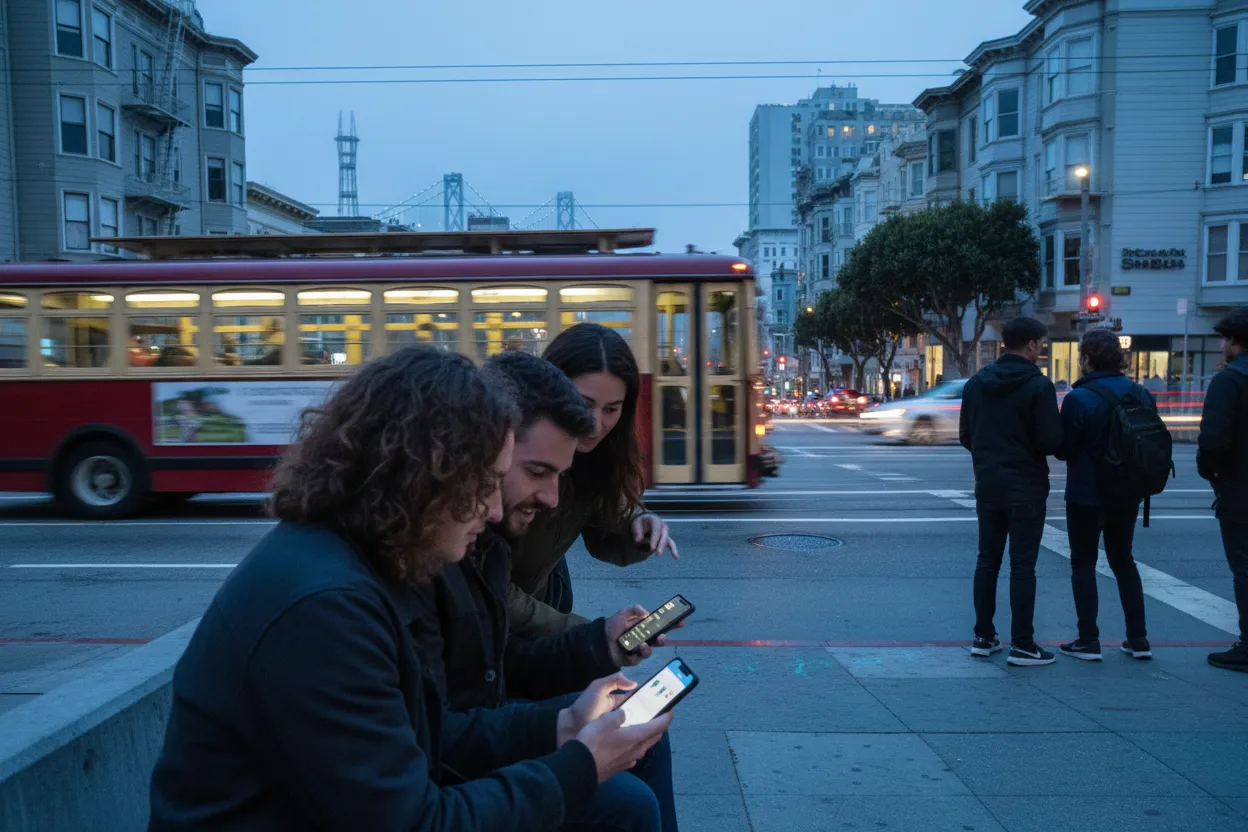
A group weekend in San Francisco can collapse under tiny planning mistakes: one person wants food, one wants views, one hates extra transfers, and nobody wants to be the person who guessed wrong. The smartest use of a San Francisco AI trip planner is not to let a chatbot dictate the weekend. It is to turn messy preferences into a short, checkable plan that your group can actually follow. This San Francisco Best AI Trip Planner Guide for Group Weekends treats AI as a draft assistant, not an oracle. Use it to compare areas, reduce backtracking, and decide what must be verified on official pages before you leave.
Want a second set of eyes on your group weekend before the chat thread melts down? Text Karpo with your neighborhoods, timing, transit limits, and must-dos, and ask for a tighter San Francisco plan.

Translate The Search Into A Neighborhood Question
When people search for the best AI trip planner, they often mean something more specific: which tool can turn a mixed group into a workable San Francisco weekend? The first question should not be “What should we do in San Francisco?” It should be “Which neighborhood gives this group the least friction for the thing we actually came to do?” A planning tool can help sort competing preferences, but the output still needs a local test: does the plan keep people clustered, or does it send them across the city for disconnected stops?
For a public, practical plan, compare tools by what they do well. A general chatbot can be useful for brainstorming, but it may not provide a structured itinerary or live travel data. A factual search tool can help with references, but it may not build the route logic. Map-first planners can be strong for collaborative planning and routing. Dedicated travel planners may be better at turning constraints into an itinerary. The right choice is the one that makes your neighborhood decision clearer, not the one with the flashiest answer.
Choose The Area By The Actual Task
Before asking any AI tool for a San Francisco weekend, make the group state the task in plain English. Are you trying to eat well without dressing up? Keep a birthday group close together? Build a low-stress first visit? Avoid too many hills? Stay near transit? The more honest the task, the less generic the plan. A useful prompt might say: “We are four friends in San Francisco for a weekend, want one food-focused area, one outdoor stop, minimal backtracking, and easy Muni access.”
Then judge the answer by whether it groups the day logically. If an itinerary jumps between distant neighborhoods without explaining the transit anchor, treat it as a draft that needs repair. For group weekends, the best plan is usually not the most ambitious plan. It is the one where late arrivals, tired walkers, and split preferences can still work. Ask the tool to produce a shorter version, a bad-weather version, and a version with fewer transfers, then compare what changed.

Use Transit Exits As Planning Anchors
San Francisco planning gets easier when you anchor the day around exits, stops, and route choices instead of vague neighborhoods. SFMTA’s public site includes a trip planner with options for Muni, bike, walk, drive, and other ways of getting around. It also provides Muni routes and stops, visitor transportation information, neighborhood service information, travel maps, and guides. Use AI to draft the route, but use SFMTA to verify how the group will actually move.
This matters because transit details can change. Before you go, check the SFMTA trip planner for the exact starting point, ending point, and travel mode. If your plan depends on a specific line, stop, transfer, or walking connection, verify it on the official page the same day. If someone in the group has accessibility needs, do not rely on an AI summary; confirm the relevant SFMTA accessibility information and route details directly.
Add One Indoor And One Outdoor Backup
A good San Francisco AI trip planner prompt should demand backups, not just a perfect-day itinerary. Ask for one indoor backup and one outdoor backup for each main block of the day. The point is not to predict conditions; it is to prevent the group from renegotiating from scratch on the sidewalk. Keep each backup in the same general area whenever possible, because the real cost of a weekend plan is often the time lost moving between ideas.
Be careful with any tool that presents backups as if they are guaranteed. Hours, ticketing, entry rules, crowd levels, and event timing can change, and you should verify those details on the official venue or agency page before committing. If a planner suggests a museum, park activity, performance, ferry, tour, or timed experience, treat that as a lead. The final decision should come only after checking the source that controls access, timing, and rules.
Avoid Treating Online Attention As A Promise
AI trip tools often learn from the same public attention loops that make a place feel unavoidable. That does not mean the suggestion is wrong, but it does mean your group should ask why it is there. Is the planner recommending a stop because it fits your route, budget style, and group energy, or because it is commonly mentioned online? For San Francisco weekends, popularity is not the same as practicality.
This is where comparison helps. One tool may produce a visually appealing plan that is fun for inspiration but thin on logistics. Another may scan for travel combinations but leave you to assemble the actual day. A map-first planner may be stronger for shared editing. A dedicated AI travel planner may be better at balancing constraints. None of those strengths removes the need to verify current conditions, booking steps, or official rules before the group depends on the suggestion.
Verify Conditions Before Crossing The City
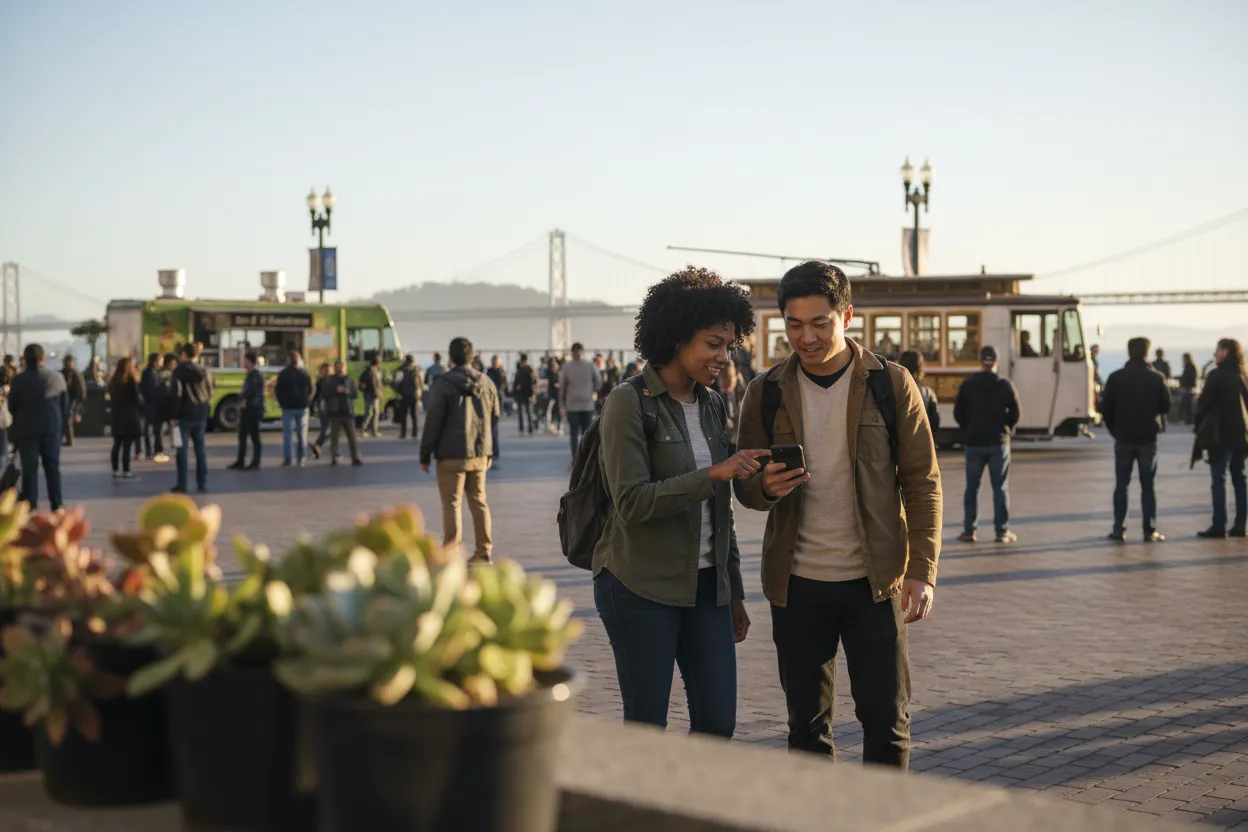
The final step is a pre-departure check, especially if your plan crosses several neighborhoods. SFMTA publishes alerts, travel and transit updates, service-change news, a calendar, and route information. Those are the kinds of details that can affect a weekend plan but should not be guessed from an AI itinerary. Before leaving, check the official SFMTA page for current alerts, relevant service changes, route details, and any travel updates tied to your route.
Build the group plan so verification is easy. Put the transit anchor, backup choice, and official page to check beside each block of the day. If something changes, your group can switch to the nearest backup instead of reopening the whole debate. The best San Francisco weekend plan is not a rigid script. It is a short, shared, verified plan that survives real people, real streets, and real timing.
Tags: #AskKarpo #BeforeYouGo #SanFrancisco #SFWeekend #AITripPlanner #GroupTravel #NeighborhoodGuides #SFMTA #Muni #TravelPlanning #WeekendGuide #LocalGuide #CityPlanning #SmartTravel
Sources consulted: best ai trip planner · San Francisco Travel · SFMTA
All trademarks are the property of their respective owners.
Ask Karpo first
Ask Karpo first when your San Francisco weekend plan looks impressive but feels hard to execute. Share the group size, neighborhoods, transit comfort, must-dos, and backup needs, and Karpo can help turn the draft into a tighter plan to verify before you go.


