When a name like edp445 spikes online, New Yorkers may see clips, accusations, reaction videos, and recycled claims before they see context. The practical move is not to binge the feed or treat every post as evidence. In Brooklyn, the Central Library at Grand Army Plaza gives you a public, accessible place to slow down, check sources, and separate general online-safety lessons from unverified allegations. This guide is for a chilly Tuesday afternoon when you are concerned, alone, and trying to decide what to read, what to ignore, and when a safety concern belongs with a trusted adult, a platform report, or NCMEC’s CyberTipline.
Want a calmer Brooklyn route through sensitive search results? Text Karpo for a city-specific plan that pairs library access, privacy checks, and credible reporting links before you click deeper.

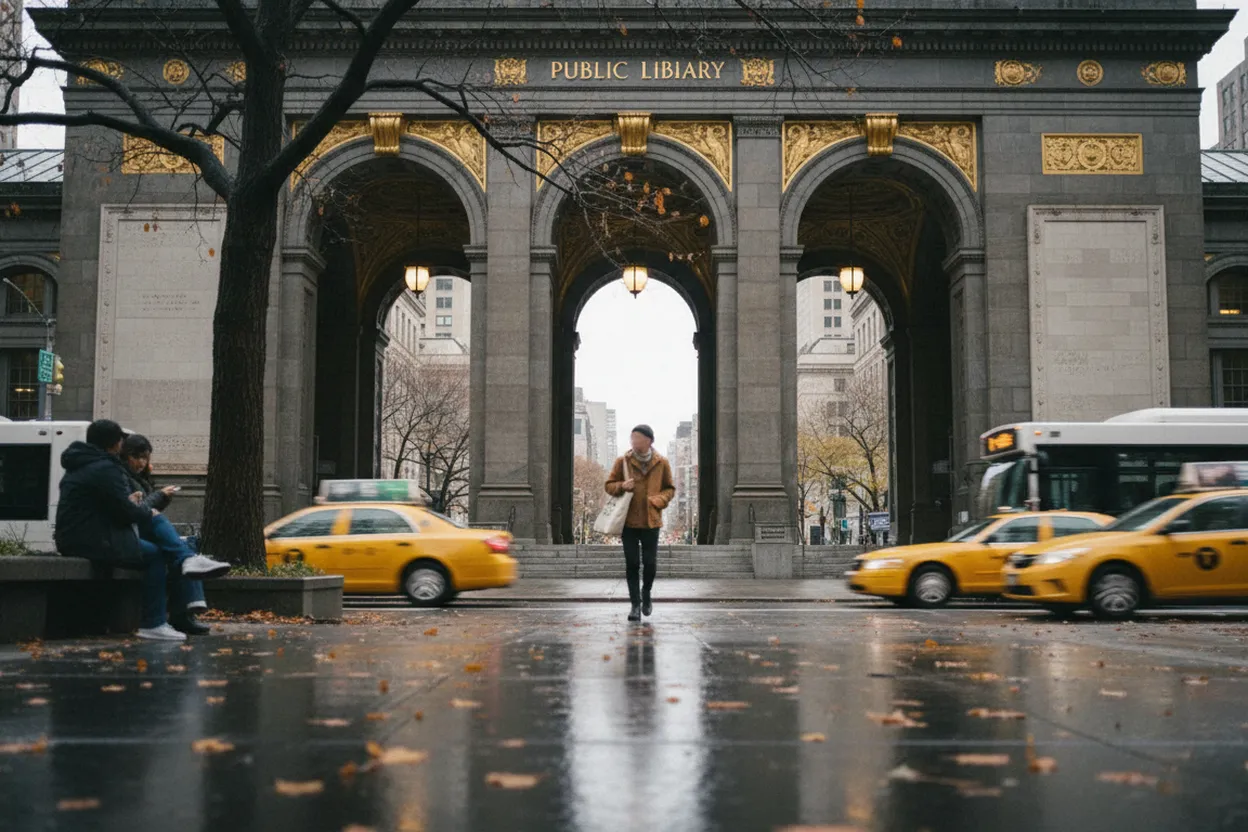
Brooklyn Public Library Central Branch at 10 Grand Army Plaza
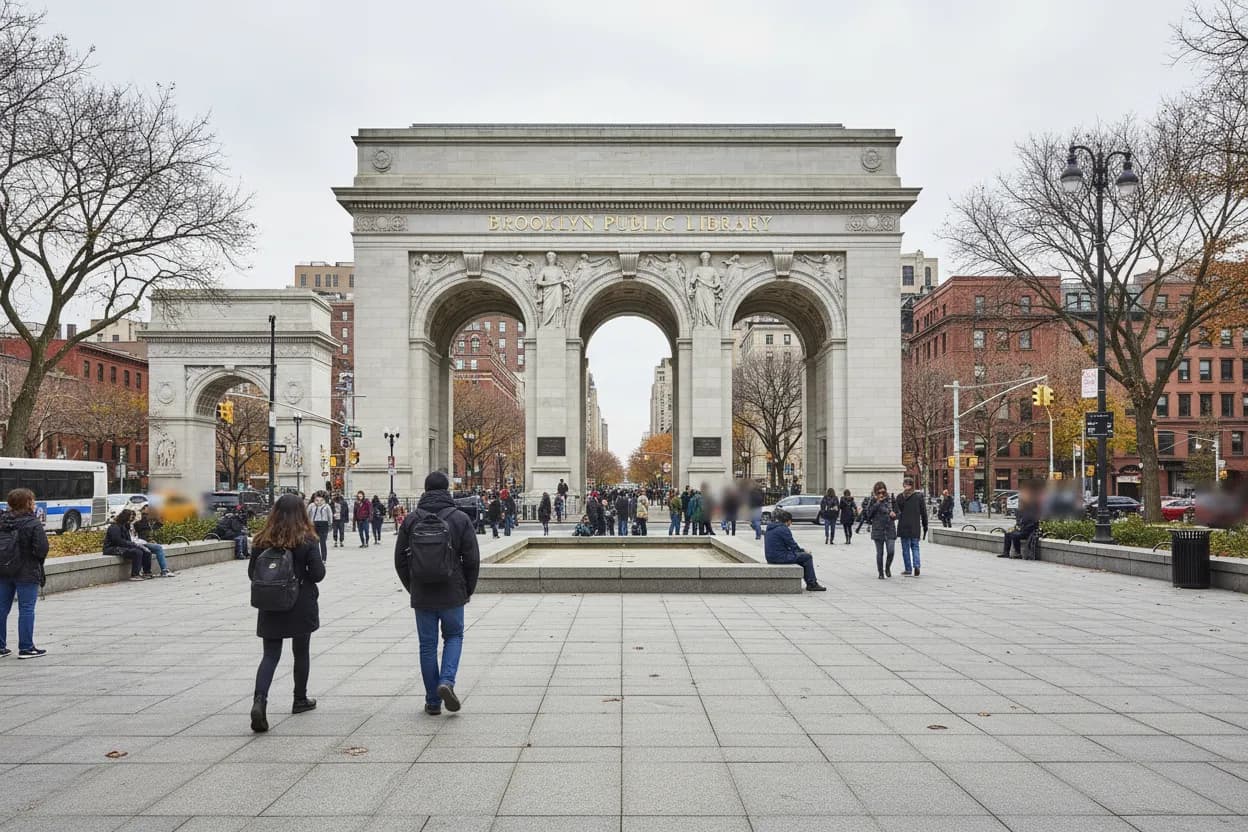
Start at Brooklyn Public Library’s Central Branch, listed by BPL at 10 Grand Army Plaza, Brooklyn, NY 11238. Its posted Tuesday hours are 9 am to 8 pm, but treat hours as a live check because library operations can change for holidays, weather, staffing, or special events. The branch is marked fully accessible and is served by the 2, 3, B, and Q trains, plus the B41, B45, B67, and B69 buses.
For a sensitive search topic, the venue matters because it gives you friction: a desk, public norms, staff nearby, and a natural endpoint. Do not use the library as a place to watch graphic or harassing content. Use it to verify whether a claim is current, whether it comes from a primary source, and whether the next step is simply closing the tab. Bring headphones, but keep audio off unless you are reviewing clearly appropriate material.
Civic Commons Computer Center and Information Commons
BPL says public computers are available at open branches, with internet access and basic Microsoft software, and sessions are limited to 30 minutes. At Central Library, the Civic Commons Computer Center and the Shelby White and Leon Levy Information Commons offer desktops, scanners, and printers. That short session length is useful for pacing: set one question, check two or three credible pages, then stop before algorithmic recommendations take over.
The tradeoff is privacy. Public computers are convenient, but they are not the right place for logging into personal accounts, saving screenshots of disturbing posts, or opening private messages. BPL’s technology policy says customers perform their own searches while staff can assist, so ask for help finding library resources or printing basics, not for staff to investigate a person. If the topic feels urgent or involves a minor’s safety, use official reporting channels instead.
BPLUNWIRED Wi-Fi and Your Own Device
If you bring a laptop or phone, BPL lists free wireless internet at Central Library and all branches under the BPLUNWIRED network. That can be better than a shared computer when you need your own accessibility settings, password manager, screen reader, or browser extensions. Keep the session narrow: search the exact phrase, open reputable sources in separate tabs, and avoid downloading files from social posts or unknown mirrors.
Failure modes are predictable. A viral thread may quote an old video without a date, attach unrelated court language, or use cropped screenshots that cannot be traced. On public Wi-Fi, do not assume a platform preview is harmless; malicious links can be disguised as evidence. The FTC’s privacy guidance points users toward browser, phone, app, and online tracking controls, so use the library stop to check settings, not just consume content.
NYC Public Schools Digital Citizenship Page
For families, the NYC Public Schools digital citizenship page is a local baseline, even if you are not handling a school incident. It tells parents to monitor children’s online use outside school and talk about acceptable behavior, while students are told to protect passwords, avoid sharing personal information without permission, and reach out when something inappropriate, threatening, or unkind appears online safely.
That framing helps with edp445-related searches because the goal is not fandom, vigilantism, or rumor sorting by comment section. It is deciding whether a young person needs support and whether a piece of content should be reported, ignored, or discussed with a trusted adult. NYCPS lists Respect for All contacts for school-related concerns, but off-campus exploitation concerns need the appropriate platform, guardian, or national reporting route.
NCMEC CyberTipline for Child Exploitation Concerns
Use NCMEC when the concern is suspected online child sexual exploitation, not when you merely dislike a creator or want to amplify allegations. NCMEC describes the CyberTipline as the national reporting system for suspected online enticement, child sexual abuse material, child sex trafficking, unsolicited obscene material sent to a child, and related categories. Reports are reviewed and may be made available to appropriate law enforcement.
This is where calm precision matters. Do not repost, request, save, or trade explicit material while trying to document a concern. If you believe content involves a child, report through the platform and CyberTipline instead of spreading it for awareness. If you are unsure, verify NCMEC’s current categories and reporting page first. The practical backup is simple: stop viewing, preserve only non-illicit context if safe, and ask a trusted adult or professional for help.
FTC Privacy Controls Before Opening More Results
The FTC’s online privacy and security guidance is useful before a second round of searches. It covers online tracking, browser and phone privacy settings, ad targeting, mobile apps, device security, and online abuse or harassment. That matters in New York because sensitive searches can pull your device into recommendation loops, targeted ads, scam pages, or impersonation accounts claiming to have exclusive information.
Make a small checklist before continuing: update the browser, avoid signing into unnecessary accounts, disable location sharing where it is not needed, and do not click CAPTCHA-like prompts that ask you to paste commands or install anything. If you are reading on a phone in a cafe after the library, use cellular data or a trusted network, keep the screen private, and close tabs that shift from information into spectacle.
Eastern Parkway Cafe Stop and Final Source Check
After Central Library, a nearby cafe on Eastern Parkway, Flatbush Avenue, or Prospect Heights can be a decompression stop, not a second investigation room. Choose somewhere with seating, warm drinks, and enough noise that you are not isolated with the feed. The coffee-and-dessert angle works only if it supports a pause: write down what you confirmed, what stayed unverified, and what you intentionally chose not to open.
Before acting on anything, complete the final verification action: reopen the official BPL page for current hours and access, check NYCPS if the concern involves a student context, and use NCMEC or FTC pages for reporting and privacy steps. If a claim still lacks a primary source, label it unconfirmed. In a sensitive trend cycle, the strongest local decision may be to leave the library with fewer tabs and clearer boundaries.
Tags: #AskKarpo #BeforeYouGo #NYC #Brooklyn #OnlineSafety #DigitalCitizenship #BrooklynPublicLibrary #CentralLibrary #CyberTipline #PrivacyCheck #PublicLearning #GrandArmyPlaza #FamilySafety #MediaLiteracy
Sources consulted: Source 1: bklynlibrary.org · Source 2: bklynlibrary.org · Source 3: bklynlibrary.org · Source 4: schools.nyc.gov · Source 5: ncmec.org · Source 6: consumer.ftc.gov
All trademarks are the property of their respective owners.
Ask Karpo first
Tell Karpo your date, group size, budget, and starting point. We’ll check current access, timing, transit, and the cleanest New York City plan for Brooklyn Public Library, Central Branch before you head out.