 Brickell Tailor Alteration Shop Finder: First Work Suit Fit
Neighborhood Guides
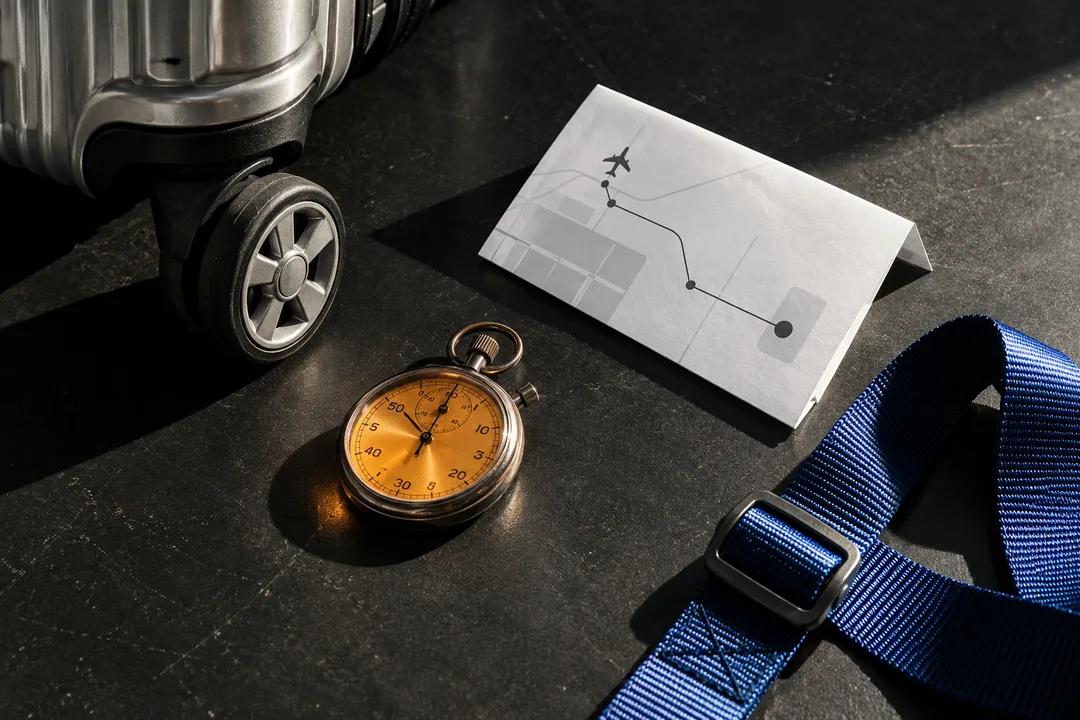
Miami Airport Transit Pitstop Planner: Dawn Window Guide
Plan an airport transfer with a transit pitstop planner that protects a narrow morning window, weighs luggage-friendly pauses, and keeps the route reversible.
An airport transfer is a poor moment for a vague nearby search. Wheels, security, curb changes, and a second boarding point can consume a short window before you notice. A transit pitstop planner helps when you state the terminal side, baggage count, travel direction, and leave-by time. In Karpo APP, ask for a ranked pause that can be dropped without regret. The tool organizes a decision; it does not claim live gate status, arrivals, stock, lines, or booking success.
Begin with your baggage reality
Start with the bags. Say whether you have a roller, backpack, child seat, or anything that makes stairs and tight aisles costly. A route that is easy for an unencumbered walker may be wrong when a suitcase must be turned around in a narrow corridor. Ask the planner to mark each transition as level, stairs, elevator-dependent, or unknown. If an assumption is unknown, the output should show that uncertainty instead of hiding it behind a confident venue name.
An airport window needs two clocks: the time you can spend away from the boarding path and the time you must be back in position. Give both. You might allow a short drink pickup but reserve several minutes to orient, queue, and return. Write the deadline as your own travel boundary, not as a promise about transit or an airline. The planner can compare a few shapes of plan while you remain responsible for the actual connection.
Turn the airport window into limits

Keep the food mission portable. Ask for a sealed drink, a wrapped breakfast, or a small item that will not require a table, utensils, or a long explanation. If you need a real meal, say so and accept that the time budget may no longer fit. You can also request a no-purchase version with water and a seat. By naming the mission, you stop the planner from filling a tight transfer with options that are interesting but operationally fragile.
Indoor and outdoor are meaningful categories near an airport. If weather, heat, or an unfamiliar curb makes outside walking unattractive, tell Karpo APP to prefer an indoor path or to offer a clear indoor fallback. If the suggestion depends on a door that may be closed, label it conditional. A good result explains what you give up by choosing the sheltered route. That tradeoff lets you decide quickly instead of discovering it after you have crossed the concourse.
Choose food you can carry
Leaving paid space can be the hidden cost of a snack. Ask the planner to compare staying within the current corridor with exiting and re-entering, and to identify any fare-gate or security assumption. Do not treat a straight-line distance as permission to leave. If the route requires a second screening or a long elevator search, the app should surface that as a reason to reject the stop. The point is to preserve the transfer, not maximize errands.
For a family or work group, decide who carries information and who protects the bags. Tell the planner whether one person can scout while others wait, or whether everyone must move together. Add a meeting point described by a physical feature rather than a brand. A group plan should include what happens when someone wants food and another person wants to continue. That small rule prevents a five-minute purchase from becoming an unplanned split in an unfamiliar terminal.
Ask for an indoor fallback
Ask for a fallback that does not depend on a purchase. A quiet bench, refill point, or open sightline may be enough to reset before the next leg. If the only attractive stop needs a queue, ask the app to show the no-wait alternative beside it. The comparison makes your real choice visible: comfort and certainty over novelty. You can still choose the queue, but you will know what you are trading for it.
The best airport plan has an abandon point written in plain language. It could be a line beyond five people, a route that adds another security boundary, or a turn that leaves the boarding corridor. Put that rule in the request and ask the planner to repeat it under each candidate. When you arrive, follow the rule rather than renegotiating under pressure. A short pause that ends on time is more valuable than a successful purchase that makes the connection stressful.
Compare the cost of leaving paid space
If you are carrying a hot drink, add a handling constraint. Ask for a route with fewer turns and a place to stop safely, or choose a cold option when movement is unavoidable. The planner cannot know whether a lid is secure or whether a crowd will surge, so treat those as your own risk decisions. Clear language about hands, bags, and balance produces a more useful shortlist than a broad request for airport food.
Use the planner to test one change at a time. Keep the deadline fixed while removing luggage, then keep luggage fixed while shrinking the walking radius. If the recommendation changes dramatically, you have found the constraint doing the real work. That insight can guide the next prompt and reduce noise. Do not ask for a guaranteed fastest route; ask which assumption makes one option safer or easier to abandon than another.
Use two clocks, not one
A transit pitstop planner should also help with the last thirty seconds before moving. Ask for a concise handoff: where to resume, which direction to face, and what signal means the pause is over. This is useful when your attention is split between a child, a suitcase, and a departure board. Keep the output short enough to read while standing. The detailed reasoning can remain available, but the action line should be unmistakable.
When the window disappears, choose continuation without treating it as a failed search. Tell Karpo APP that the purchase is optional and ask for the next decision after arrival. You can preserve the original goal, such as breakfast or hydration, while dropping the detour. That distinction protects you from sunk-cost thinking. The tool is doing its job when it helps you say no early, not only when it produces a tempting stop.
Build a plan for companions
After the trip, record what was true about your movement rather than rating a business forever. Maybe the indoor route was calmer, the elevator assumption was wrong, or a sealed snack was easier than a drink. Feed that observation into a future request with a new terminal side and deadline. Over time, your transit pitstop planner prompts become a compact travel kit: baggage rules, two clocks, and a fallback you can trust.
On the next airport transfer, reuse the structure rather than copying a venue. Start with bags, give two clocks, state the portable mission, and request a no-purchase alternative. That sequence keeps the planning honest even when the terminal or connection changes. The value is a repeatable question that protects your attention, not a static list that assumes yesterday’s route still exists.
Ask Karpo for more information.
Keep reading
- Brickell Tailor Alteration Shop Finder: First Work Suit Fit
 Coconut Grove Tailor Alteration Shop Finder: Heat-Proof Fits
 Little Havana Tailor Alteration Shop Finder: Guayabera Fits