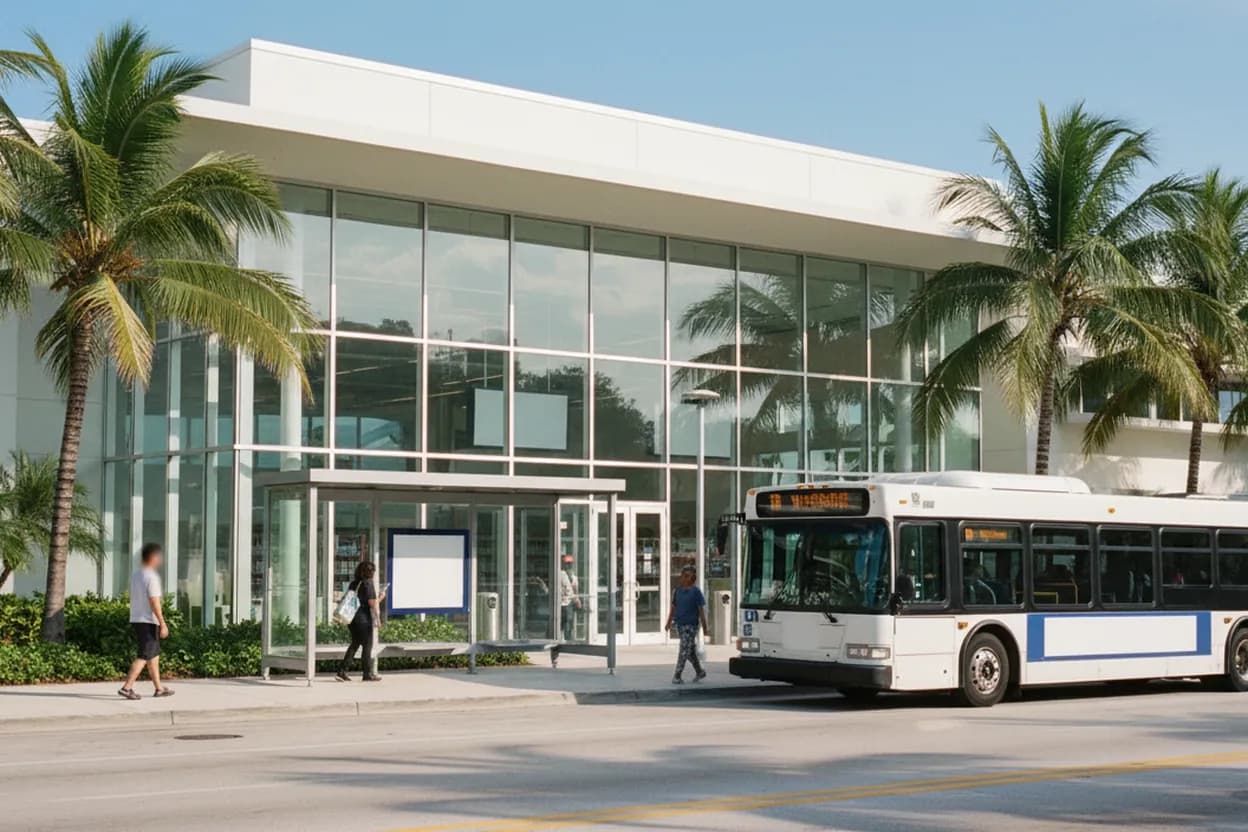
When your phone drops into SOS or data stops loading in Miami, the useful question is not whether everyone else is frustrated. It is where you can get online, confirm the problem, and finish the next necessary task. As of Wednesday, July 29, 2026, T-Mobile’s support guidance still points customers toward Wi-Fi Calling when Wi-Fi is available, while Miami-Dade Public Library System remains the strongest public fallback because branches offer Wi-Fi and computer access. This plan is built for a daytime user alone, trying to regain service calmly without driving across the county on rumors or relying on a single app.
Want a faster Miami fallback when cell service fails? Text Karpo for a location-aware library, transit, and Wi-Fi plan you can tap before your battery or patience runs low.
Main Library on West Flagler Street
Downtown Miami’s Main Library is the cleanest first move if you are already near Government Center, courthouses, MiamiCentral, or Flagler Street. The branch page lists 101 West Flagler Street and shows Wednesday, July 29 hours as 9:30 a.m. to 6:00 p.m. Use that as a current-day anchor, then recheck the branch page before leaving because library hours can change for maintenance, weather, staffing, or county alerts.
The tradeoff is that Main Library is central, not necessarily quiet. It is useful when you need a reliable public desk, a charger-friendly pause, or a computer session for banking, school, work, rideshare recovery, or messaging family. If the tmobile outage has left your phone without data, do not wait in the lobby guessing; ask staff which computers, Wi-Fi network, printing, or guest pass options are available that day.
Drive-Up Wi-Fi Parking Spots
Miami-Dade Public Library’s Drive-up Wi-Fi is built for the exact moment when your phone still has battery but your mobile connection is unreliable. The library says participating locations let visitors connect from a vehicle in designated spaces or Wi-Fi enabled parking lots, using a laptop, phone, or tablet. A library card is not required for Drive-up Wi-Fi, which matters if you are stressed, outside your neighborhood, or helping someone who is not a cardholder.
This option works best when you need privacy, air conditioning, or a quick status check without unpacking inside a branch. It fails when the lot is full, the branch is not participating, your device cannot see the network, or weather makes sitting in a car unsafe. Park only where allowed, keep the car secure, and confirm the participating branch list before relying on a specific lot for work calls or deadline-sensitive uploads.
Library Card, Guest Pass, and 60-Minute Computer Sessions
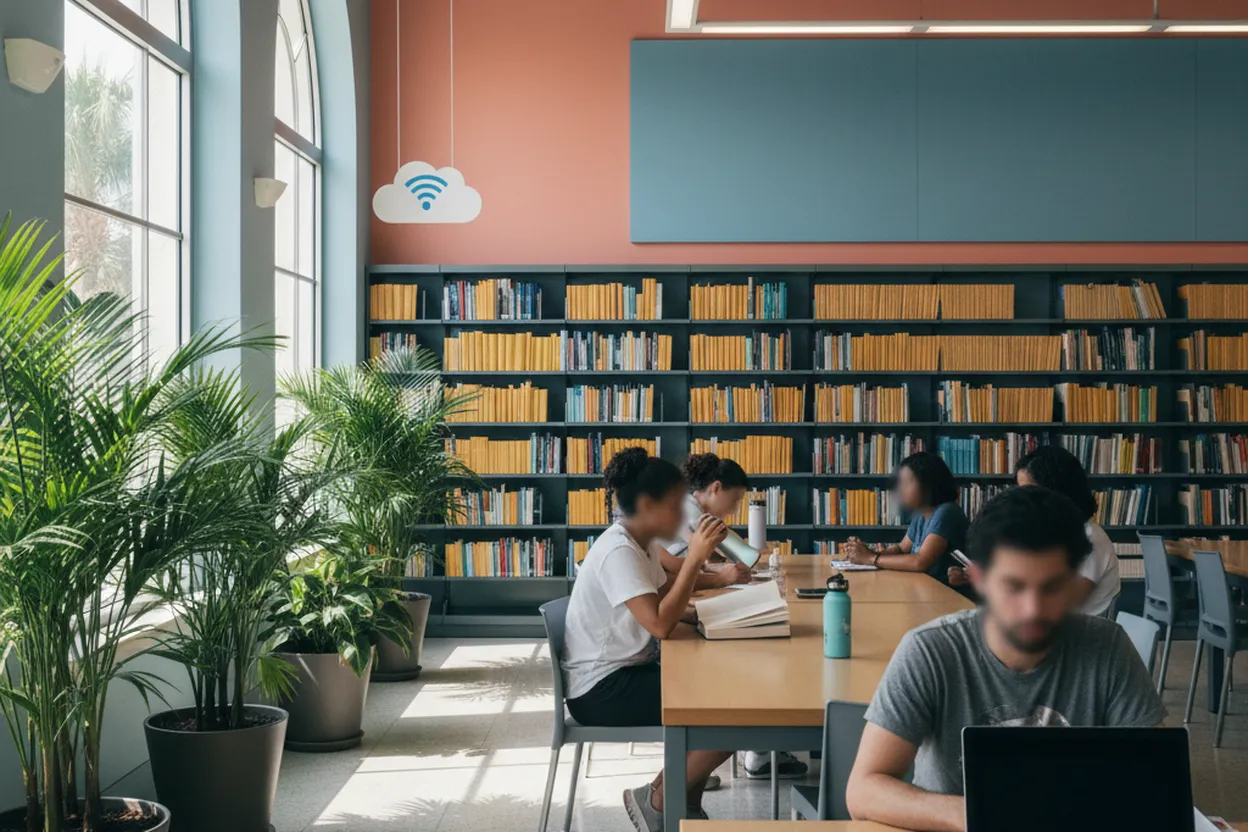
For deeper recovery, use a library desktop rather than burning phone battery. Miami-Dade Public Library says computer use is available with a library card, and people without a card can sign up or present identification at the service desk for a courtesy guest pass. Sessions are listed in 60-minute increments, with 15-minute Express Computers for shorter tasks, so pace your work around logging in, sending essentials, and logging out cleanly.
The practical order is simple: first send a check-in message, then verify carrier status, then handle time-sensitive accounts, then download what you may need offline. Public computers are shared systems, so avoid saving passwords, clear personal files, and bring a USB drive only if you trust it. If reservations are required in person for the current day, arrive early enough to avoid the last reservation window before closing.
Government Center Metrorail and Metromover Choice
If mobile data is failing, transit should be chosen for predictability, not novelty. Miami-Dade’s Metrorail tracker identifies Government Center Station at 101 NW First Street, with Metrorail, Metrobus, Metromover, Brightline, and Tri-Rail connections nearby. It also lists no parking facilities at the station, so this is best for riders already downtown, people transferring from rail, or anyone who can reach it without depending on a ride-hail app.
Use the tracker page before you leave if you still have Wi-Fi, then write down the route instead of assuming your phone will recover outside. Downtown’s free Metromover can help shorten the walk, but elevators, service alerts, and weather can affect the trip. If you need guaranteed accessibility, confirm the specific station and elevator status through official transit channels before committing, especially when carrying a laptop, medical device, or work materials.
Printing, Scanning, and Offline Documents
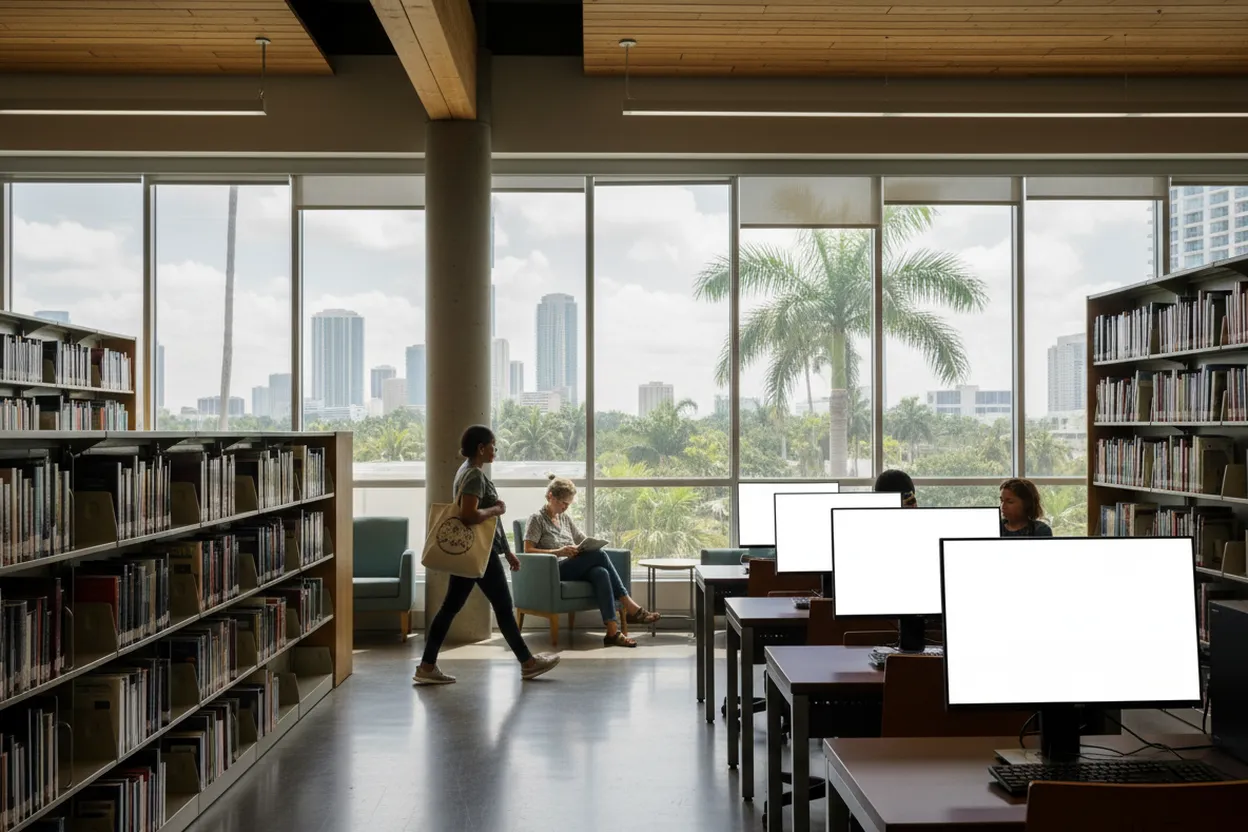
A phone outage often becomes a paperwork problem: boarding passes, court notices, insurance cards, school forms, QR codes, or work documents become trapped in apps. Miami-Dade Public Library says branches offer public computer printing, mobile printing at many locations, scanners at branches except the UHealth Jackson Station Library Kiosk, and a daily courtesy limit of 25 combined print or copy pages, with additional pages listed at 10 cents each.
Treat printing as a backup, not a souvenir. Print only what lets you function offline: contact numbers, reservation details, appointment addresses, medication information, or proof you may need to show without cellular service. The failure mode is queue time, document format trouble, or a branch-specific equipment issue. If the document matters today, call the branch from a working phone or confirm at the service desk before spending your only computer session formatting files.
Accessible Branch Support and 711 Relay
Accessibility should be part of the first plan, not a patch after the outage gets worse. Miami-Dade Public Library says all branches are accessible to wheelchair users and lists Florida Relay Service 711 access for people using TTY or TDD equipment. It also says ZoomText Magnifier/Reader is available on one computer at each branch, which can matter if a mobile screen is too small or unstable during a stressful service disruption.
Some services require notice, especially assistive listening devices or sign language interpreters for programs, so do not assume every accommodation is immediate. For same-day internet access, the practical step is to contact the branch or ask staff on arrival which accessible workstation is available. If you cannot travel because of disability, illness, caregiving limits, or transportation barriers, Connections Home Library Service may help with mailed library materials, but it is not an instant outage workaround.
T-Mobile Wi-Fi Calling and Final Status Check
T-Mobile’s outage support page says that if you are connected to Wi-Fi, turning on Wi-Fi Calling can support calling and texting needs during a network disruption. That is the bridge between a public connection and normal communication. Set it up while connected at home, work, a library, or a trusted public network, then test one low-stakes call or text before depending on it for rides, medical coordination, childcare, or work escalation.
The final verification action is deliberately boring: check T-Mobile’s official support or account channels, then check the specific Miami-Dade library branch page, then check Miami-Dade Transit alerts if you must travel. Do not treat social posts, outage maps, or group chats as instructions. They can reveal a pattern, but they cannot confirm whether your nearest branch has power, whether a route is delayed, or whether your line needs account-level troubleshooting.
Tags: #Miami #MiamiDade #TMobile #Outage #PublicWiFi #LibraryWiFi #MDPLS #DowntownMiami #GovernmentCenter #Transit #OfflinePlan #NeighborhoodGuides #AskKarpo #BeforeYouGo
Sources consulted: Source 1: t-mobile.com · Source 2: mdpls.org · Source 3: mdpls.org · Source 4: mdpls.org · Source 5: mdpls.net · Source 6: miamidade.gov
All trademarks are the property of their respective owners.
Ask Karpo first
Tell Karpo your date, group size, budget, and starting point. We’ll check current access, timing, transit, and the cleanest Miami plan for Miami-Dade Public Library System before you head out.