Wondering how McDonald's mobile order and drive-thru work together? In short: you build and pay for your order in the app, then choose how to collect it, often drive-thru, counter, curbside, or table service. The exact pickup options vary by location, so check what your store supports when you place the order.
Placing a Mobile Order Step by Step
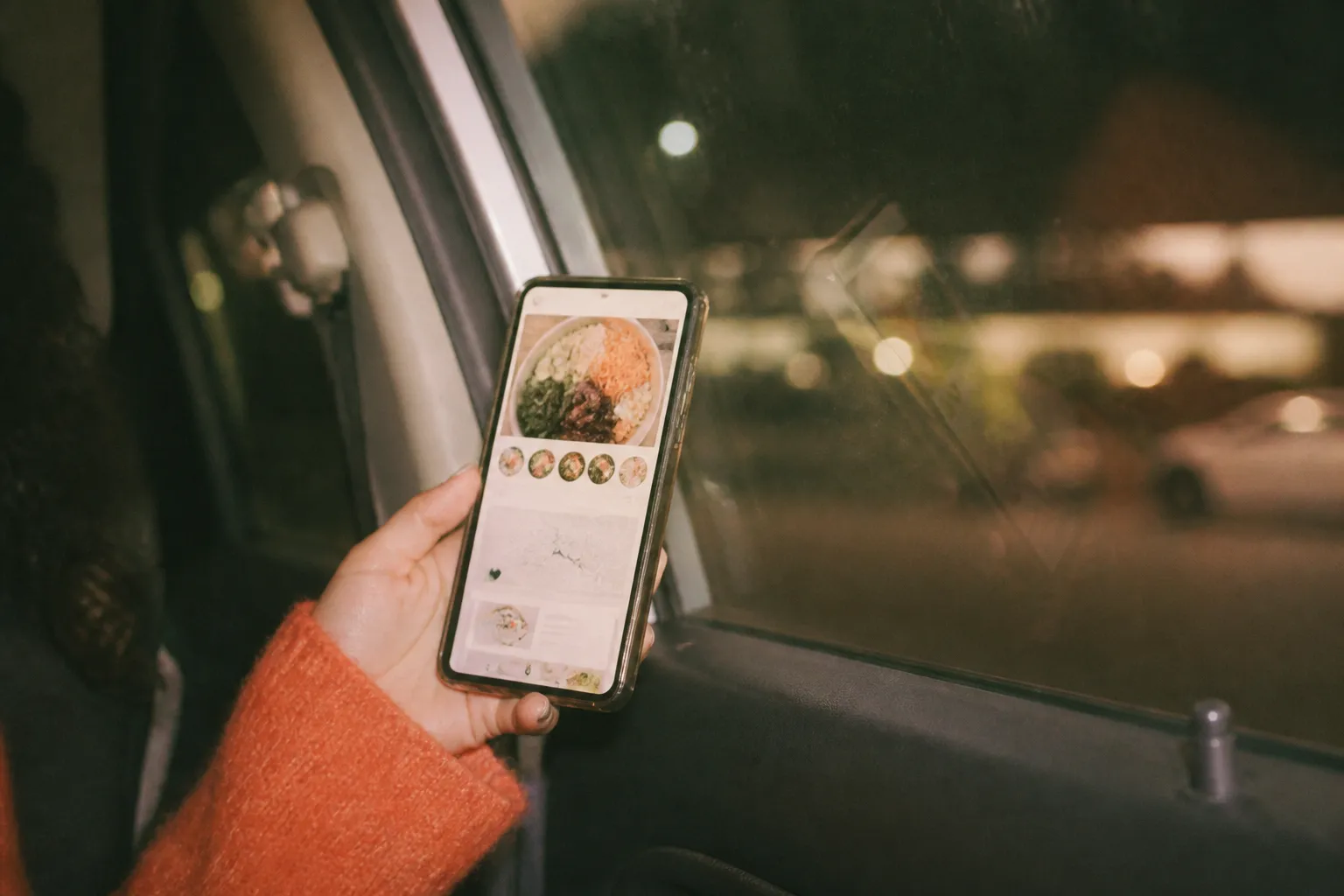
The flow is designed to be quick. You open the app, pick your store, add items to the bag, apply any deals or rewards, and pay in advance. Then you head over and check in using the pickup method you selected. Because you've already paid, collection is usually just a matter of confirming your code or number.
- Choose your store so the menu and pickup options match that location.
- Add items and apply any app deals or rewards points.
- Pay in the app so pickup is fast when you arrive.
- Select your pickup method, then check in when you get there.
Using Mobile Order at the Drive-Thru
Many locations let you use a mobile order right at the drive-thru. Typically you place the order in the app, then give your code or confirm at the speaker so the crew has it ready by the window. This can speed things up, though at busy times the line still moves at its own pace. Availability of drive-thru mobile pickup can vary, so confirm your store offers it.
Other Pickup Options
Drive-thru isn't your only choice. Depending on the store, you may be able to grab your order at the front counter, have it brought to your car with curbside, or get table service if you're dining in. Each method has a check-in step in the app or on-site, so follow the prompt for the option you picked.
- Counter pickup: collect at the front after checking in.
- Curbside: park in a marked spot and have it brought out where offered.
- Table service: dine in and let the order come to you.
- Drive-thru: confirm your order at the speaker or window.
Tips for a Smooth Pickup
A little prep helps. Make sure you've selected the correct store before paying, since a wrong location is a common mix-up. Check your items and any deal applied before you confirm, and have your order code ready at pickup. If you're using curbside or table service, note the spot or table number the app asks for so the crew can find you quickly.
When Mobile Order Makes the Most Sense
Mobile ordering shines when you want speed, want to lock in a deal, or are juggling a busy schedule. It lets you skip the on-the-spot decision-making, apply rewards cleanly, and confirm the total before you commit. On a quiet visit the counter may be just as fast, but for peak times or a precise pickup window, ordering ahead usually smooths things out.

Text Karpo before you head out — it'll check who's actually open right now, remember the spots you love, and save you the endless searching.

Frequently Asked Questions
Can I use a McDonald's mobile order at the drive-thru?
At many locations you can place and pay for the order in the app, then confirm your code at the drive-thru for pickup. Availability varies by store, so check that your specific location offers drive-thru mobile pickup before you go.
Do I pay in the app or at pickup?
With mobile order you generally pay in advance through the app, which makes collection faster since it's already handled. This also lets you apply deals and rewards and confirm the final total before you arrive at your chosen pickup point.