 Haaland Has Seven Goals and Norway Runs Entirely Through Him
⚽️2026 FIFA WORLD CUP
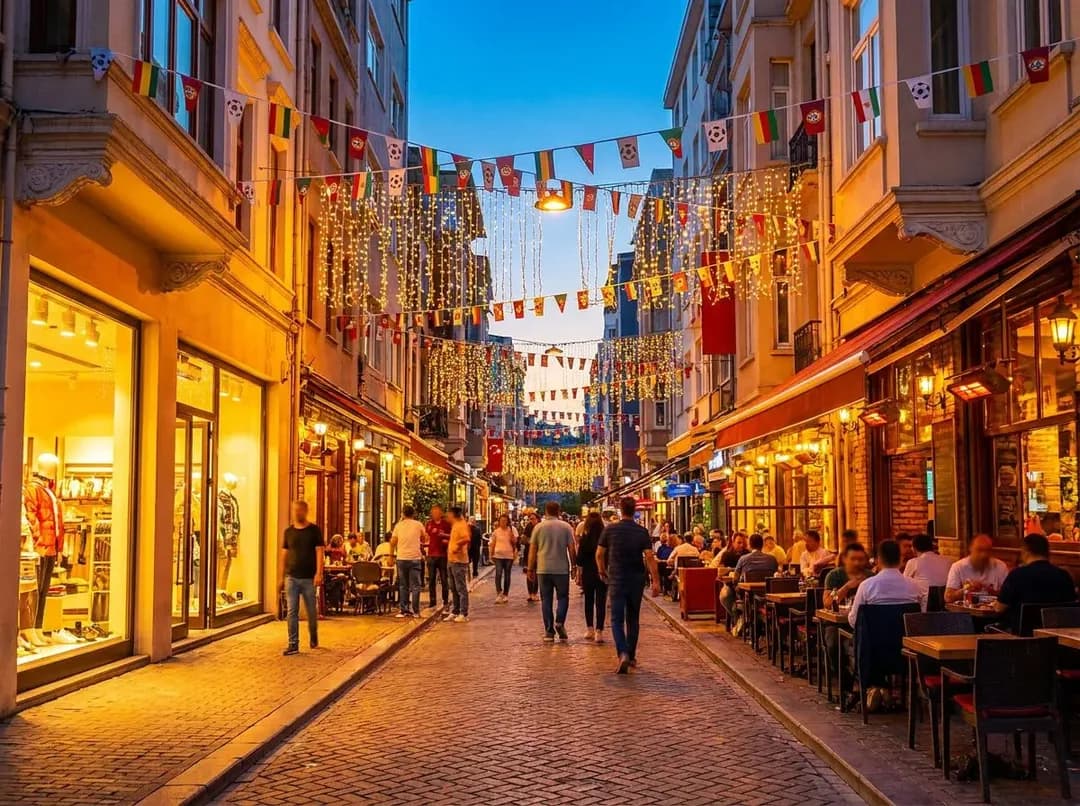
Wi-Fi, eSIMs, and Apps to Survive World Cup 2026 Abroad
Navigating the 2026 World Cup across USA, Canada, and Mexico demands smart connectivity—eSIMs, transit apps, and offline maps keep you moving.
Why Your Home Data Plan Won't Cut It
The 2026 tournament sprawls across three nations from June 11 to July 19, with matches in cities as far-flung as Vancouver and Miami. If you're hopping borders to catch your team, roaming charges from your home carrier can spiral into hundreds of dollars before you've sung the first anthem. Traditional SIM swaps mean losing your number, fumbling with tiny trays in airport bathrooms, and praying the clerk speaks your language.
Traveling abroad for the games? Ask Karpo which eSIMs, Wi-Fi, and apps to sort first.
Enter the eSIM: a digital profile you download before you leave, activated with a QR code in your phone's settings. Providers like Airalo, Holafly, and Nomad offer regional North America bundles—typically 10 to 20 GB for two to four weeks—that work the moment you land. No plastic, no counter, no panic. You keep your original number for texts and calls over Wi-Fi, while data flows through the eSIM.
Check your device compatibility first; most iPhones from the XS onward and recent flagship Androids support eSIM, but budget models may not. Download and test your plan a day early at home, because airport Wi-Fi is where good intentions go to die.
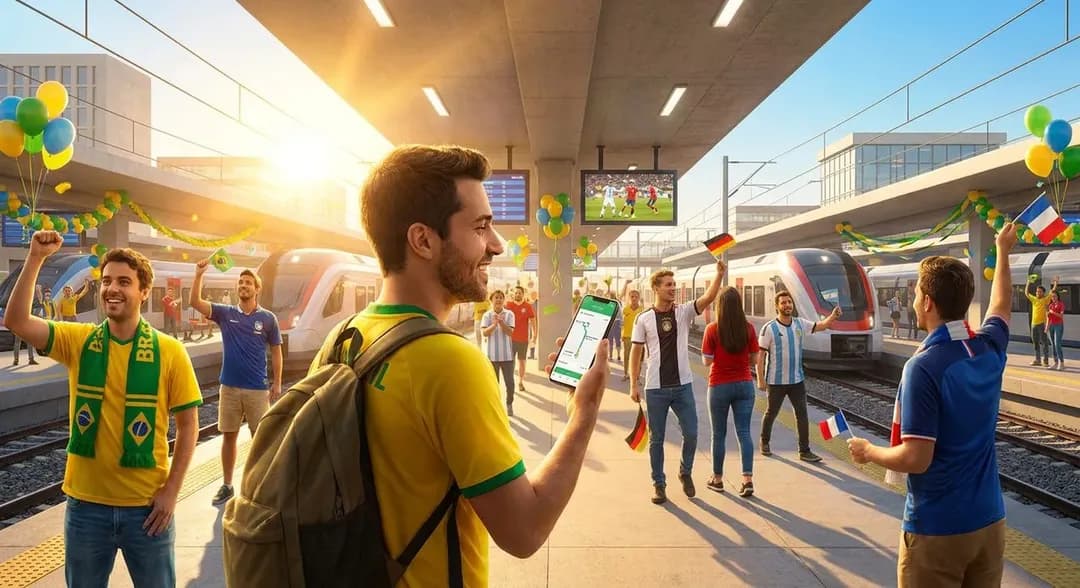
Transit Apps That Actually Know the Game-Day Chaos
MetLife Stadium in East Rutherford hosts the July 19 final and bans on-site spectator parking and tailgating outright. Every fan arrives by official shuttle or NJ Transit rail, which means pre-purchasing your return ticket and keeping that paper wristband like it's made of gold. Google Maps will tell you there's a train; it won't tell you that the 5:47 p.m. service is already sold out or that the shuttle depot moved two blocks west for the tournament.
City-specific apps save you. In New York and New Jersey, the NJ Transit app and MYmta handle real-time delays and mobile tickets. In Atlanta, where a semifinal lands at Mercedes-Benz Stadium, the MARTA app tracks the rail lines that funnel fans from Midtown and the airport. Dallas's AT&T Stadium semifinal? Download DART GoPass for light rail and bus times, plus the ability to pay on your phone when the ticket machines inevitably jam.
Set up Apple Wallet or Google Pay for contactless transit cards before you travel—many systems let you tap your phone in lieu of a physical card. Download offline schedules as screenshots or PDFs; cell towers near stadiums buckle under the load of sixty thousand people posting goal clips simultaneously.
Offline Maps and the Art of Not Getting Lost
You will lose signal. It's not pessimism; it's physics. Stadium concourses are concrete canyons, fan zones are human gridlock, and your carrier's network will wheeze under the crush. Google Maps and Apple Maps both allow you to download city regions for offline use—do this over hotel Wi-Fi the night before, covering a ten-mile radius around your match venue and your accommodation.
Maps.me and Organic Maps go further, offering fully offline navigation with walking routes, transit overlays, and points of interest that don't vanish when your data does. Mark your hotel, the nearest pharmacy, and at least two ATMs as favorites; you'll thank yourself at 11 p.m. when the post-match crowds have turned every intersection into a guessing game.
Screenshot your stadium entry gate, your seat section, and the address of your official shuttle pickup point. Searching for 'Gate C' in a PDF ticket while your phone battery hovers at 4 percent is a special kind of torture you can avoid with thirty seconds of prep.
Translation Tools Beyond Pointing and Smiling
Mexico hosts matches in Guadalajara, Mexico City, and Monterrey; Canada brings the tournament to Vancouver and Toronto. Even if your Spanish tops out at 'cerveza' and your French at 'merci,' a decent translation app bridges the gap between confusion and connection. Google Translate's offline language packs are essential—download Spanish, French, and English variations before you cross a border, because the app's camera-translate feature (point at a menu, see it in your language) only works with the pack installed.
iTranslate and Microsoft Translator offer similar offline modes, plus conversation features that let two people speak into the same phone and hear translations in real time. It's clunky, yes, but less clunky than mime-ordering breakfast or missing the last metro because you misread the sign.
Learn five phrases by rote in each language: hello, thank you, where is the stadium, I need help, and how much. Locals forgive a mangled accent; they don't forgive the assumption that everyone speaks English loudly enough.
Digital Tickets, Wallet Hygiene, and the Paranoia That Saves You
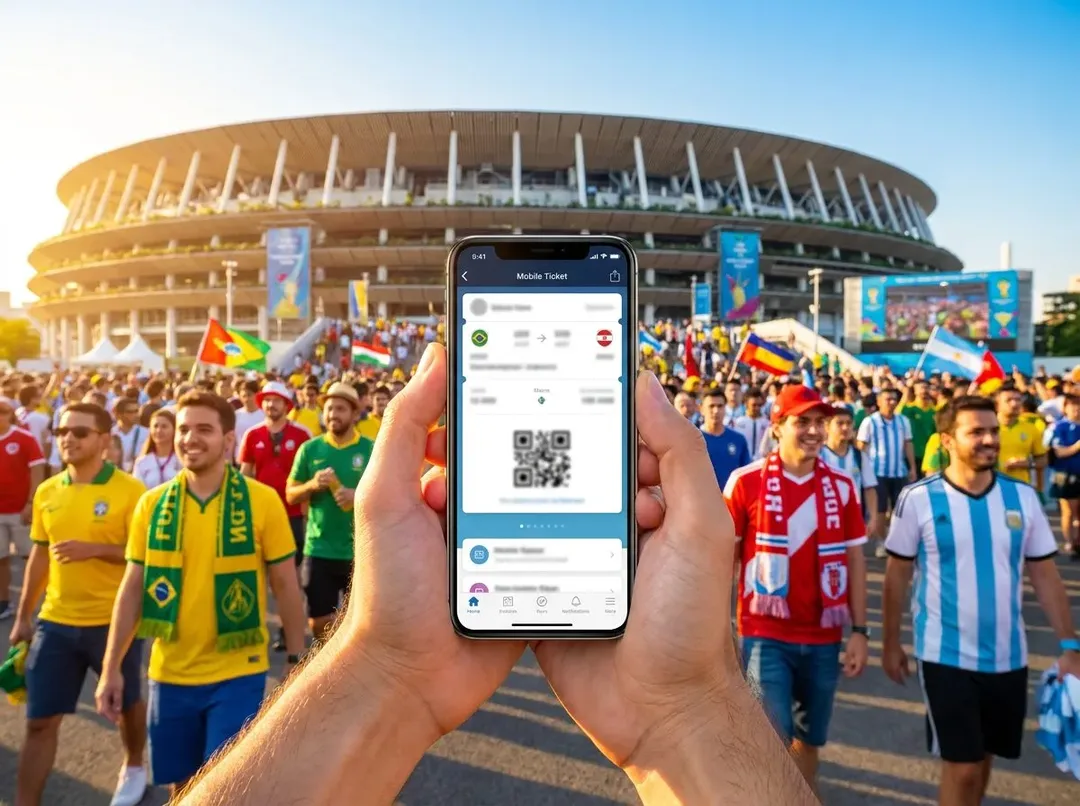
FIFA delivers match tickets through its official app, which means your $800 semifinal seat lives as a QR code on a screen you're terrified to crack. Add that ticket to Apple Wallet or Google Wallet immediately—both store tickets offline and survive a dead internet connection. Take a screenshot as backup, email it to yourself, and print a physical copy if you're the belt-and-suspenders type (no judgment; we've all seen someone sobbing at a gate).
Battery anxiety is real. Carry a fully charged power bank with at least 10,000 mAh capacity, and top off your phone every chance you get—hotel breakfast, the train ride, halftime. Many stadiums offer charging stations, but the queues rival the bathroom lines. Enable low-power mode before you leave your room, close every app you're not using, and resist the urge to film the entire national anthem in 4K.
Two-factor authentication texts won't reach you if you've swapped SIMs carelessly. Keep your original number active for SMS, either through your carrier's travel add-on or by keeping that SIM in a dual-SIM phone. Losing access to your email or banking app in a foreign country turns a vacation into a nightmare with surprising speed.
Fan Zones, Watch Parties, and Staying in the Loop
Not every match fits your budget or your schedule, but the tournament atmosphere doesn't end at the stadium gates. New York and New Jersey host free fan zones: the Fan Village at Rockefeller Center, the Jersey Fan Hub at Sports Illustrated Stadium in Harrison, the Queens Fan Zone at the USTA Billie Jean King National Tennis Center, and the indoor Dream Fan Fest at American Dream. Note that the Liberty State Park fan festival was canceled—don't plan around it.
Kansas City layers in 'Soccer in the City' watch parties at the Power & Light District and an official FIFA Fan Festival on the National WWI Museum and Memorial grounds. These spaces stream every match on giant screens, often with food trucks, beer gardens, and enough collective shouting to make you forget you're not in the stadium. Check the FIFA app and local event listings for hours and any entry requirements; some fan zones require free registration to manage capacity.
The final on July 19 at MetLife introduces the tournament's first-ever halftime show, curated by Coldplay's Chris Martin and featuring Madonna, Shakira, and BTS. Whether you're in the stands or watching from a fan zone in Queens, that fifteen-minute spectacle will dominate every screen and every conversation. Plan your viewing spot early, because the world will be watching.
Practical notes
- Download an eSIM plan with at least 10 GB for two weeks; test activation at home before departure.
- Install city transit apps (NJ Transit, MYmta, MARTA, DART GoPass) and add payment methods to Apple or Google Wallet.
- Save offline maps covering a ten-mile radius around each stadium and your accommodation; screenshot gate and seat details.
- Download offline language packs (Spanish, French, English) in Google Translate or a similar app before crossing borders.
- Add FIFA match tickets to your phone's wallet app, screenshot them, and carry a 10,000 mAh power bank fully charged.
The 2026 World Cup is a logistical beast dressed in a festival's clothing—three countries, sixteen cities, and millions of people all chasing the same trains, tickets, and cell towers. But with the right apps installed, your maps downloaded, and your eSIM humming quietly in the background, you turn chaos into choreography. You'll navigate sold-out shuttles, translate menus in Monterrey, and hold up that QR code with confidence while everyone else scrambles for signal. The goals will be glorious, the crowds unforgettable, and your phone—against all odds—will not let you down.
Tags: #WorldCup2026 #eSIMTravel #TransitApps #OfflineMaps #DigitalTickets #TravelConnectivity #MetLifeStadium #FIFAFanZones #NYCTravel #AtlantaTravel #DallasTravel #KansasCityEvents #SoccerAbroad #MobileWallet #TravelTech
All trademarks are the property of their respective owners.
Ask Karpo first
Plotting a multi-city World Cup itinerary—or just trying to figure out which eSIM won't leave you stranded in Guadalajara? Ask Karpo first. We'll map the transit connections, flag the fan zones worth your time, and make sure your phone survives every match, every border, and every victory sprint through a foreign city.
Ask Karpo for more information.
Keep reading
- Haaland Has Seven Goals and Norway Runs Entirely Through Him
 World Cup Trophy Ceremony Timing Medals and Postmatch Celebrations
 Olise and France's Attack: The Semifinal Tactical Question