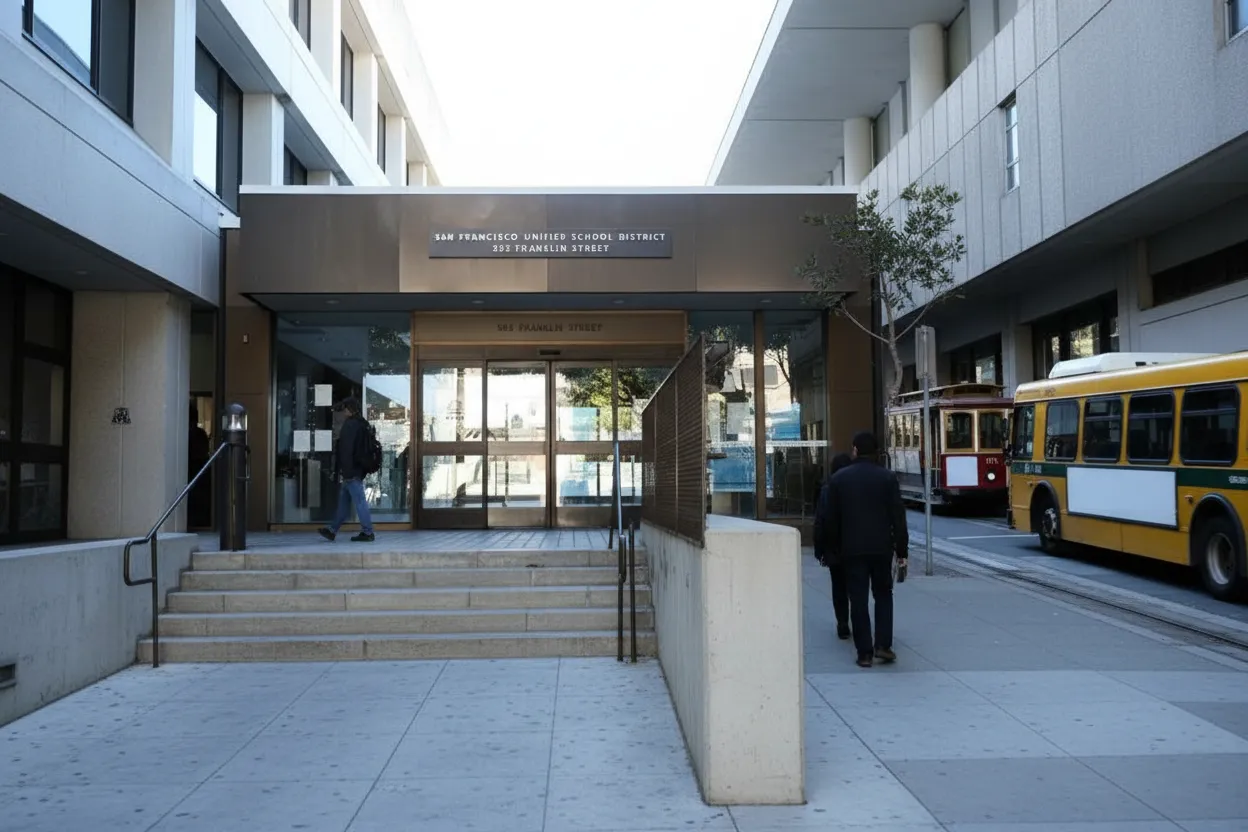
San Francisco families are heading into the 2026-27 school year with more group chats, forwarded screenshots, and app links than many school offices can realistically monitor. SFUSD has approved calendars for 2026-27, and school communities are already sharing first-day reminders, enrollment updates, and classroom logistics. A telegram channel can help with parent-to-parent coordination before morning drop-off, but it should not become the only source for official school instructions. Before classes start, treat every invite link as unverified until it matches a school website, a known staff message, ParentVUE, or SFUSD’s Student Family School Resource Link.
Want a quicker San Francisco read before joining a school chat? Text Karpo for the official-check steps that separate useful parent updates from risky or stale channels.

555 Franklin Street Contact Check
Start with SFUSD’s district contact page, not a forwarded invite. The district lists the Student Family School Resource Link as the route for students and families who need help navigating resources, with an online request form, sflink@sfusd.edu, and 415-340-1716. If a channel claims district status but does not point back to sfusd.edu, a school page, or a named staff contact, treat it as unofficial until confirmed.
The practical tradeoff is speed versus accountability. A neighborhood parent channel may answer faster than a central office line, but speed does not make it official. Use the chat for reminders like backpack labels or arrival chatter, then verify anything involving enrollment, attendance, emergency cards, transportation, special education, fees, or schedule changes through SFUSD or the school office. If the channel resists basic verification, leave it muted or exit.
ParentVUE Login Before Morning Drop-Off
ParentVUE is the stronger anchor for private student information because SFUSD describes it as secure access to a student’s school information in one login. It is also the district’s stated way to update contact information so families receive school and district notifications. Before the first hectic drop-off, sign in, check your phone number and email, and make sure every child appears in the account.
A Telegram group should never ask for your ParentVUE password, activation key, student ID screenshot, birth date, address proof, emergency card, or offer letter. If someone says they need those details to add you to a channel, stop and contact the school directly. The failure mode is not only spam; it is a parent sharing enough identity information to expose a child’s record or household address.
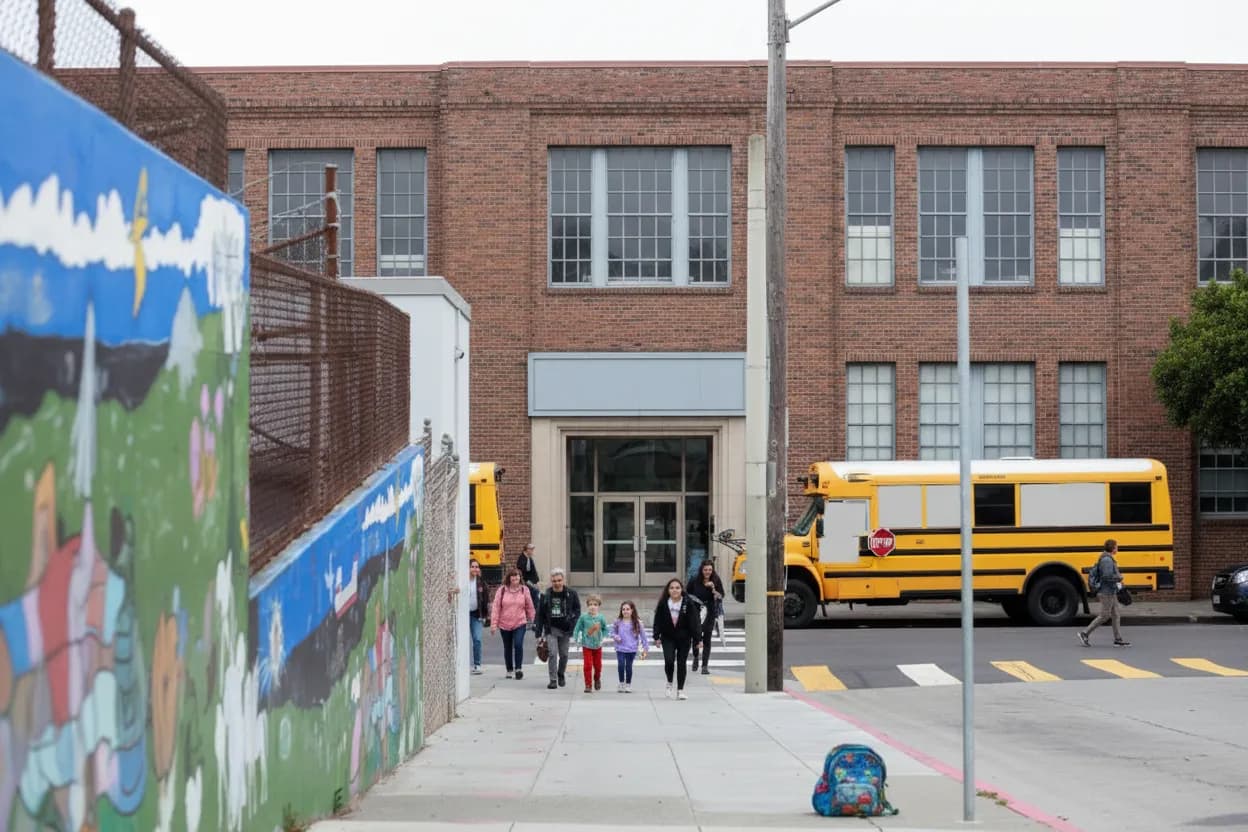
August 17 Calendar Test
Use the official calendar as a simple truth test for any start-date claim. SFUSD announced that the Board of Education approved the 2026-27 academic calendar on January 27, 2026, and district school pages point families toward Monday, August 17, 2026, as the first day for the 2026-27 year. A chat that contradicts that date without linking to a specific school notice needs another check.
School-level start times can differ, and some campuses publish their own first-day gates, assemblies, and classroom routines. That is exactly why a channel should cite the individual San Francisco school page, principal message, or office bulletin when posting precise instructions. If a message only says “new schedule” or “official update” with no source, ask for the school’s original link before changing your commute or childcare plan.
School Directory Name Match
Before joining, compare the channel name with SFUSD’s school directory and your actual campus. San Francisco has schools with similar names, shared program labels, and multiple grade spans, so a vague group title can send families to the wrong place. Look for the full school name, grade range, neighborhood context, and an administrator or parent organization identity that can be checked outside the app.
A good channel makes its limits clear: parent-run, classroom volunteer-run, PTA-run, or school office-run. Those labels matter because they tell you what the channel can reliably answer. Parent groups can coordinate carpools, lost jackets, and coffee meetups; school offices handle records, attendance rules, placement, and emergency instructions. If the channel blurs those roles, keep it as a convenience feed, not a decision source.
Muni Service Alert Cross-Check
Morning logistics in San Francisco often depend on Muni, walking routes, hills, and curb rules as much as school announcements. If a channel posts a last-minute transit, roadwork, or drop-off claim, verify it against the school’s own arrival instructions and SFMTA service notices before rerouting a child. Do not rely on screenshots that crop out dates, route numbers, advisory links, or the original sender’s name.
Build a backup plan that works even if the app is noisy or offline. Save the school office number, SFUSD Resource Link contact, ParentVUE login, and the school website in your phone browser. For younger students, write the pickup plan somewhere a caregiver can read without opening a private chat. Accessibility matters here: grandparents, separated households, and caregivers without Telegram still need the same verified instructions.
Main Library Digital Help Stop
Families who are less comfortable checking links can use San Francisco’s public digital support ecosystem as a low-pressure backup. San Francisco Public Library’s Main Library lists The Bridge at Main on the fifth floor at 100 Larkin Street, with technology assistance and classes for adult learners. Before depending on any school chat, a caregiver can practice checking URLs, sender names, privacy settings, and email links on a larger screen.
This is not about shaming a parent for using the wrong app. It is about lowering the risk of one confusing message causing a missed form, missed bus, or exposed phone number. If English is not the best language for a caregiver, prioritize SFUSD pages that provide major-language materials and ask the school for interpretation rather than trusting an anonymous translated repost.
Screenshot and Call Verification Action
Make the final verification action concrete before the first week becomes rushed. Screenshot the channel profile, invite link, admin list, and the message you plan to rely on. Then compare it with SFUSD, ParentVUE, a school website, or a direct office reply. If the message affects where your child goes, what they bring, who picks them up, or whether they attend, it deserves confirmation outside the chat.
After confirmation, label the channel in your own notes as official, parent-run, classroom-only, or unverified. Keep notifications on only for channels that consistently cite source links and remove channels that push rumors, ask for private records, or pressure families to act without documentation. The safest San Francisco back-to-school setup is plain by design: one verified district route, one school route, and one optional parent chat.
Tags: #AskKarpo #BeforeYouGo #SanFrancisco #SFUSD #BackToSchool #ParentVUE #SchoolSafety #DigitalSafety #FamilyChecklist #SchoolMessaging #Telegram #BayAreaParents #StudentPrivacy #MorningDropOff
Sources consulted: Source 1: sfusd.edu · Source 2: sfusd.edu · Source 3: sfusd.edu · Source 4: sfusd.edu · Source 5: telegram.org · Source 6: sfpl.org
All trademarks are the property of their respective owners.
Ask Karpo first
Tell Karpo your date, group size, budget, and starting point. We’ll check current access, timing, transit, and the cleanest San Francisco plan for San Francisco Unified School District headquarters before you head out.


