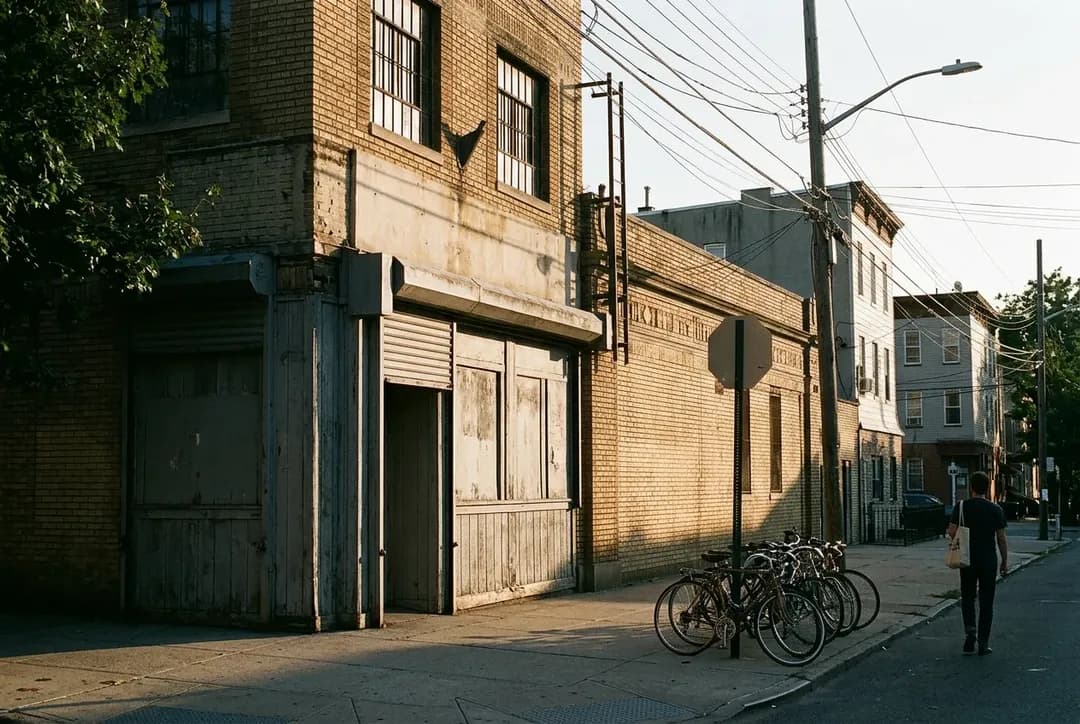
 Vintage Clothing Store in Greenpoint: Beacon's Closet
Back To School
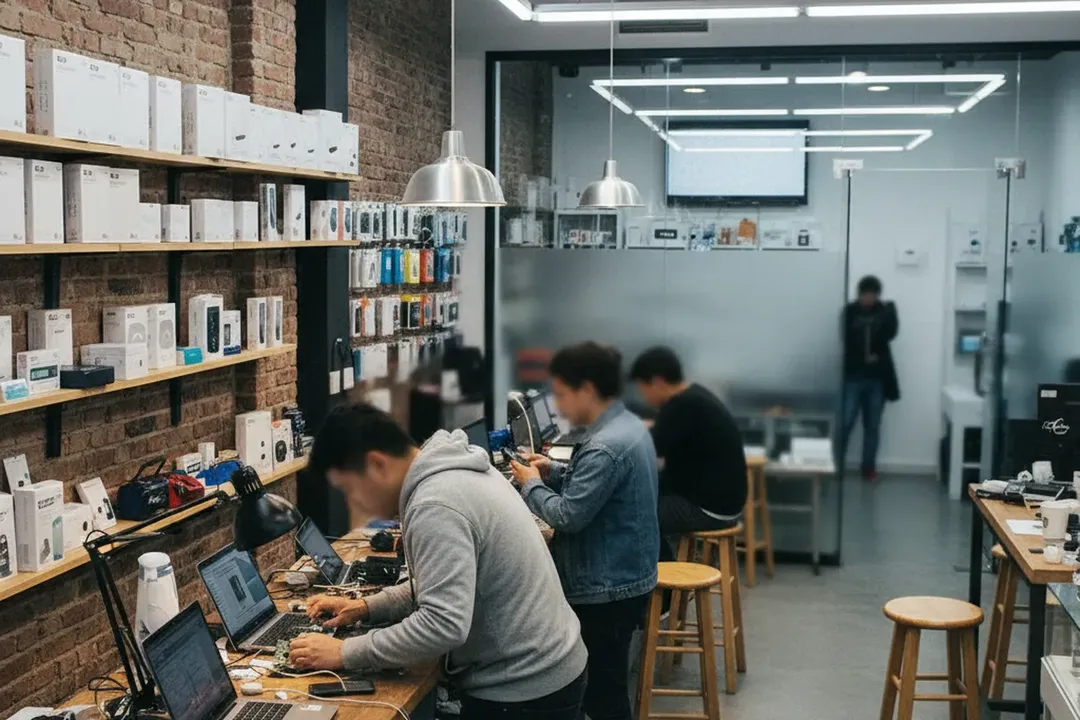
NYC Tech Repair Shops: Evaluating iPhone 18 Pro Rumored Features and Upgrade Decisions
Where New Yorkers can pressure-test iPhone 18 Pro rumors against repair costs, trade-ins, warranty risk, and real device needs.
The search spike around iphone 18 pro rumored features is useful only if it changes what you do with the phone in your hand today. In NYC, the smarter move is to compare rumors against battery health, camera needs, storage pressure, school or work timing, AppleCare status, and realistic repair costs before you commit to waiting or upgrading. This guide uses physical New York repair and support options as decision points, not endorsements. Treat every unannounced feature as unverified until Apple confirms it. Your goal is simple: leave with a repair estimate, a trade-in or warranty path, and a clear reason to wait, fix, or buy later.
Want a quick NYC route for repair advice before chasing iPhone rumors? Text Karpo with your borough, phone model, battery health, and whether you need help today or this week.
Apple Fifth Avenue: Use the 24-Hour Genius Bar Path for Warranty Triage
Apple Fifth Avenue at 767 Fifth Avenue is the strongest first stop when your decision depends on AppleCare, limited warranty coverage, trade-in eligibility, or whether a repair would be Apple-certified. Apple lists the store as always open, with Genius Bar support by appointment and in-store specialist help. That matters if your upgrade question is really a coverage question: a battery, screen, camera, or charging issue can change the math more than any rumored future feature.
The tradeoff is pace. A high-demand flagship store can be efficient, but only if you arrive with your Apple ID access, passcode, backup status, and a written list of symptoms. Do not ask staff to validate unannounced product claims; ask what your current phone needs and what coverage applies. If appointment slots are thin, use Apple’s repair page to compare mail-in service or another authorized provider before crossing town.
Apple SoHo: Compare Hands-On Buying Advice With Same-Day Repair Reality
Apple SoHo at 103 Prince Street is useful when you want buying advice and repair direction in the same downtown trip. Apple’s page lists Genius Support, online specialist help, and sign language interpretation through an on-demand video service. For a solo daytime visit, this is an easy place to test whether your current screen size, camera setup, and storage feel limiting before you turn rumor reading into a purchase plan.
The failure mode is leaving with a vague desire for the next phone instead of a decision. Ask for two concrete outputs: what Apple can inspect or service now, and what tradeoffs apply if you keep your current phone through another school year, project cycle, or lease term. Verify the day’s hours on Apple’s page before leaving, because store schedules can change around holidays, launches, weather, or local events.
uBreakiFix Times Square: Get a Fast Diagnostic Before You Blame Age
uBreakiFix by Asurion in Times Square lists its shop at 200 W 39th Street, with Monday through Saturday hours shown as 10 a.m. to 7 p.m. and Sunday closed. Its page says the location is an Independent Repair Provider for Apple, offers free diagnostics, and handles walk-ins or scheduled repairs. This is practical if your phone feels slow, drains quickly, will not charge cleanly, or has screen damage that makes every rumored upgrade sound urgent.
Use this stop when time matters and you can tolerate a commercial repair-counter experience. Ask whether the diagnostic is enough to separate battery wear, charging port debris, storage overload, water exposure, or software trouble. The shop states most repairs may be done as soon as the same day, but parts, model, damage, and queue can change that. Confirm warranty terms, data handling, and total price before authorizing work.
iFIX Upper East Side: Pressure-Test Repair Versus Replace on an Older Phone
iFIX New York lists an Upper East Side location at 247 E 77th Street, with weekday and Saturday hours on its site, plus walk-ins and on-site support. Its service list includes iPhone repair, battery replacement, screen repair, water damage, and data recovery. This is a useful fit if your phone is old enough that a cheap repair may buy time while iPhone 18 Pro details remain rumor, but new enough that replacement is not automatic.
The key question here is not whether repair is possible; it is whether the repair gives you reliable months. Ask the technician what risk remains after the fix, especially after water damage, board issues, or repeated drops. If the estimate depends on opening the phone, get the inspection result and warranty period in writing. If parts availability or timing is uncertain, make your backup plan before leaving the counter.
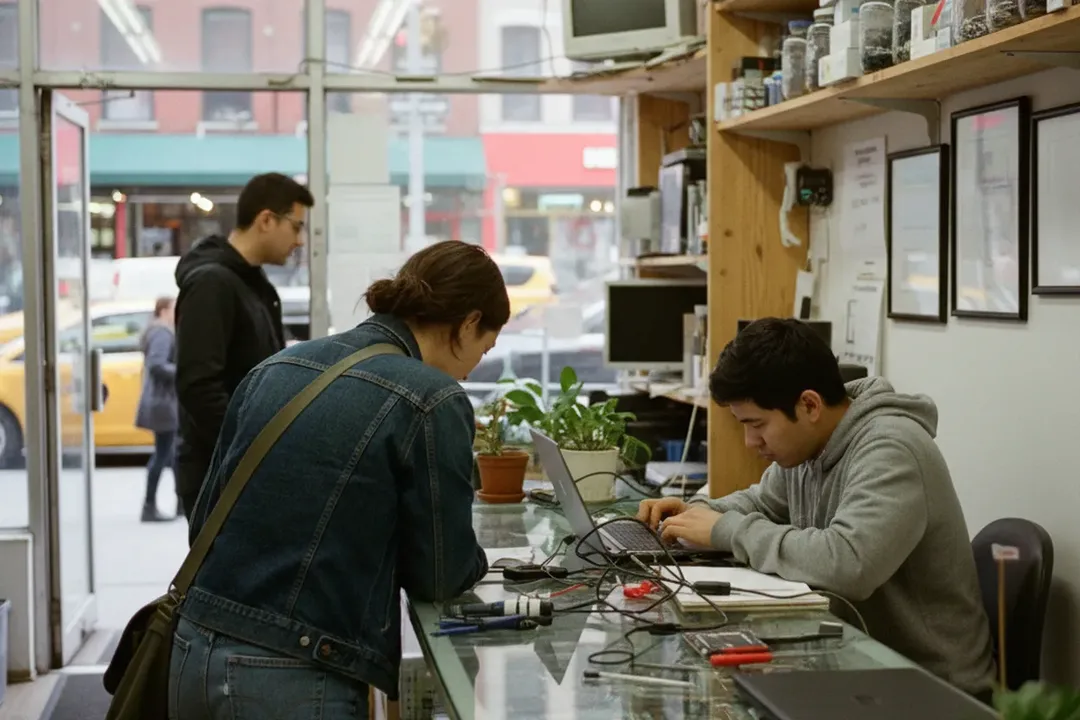
iFIX Midtown: Pair a Phone Check With Laptop or School-Tech Triage
iFIX also lists a Midtown Manhattan contact point at 347 Fifth Avenue, 15th floor, near multiple subway options shown on its site. For back-to-school timing, that matters because the phone may not be the only weak link. If you are carrying a MacBook, tablet, charger, or external drive with problems, a combined diagnostic can show whether your budget should go to a future iPhone, a current repair, or a more urgent work device.
This stop has a different pacing issue: an office-floor repair visit may need clearer coordination than a street-level retail counter. Call or request service first if your schedule is tight, and verify the exact location access before you go. Bring chargers, cables, and a short symptom history. If the phone is your transit pass, authenticator, or school login device, avoid leaving it without confirming pickup timing and temporary access options.
NYC DCWP Checklist: Protect Yourself Before Any Repair or Trade-In
NYC’s Department of Consumer and Worker Protection is the non-store source that belongs in this decision. DCWP advises electronics shoppers to research, compare prices, check whether a store is licensed, understand financing terms, look for posted prices and refund policies, examine products closely, and keep receipts. For repair shoppers, that translates into a simple rule: do not let a rumor-driven upgrade mood make you ignore paperwork.
Use DCWP’s guidance before you authorize a repair, buy refurbished, accept financing, or trade in a device. Ask for the business name, address, itemized charges, model details, tax, warranty terms, and refund limits on paper or email. If a store cannot explain whether parts are new, used, refurbished, or third-party, slow down. If a changing fact cannot be confirmed, such as a promotion or repair window, make verification part of the purchase condition.
What to verify for Tech repair shops in NYC
A good NYC repair plan includes transit reliability. The MTA app help page says its Status tab shows live subway and bus service, planned service changes, and elevator or escalator outages. Before heading to Fifth Avenue, SoHo, Times Square, the Upper East Side, or Midtown, check the route and accessibility conditions that affect your actual trip. This is especially important if your phone battery is failing and you cannot count on long navigation time.
Your final step is verification, not prediction. Recheck store hours, appointment availability, Apple coverage, repair warranty, posted price, refund policy, and current MTA status on the day you go. Then compare the confirmed repair cost and downtime against the benefit of waiting for an unannounced device. If the phone supports school, work, payments, transit, or family logistics, reliability beats rumor. If it is stable, waiting costs less than guessing.
Tags: #AskKarpo #BeforeYouGo #NYCTech #iPhoneRepairNYC #iPhone18Pro #AppleSupport #GeniusBar #PhoneRepair #BackToSchoolTech #NYCShopping #ConsumerTips #MTA #UpgradeDecision #RepairFirst
All trademarks are the property of their respective owners.
Ask Karpo first
Tell Karpo your date, group size, budget, and starting neighborhood. We’ll check current access, timing, transit, and the cleanest plan for Tech repair shops in NYC before you head out.
Ask Karpo for more information.
Keep reading
- Vintage Clothing Store in Greenpoint: Beacon's Closet
 Board Game Cafe Near Me: The Brooklyn Strategist Moved North
 Salad Near Me in the West Village: Westville's Market-Table Vegetables