 Vintage Clothing Store in Greenpoint: Beacon's Closet
Back To School
NYC Apple Stores: How to Check iPhone 18 Pro Rumored Features and Availability
A New Yorker’s store-by-store plan for separating iPhone 18 Pro rumors from what Apple can actually confirm today.
New Yorkers searching iphone 18 pro rumored features on July 27, 2026 have a practical problem: Apple’s current iPhone page lists iPhone 17 Pro, iPhone Air, iPhone 17, iPhone 17e, and iPhone 16, but no official iPhone 18 Pro product page. That makes an Apple Store visit useful only if you frame it correctly. Staff can help you compare the phones Apple actually sells, check pickup availability for current models, explain trade-in or education verification steps, and point you to official channels for future announcements. They should not be treated as rumor validators. Use the visit to test today’s hardware, ask what can be confirmed, and decide whether waiting is worth it.
Want a tighter read before you cross town? Text Karpo with your nearest Apple Store, carrier, and current phone so we can shape a quick verification script.
Start at Apple Fifth Avenue for a 24-Hour Reality Check
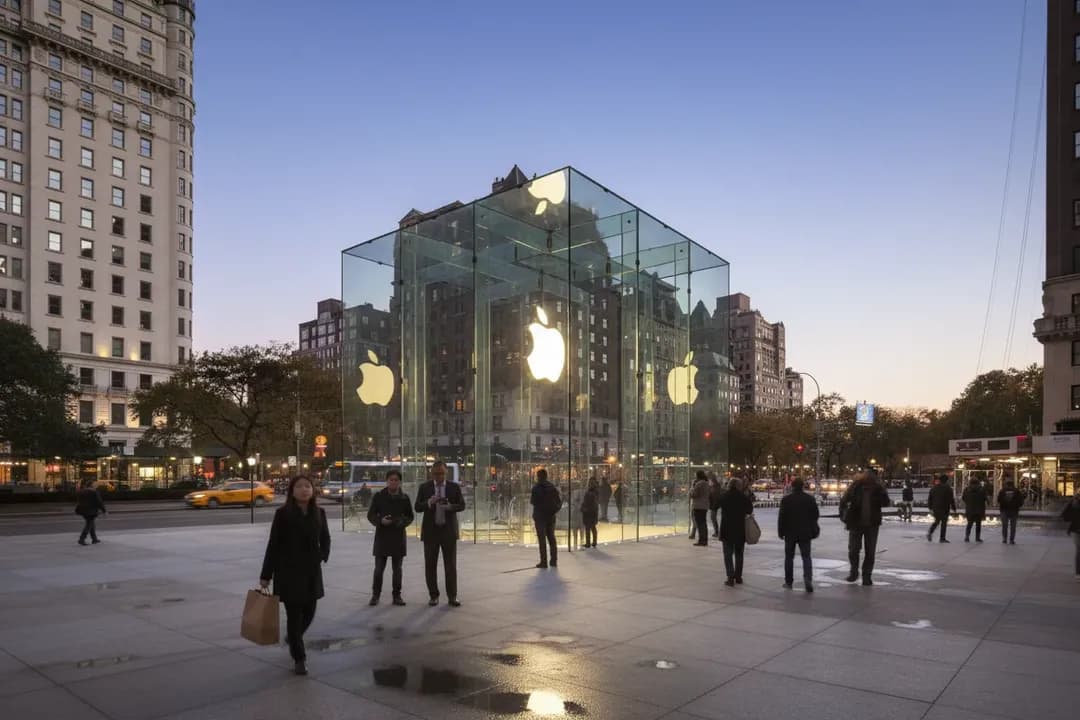
Apple Fifth Avenue at 767 Fifth Avenue is the easiest NYC Apple Store to use when your schedule is odd, because Apple lists it as always open. That matters for rumor research: you can go when the floor is calmer, handle current iPhone models, and ask whether any iPhone 18 Pro information is officially available without squeezing the visit into lunch-hour traffic or a narrow after-work window.
The tradeoff is attention. Fifth Avenue is a destination store, so expect tourists, photo-taking, and bursts of crowding even outside normal retail hours. If your goal is a focused buying decision, keep your questions narrow: current iPhone 17 Pro specs, pickup availability, trade-in estimates, AppleCare, and where Apple posts official product announcements. Leave if the conversation drifts into speculation or if the floor is too busy for a useful demo.
Use Apple Grand Central When Transit Beats Store Space
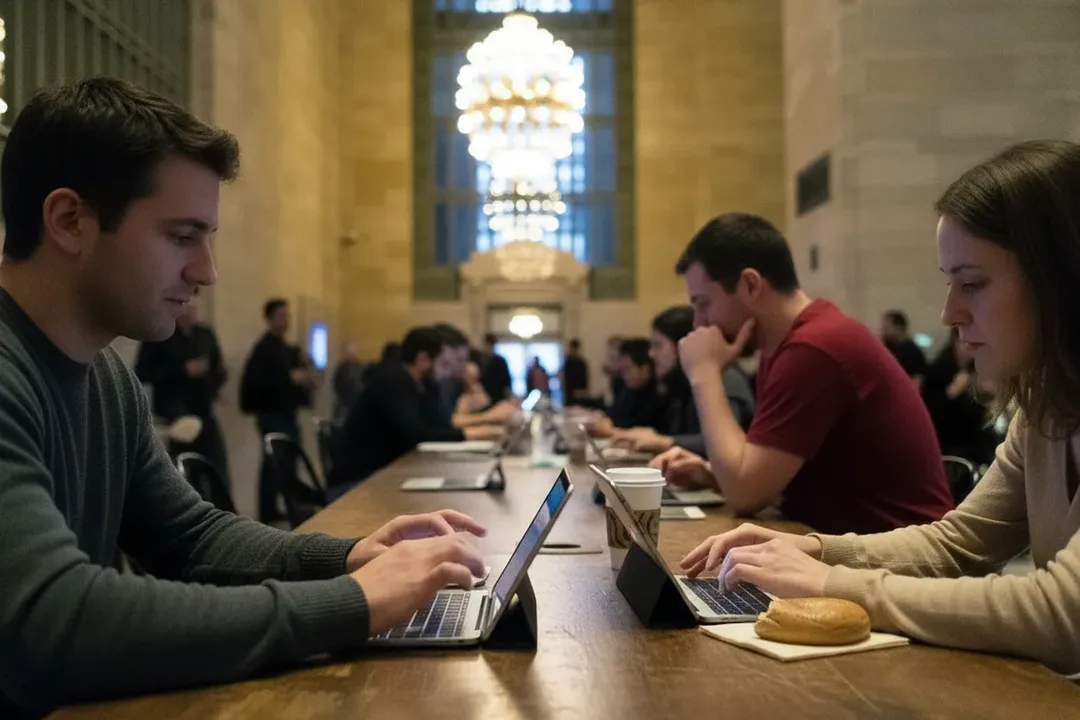
Apple Grand Central at 45 Grand Central Terminal is useful if you are already moving through Midtown East, Metro-North, or the Lexington Avenue subway corridor. Apple listed July 27 hours as 9:00 a.m. to 8:00 p.m., with drop-in shopping, in-store pickup, Today at Apple, and Genius Bar by appointment. Check the page again before going, because store hours can shift.
This location’s failure mode is pace. Grand Central is efficient for a solo comparison stop, but the surrounding terminal can make a long, reflective demo feel rushed. Use it for binary decisions: does the current Pro camera feel materially better, is storage the blocker, can pickup happen today, or should you wait because Apple has not confirmed the future model you’re researching? If you need quiet, choose another store.
Choose West 14th Street for a Longer Hands-On Comparison
Apple West 14th Street at 401 W 14th Street is a strong option if you want more time with current devices near Chelsea, the Meatpacking District, or the west side subway lines. Apple listed July 27 hours as 9:00 a.m. to 9:00 p.m. That longer evening window helps if you are comparing after work rather than reacting to a rumor thread during the day.
Bring your current phone, note the model and storage, and test the features you actually use: camera launch speed, low-light preview, display comfort, typing feel, and Apple Intelligence features available on current hardware. Do not ask staff to confirm rumored iPhone 18 Pro specs as fact. Ask what Apple officially sells today and what return, pickup, or setup options apply now.
Try World Trade Center for Pickup Logic and Backup Stores
Apple World Trade Center at 185 Greenwich Street is practical for downtown workers, PATH riders, and shoppers near the Oculus. Apple listed July 27 hours as 9:00 a.m. to 8:00 p.m., with order pickup in store and drop-in shopping available. Use it when your question is less about browsing and more about whether a specific current configuration can be secured today.
The best backup logic is to check availability online first, then compare nearby stores if the color, storage, or carrier option is not available downtown. If your whole reason for waiting is a rumored iPhone 18 Pro feature, write that feature down and ask what current model, if any, addresses the same need. If none does, waiting may be rational; just separate that decision from confirmed inventory.
Make Upper East Side the Calmer Question Stop
Apple Upper East Side at 940 Madison Avenue can work better for a quieter, more deliberate visit than the highest-traffic tourist locations. Use it if your questions involve setup, family accounts, trade-in timing, or school-year budgeting rather than a fast side-by-side camera test. Recheck Apple’s store page before leaving, because same-day hours and appointment availability are changing facts.
This is a good fit for parents, students, or anyone tying the phone decision to back-to-school timing. Apple’s store pages mention education savings on Mac, iPad, and Apple Watch, with verification online before visiting. Do not assume that education pricing applies to iPhone unless Apple confirms it in checkout or through a Specialist. Verify the exact product and eligibility before budgeting.
Use SoHo When You Need Evening Flexibility Downtown
Apple SoHo at 103 Prince Street gives downtown shoppers another long-window option and can be useful if West 14th is inconvenient or if you want to compare store inventory after checking online. Go with one job: confirm current options, not future rumors. If the store page, Apple’s iPhone page, and Apple Newsroom do not show iPhone 18 Pro, treat it as unavailable.
SoHo’s risk is neighborhood crowding and weekend-style browsing energy even on weekdays. If the tables are packed, switch to a quick Specialist question instead of forcing a full demo. Ask whether Apple has any official iPhone 18 Pro page or announcement to reference. If the answer is no, treat every claimed feature as unconfirmed and base today’s purchase only on current models.
Check Apple Pages and MTA Access Before the Final Trip
Apple’s NYC store pages state that sign language interpretation is available through an on-demand video service at no cost, and that an in-person interpreter can be arranged by advance request for in-store sessions and events. If accessibility affects whether the trip is worth it, confirm the store page, appointment type, and transit conditions before leaving home. The MTA accessibility page should be checked for current elevator or station issues.
Your final step should be boring and specific: reopen Apple’s iPhone page, reopen the store page, and search Apple Newsroom for any official iPhone 18 Pro announcement. If Apple still lists only current iPhone lines and no iPhone 18 Pro product information, your decision is simple: buy based on today’s verified devices, or wait because the rumored feature cannot yet be confirmed.
Tags: #AskKarpo #BeforeYouGo #NYCAppleStore #AppleFifthAvenue #AppleGrandCentral #AppleSoHo #AppleWorldTradeCenter #UpperEastSide #West14thStreet #iPhoneRumors #iPhoneAvailability #BackToSchoolNYC #TransitSmart #NYCShopping
Sources consulted: Source 1: apple.com · Source 2: apple.com · Source 3: apple.com · Source 4: apple.com · Source 5: apple.com · Source 6: mta.info
All trademarks are the property of their respective owners.
Ask Karpo first
Tell Karpo your date, group size, budget, and starting neighborhood. We’ll check current access, timing, transit, and the cleanest plan for Apple Stores in NYC before you head out.
Ask Karpo for more information.
Keep reading
- Vintage Clothing Store in Greenpoint: Beacon's Closet
 Board Game Cafe Near Me: The Brooklyn Strategist Moved North
 Salad Near Me in the West Village: Westville's Market-Table Vegetables