5G showed up in current Google Trends results, and in New York that search becomes practical fast. The question is not whether your phone theoretically has a fast network. The question is what your group does when the signal drops, the map will not load, or one person loses the thread of the plan underground.
A good NYC signal plan uses layers: mobile data first, public Wi-Fi when available, a library or indoor public stop when the group needs to reset, and one offline meeting point in case nobody's phone cooperates.
Use LinkNYC as a route layer, not a miracle
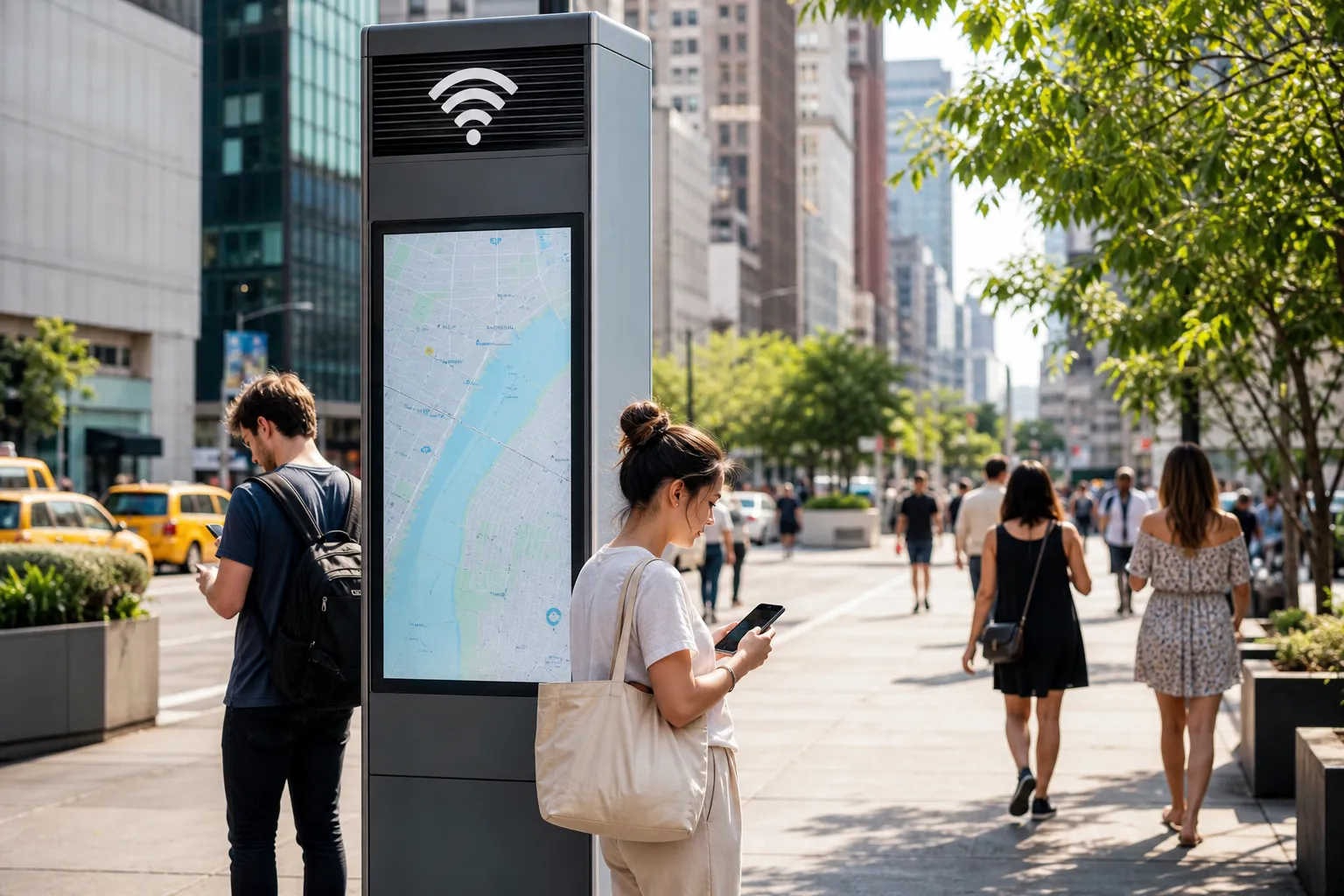
LinkNYC kiosks can be useful for free public Wi-Fi and wayfinding, but they should not be the only plan. Treat them as a fallback layer on busy sidewalks, especially when someone needs to send a message, reload a map, or confirm the next stop.
The practical rule is simple: identify a public Wi-Fi option near the meetup, not after the group is already lost. Signal backups work best when they are boring and close.
Text Karpo Now: get a live Wi-Fi fallback route with LinkNYC spots, library options, and a meeting point if the group loses signal.

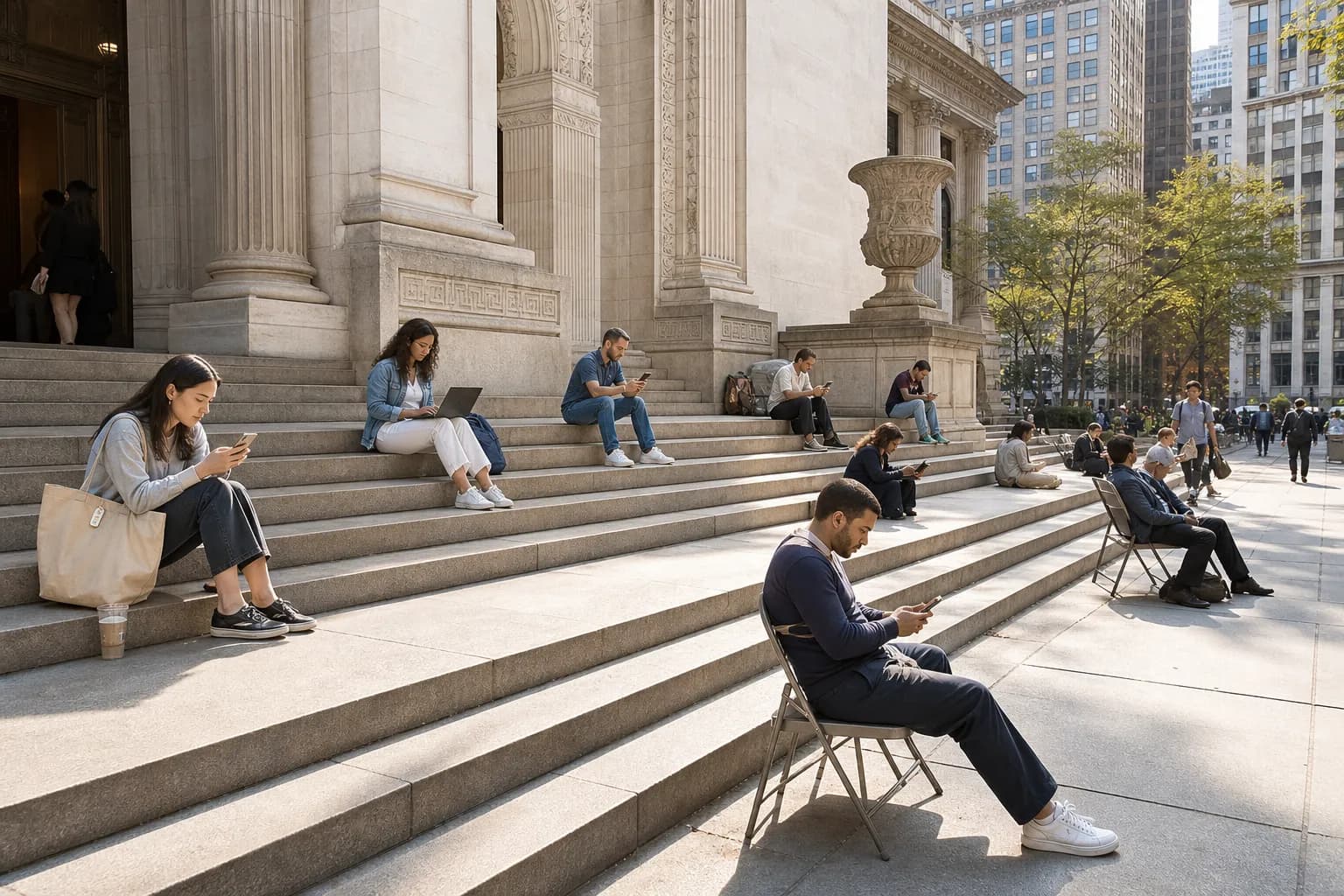
Libraries are the calmer reset
If the group needs more than a quick sidewalk check, a public library can be a calmer reset point. Check branch hours first, keep noise low, and do not treat a reading room like a coworking entitlement. The goal is to recover the plan, not camp there all afternoon.
Libraries are especially useful when the route involves students, visitors, or anyone juggling transit, tickets, and weather. They give the plan a public indoor option without making the whole day about a cafe table.
Pair signal checks with subway exits
Subway exits are where many NYC plans break. Decide which exit matters before service drops underground. If the group is meeting above ground, name the corner, landmark, or public kiosk instead of saying 'outside the station.'
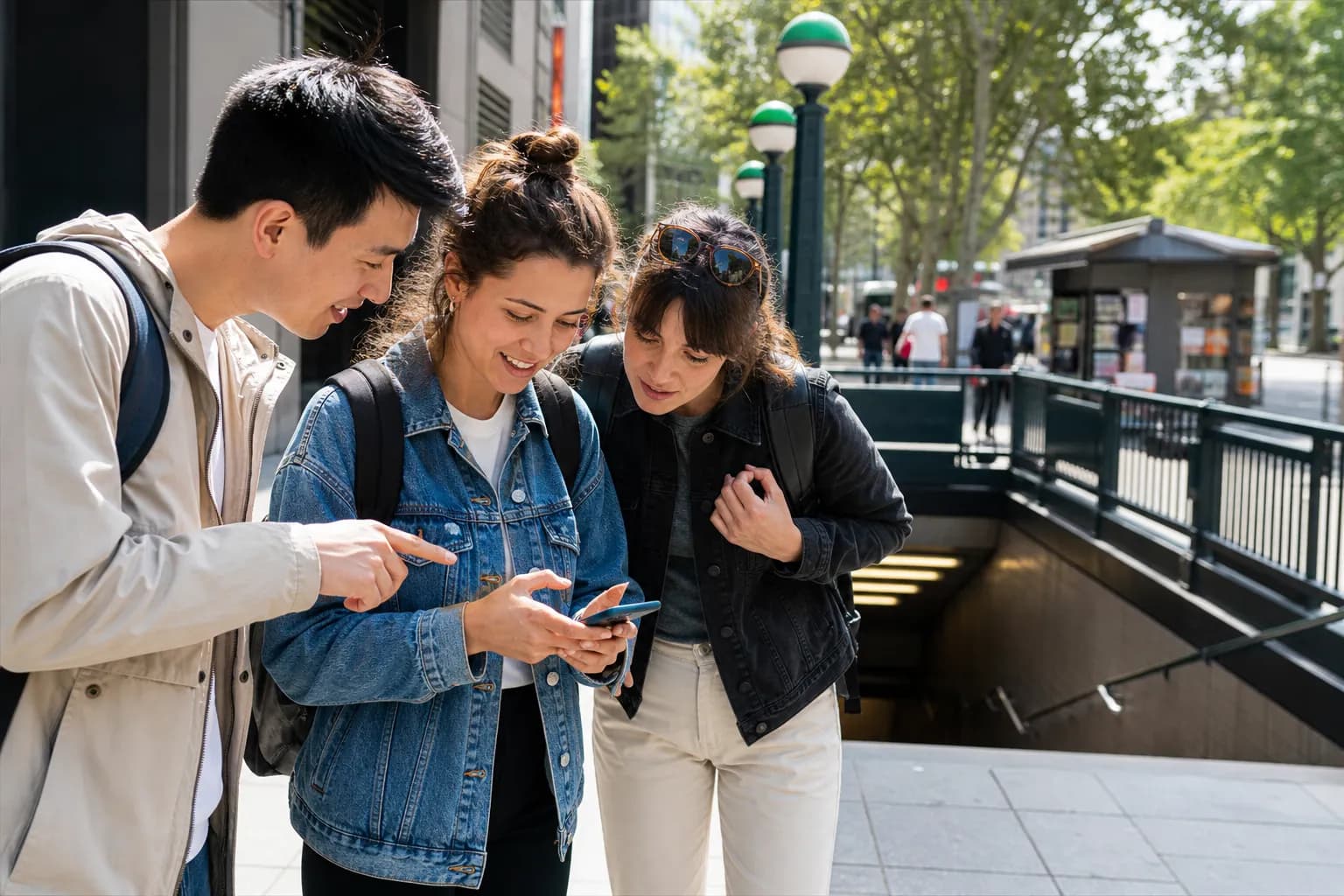
Keep one offline rule
The offline rule is the most important part: if messages fail, wait ten minutes at the named public point, then move to the named backup. That single sentence prevents a small signal issue from becoming a full group split.
Practical notes
Before leaving, save the address offline, screenshot the route, pick one public Wi-Fi fallback, check library hours if relevant, and name the exact subway exit or corner. Use public networks carefully and avoid sending sensitive information over Wi-Fi you do not trust.
Tags: #5G #LinkNYC #FreeWifiNYC #SignalPlan #NeighborhoodGuide #NYC #SubwayExit #NYPL #CityRoute #PublicWifi #AskKarpo #BeforeYouGo #Summer2026 #TravelSmart
Sources consulted: Google Trends - Trending Now US · LinkNYC · NYC Office of Technology and Innovation - LinkNYC · New York Public Library · MTA subway maps
All trademarks are the property of their respective owners.
Ask Karpo first
Want to know when to show up, where to wait, and what's actually open to the public? Ask Karpo for the latest NYC signal updates, a respectful fan plan, and a live route around LinkNYC kiosks, libraries, and subway exits before you head out.