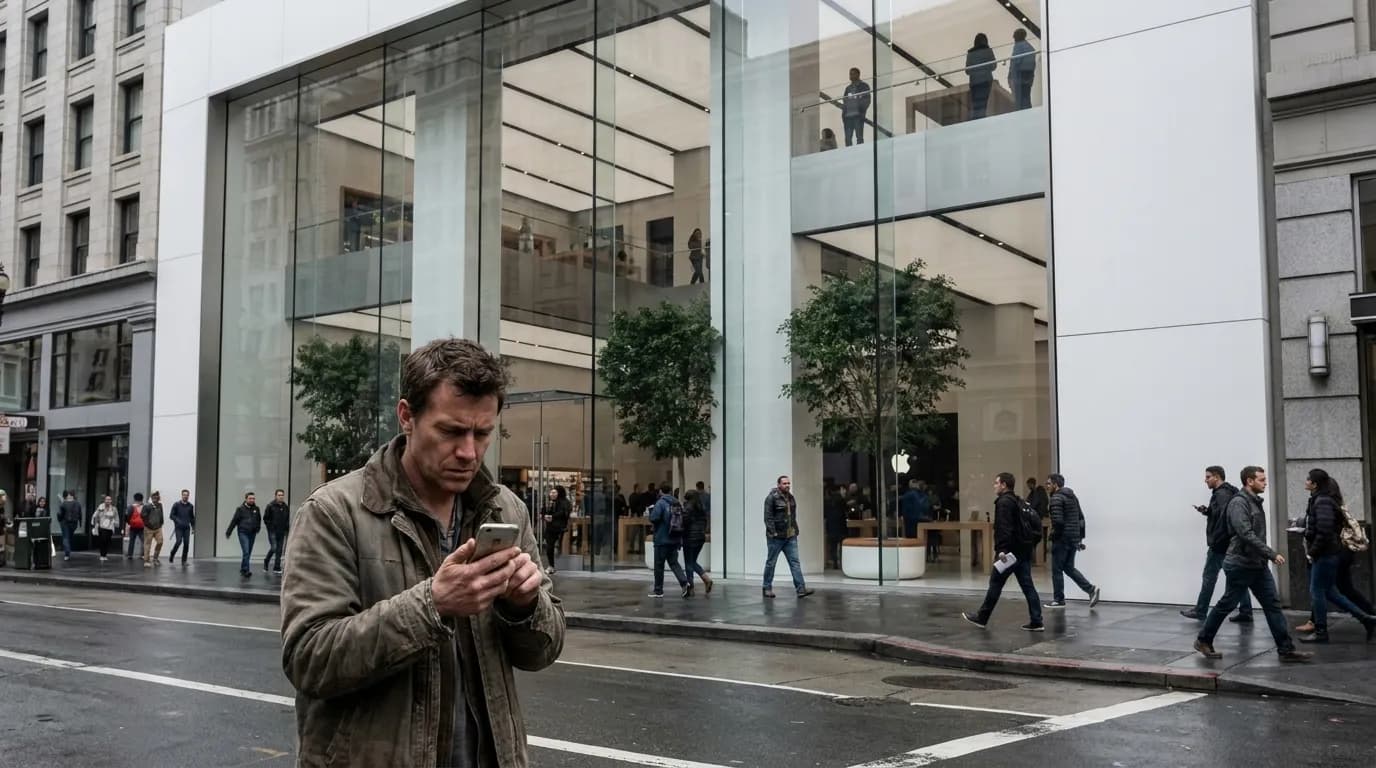
The Apple iPhone Upgrade Program promises annual device refreshes with AppleCare+ bundled into monthly payments, but San Francisco residents face a more nuanced decision tree before enrolling. Whether you're preparing for a fall semester, managing a cracked screen, or watching battery health decline, the smartest path often starts with diagnosis rather than purchase. This route guides you through backing up your current device, understanding what repair or trade-in might yield, evaluating program eligibility on Apple's official page, and—when a phone truly reaches its end—disposing of it through San Francisco's specialized e-waste channels. The goal is an informed choice that balances cost, environmental impact, and your actual usage needs rather than marketing momentum.
Deciding between repair, trade-in, or a fresh start? Text Karpo with your iPhone model, current condition notes, any battery or screen concerns, your budget range, SF neighborhood, and whether you prioritize repair savings, maximum trade-in value, or responsible recycling. We'll map a decision route tailored to your device and timeline.
Back Up Before Any Decision
Your first step—regardless of whether you repair, trade, upgrade, or recycle—is a complete backup. Use iCloud (Settings > [Your Name] > iCloud > iCloud Backup) or connect to a Mac running macOS Catalina or later and use Finder to create a local encrypted backup. Local backups capture more data, including Health and Activity history, while iCloud backups offer convenience and automatic daily syncs when plugged in and on Wi-Fi. Verify the backup completed successfully by checking the timestamp under Settings. This ten-minute task protects photos, messages, app data, and settings, turning a potential disaster into a seamless transition if you proceed with any hardware change.
Diagnose Battery and Screen Health
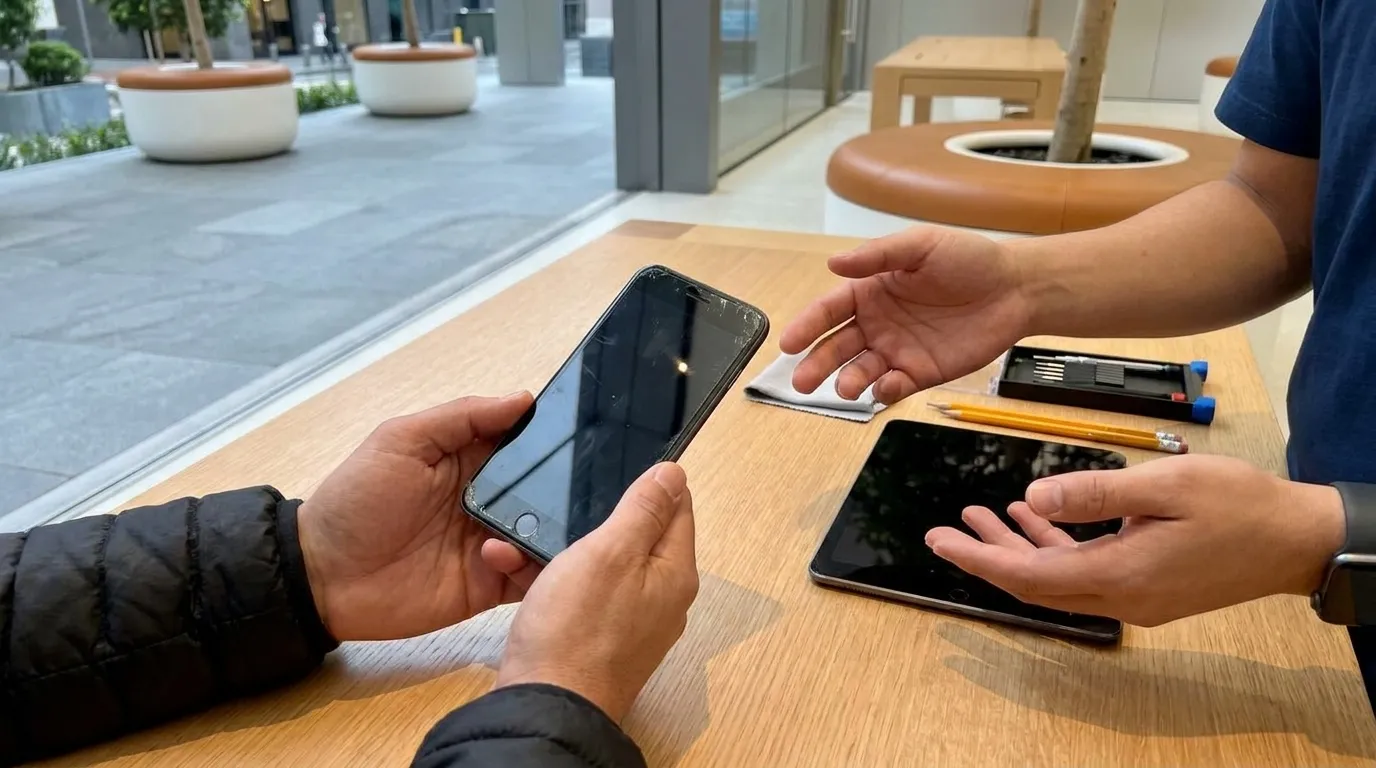
Open Settings > Battery > Battery Health & Charging to see your maximum capacity percentage. Apple considers batteries below 80 percent capacity eligible for service under warranty or AppleCare+. A battery replacement outside warranty typically costs less than trade-in depreciation on a device with documented battery wear. For screen issues—cracks, dead pixels, unresponsive touch zones—photograph the damage and note whether it interferes with daily use or is purely cosmetic. Apple Union Square offers appointment-based Genius Bar diagnostics; check availability directly through the Apple Store app or apple.com/retail/unionsquare rather than walking in. Knowing the specific issue and repair cost lets you compare that figure against trade-in offers and monthly Upgrade Program payments with clear numbers in hand.
Compare Repair Economics
Apple's out-of-warranty battery service for most recent iPhone models sits in a predictable range, while screen repairs vary by model generation and size. Third-party repair shops in San Francisco—particularly those in the Tenderloin, Mission, and Sunset districts—often quote lower prices but may use non-genuine parts that affect water resistance or future trade-in value. If you plan to trade the phone within the next year, genuine Apple parts preserve resale credibility. Calculate the repair cost, add your expected remaining months of use, and divide to get a monthly cost. Compare that to the monthly payment of the iPhone Upgrade Program (which includes AppleCare+ and the option to upgrade after twelve payments). If your current phone meets your needs and the repair monthly cost is significantly lower, repair extends value. If you're chasing new camera systems, processing power, or simply want predictable costs with built-in insurance, the Upgrade Program may align better—but only after this math.
Evaluate Trade-In and Program Eligibility
Apple's trade-in estimator (accessible on apple.com or in-store) asks about model, condition, and functionality. Cracked screens, battery health below 80 percent, or activation lock issues reduce or eliminate trade-in value. Compare Apple's offer against third-party buyers—Gazelle, Decluttr, and local shops along Market Street sometimes pay more for devices in good condition, though convenience and instant credit favor Apple's process. The iPhone Upgrade Program itself requires a credit check, U.S. residency, and enrollment through Apple directly; terms and device eligibility change, so consult apple.com/shop/iphone/iphone-upgrade-program for current requirements rather than relying on outdated summaries. The program works best for users who want the latest model annually and value AppleCare+ coverage, but it locks you into a two-year financing cycle and requires trade-in or payoff to exit. If your usage is stable and you typically keep phones three-plus years, buying outright or through your carrier with a longer upgrade cycle often costs less over time.
When Repair and Trade-In Aren't Options
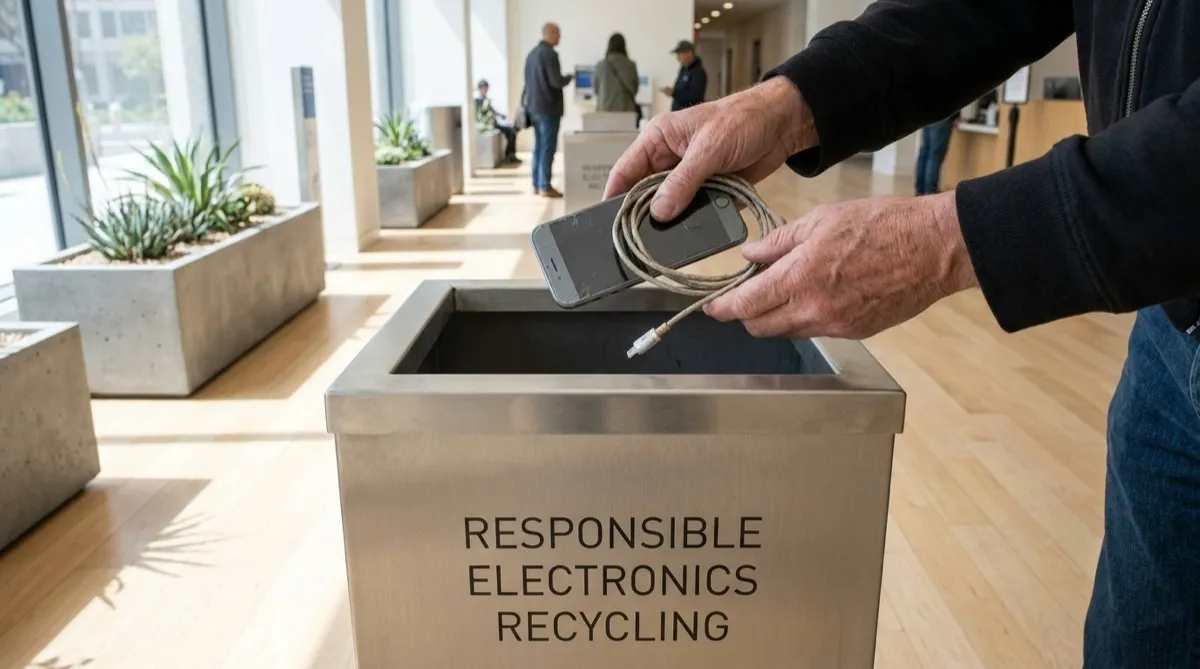
Phones with severe liquid damage, bent frames, or non-functional logic boards often have zero trade-in value and repair costs exceeding replacement. At this point, responsible e-waste disposal becomes your priority. San Francisco Environment (sfenvironment.org/electronics) publishes current guidance for electronics recycling, emphasizing that phones contain recoverable materials—lithium, cobalt, rare earths—and hazardous components that must not enter landfills. Remove your SIM card, sign out of iCloud (Settings > [Your Name] > Sign Out), and erase all content (Settings > General > Transfer or Reset iPhone > Erase All Content and Settings) before recycling. This wipes personal data and disables activation lock, making the device recyclable rather than e-waste destined for insecure processing.
San Francisco E-Waste Drop-Off Routes
Recology San Francisco manages the city's universal and electronic waste collection; consult recology.com/recology-san-francisco/universal-electronic-waste for current drop-off instructions, which may include curbside pickup events or designated facility hours. The Recology Tunnel Avenue Resource Recovery facility historically accepted e-waste, but hours and access policies shift—verify before driving. Apple Union Square also accepts old iPhones for recycling regardless of condition or where purchased; staff provide a trade-in kit or process the device on-site. Best Buy stores in the Bay Area accept phones and small electronics at customer service desks, no purchase required. For neighborhood convenience, check SF Environment's online map for upcoming e-waste collection events in districts like the Richmond, Sunset, or Excelsior. Whichever route you choose, confirm the processor is R2 or e-Stewards certified, ensuring data destruction and material recovery meet environmental and security standards rather than export to informal recycling markets.
Timing Your Decision Around Back-to-School
Late summer brings predictable iPhone rumors and fall launch windows, historically in September. If your current phone is functional and you're considering the Upgrade Program, waiting until the new model announcement lets you enroll with the latest hardware and maximizes the twelve-month upgrade window. Conversely, if you need a working phone immediately for fall classes or work, repair or a discounted previous-generation model may be more pragmatic than waiting. Carrier promotions and Apple's education pricing (available to students, parents buying for students, and educators) sometimes reduce upfront costs outside the Upgrade Program structure. Check apple.com/us-hed/shop for current education offers, which typically include gift cards or discounted AppleCare rather than monthly payment reductions. Your decision timeline should account for diagnostic appointments (often one to two weeks out during peak periods), repair turnaround (same-day to five business days depending on parts), and shipping times for trade-in kits if you choose mail-in over in-store.
Tags: Apple iPhone Upgrade Program, iPhone repair San Francisco, Apple Union Square, iPhone trade-in SF, e-waste recycling San Francisco, Recology electronics disposal, back to school tech decisions, responsible phone recycling
Karpo™ is a trademark of Karpo Inc. This article provides decision-route guidance for San Francisco residents evaluating iPhone repair, trade-in, upgrade programs, and e-waste recycling options. Program terms, repair costs, trade-in values, and recycling facility hours change; always verify current details through official Apple channels, Recology, and SF Environment before making hardware or disposal decisions.
Sources consulted: apple.com · apple.com · recology.com · sfenvironment.org


