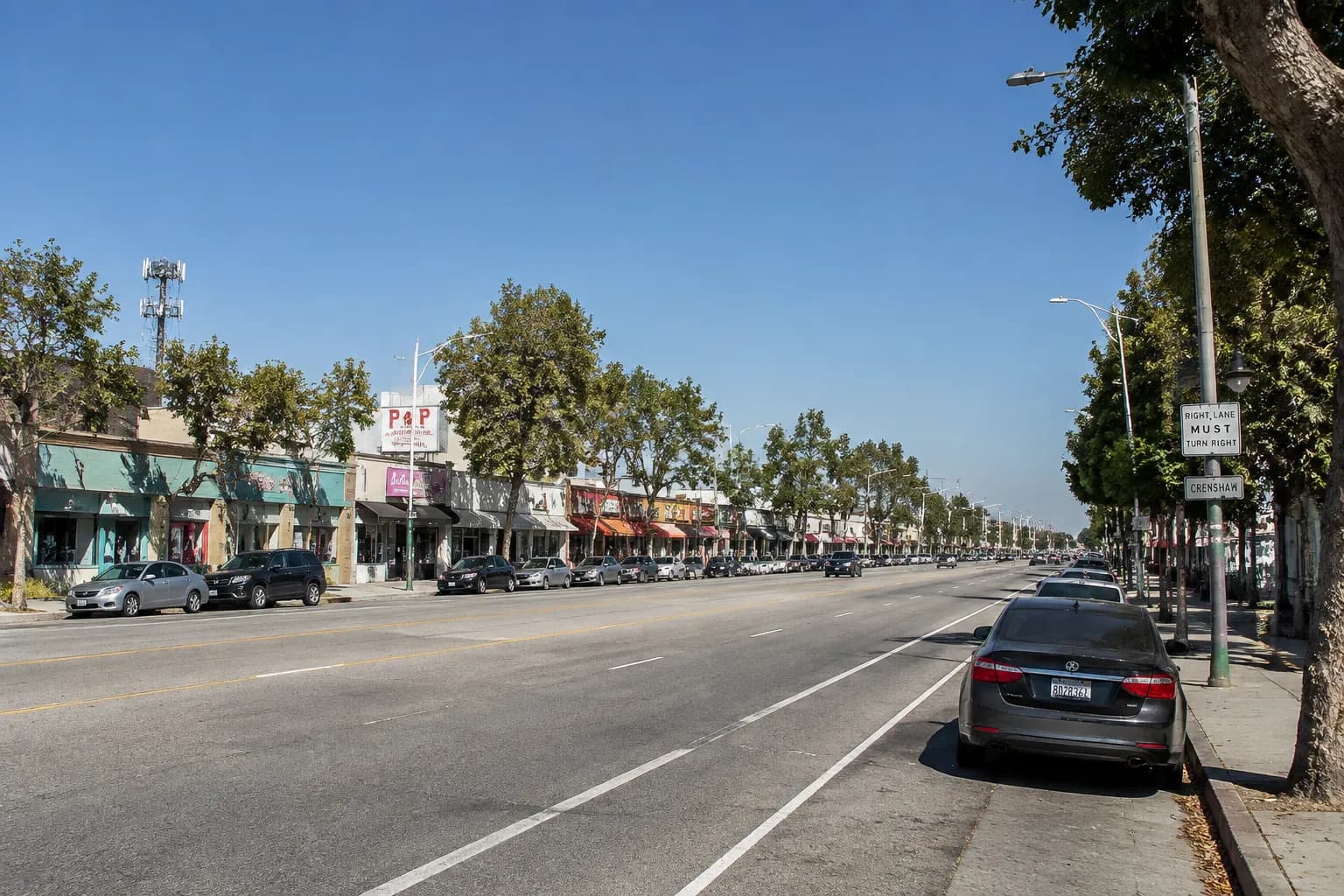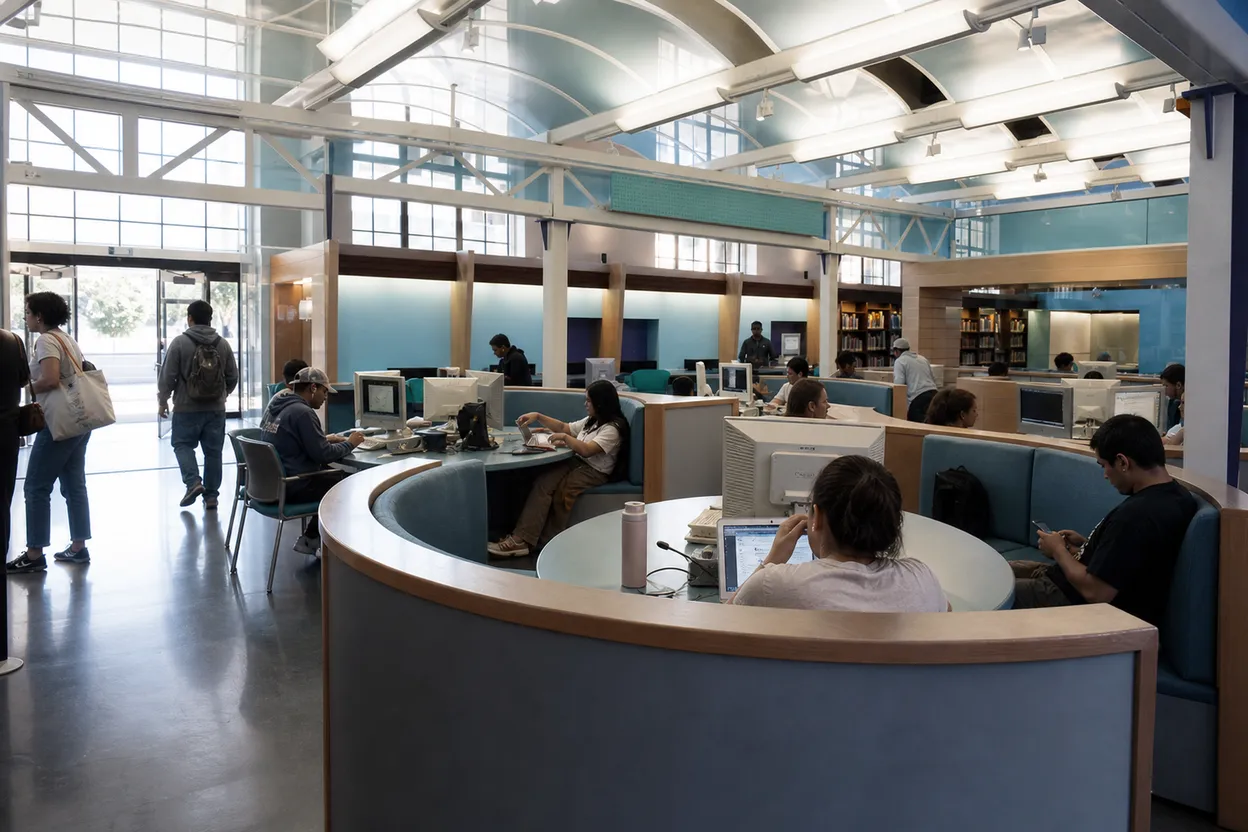
When a phone stops loading in Los Angeles, the problem is rarely just the signal. It is the rideshare that will not confirm, the meeting link trapped in email, the TAP balance you meant to check, and the battery sliding down while the afternoon gets hotter. A verizon outage should first be verified through Verizon’s own status tools, but your workday plan should not wait on one app to recover. The useful move in LA is to get indoors, onto stable Wi-Fi, near a charger, and beside a transit option you can still understand without live updates. This route keeps the backup practical, public, and low-drama.
Want a faster LA fallback when your phone stalls? Text Karpo to pull nearby libraries, Wi-Fi stops, charging options, and transit-safe waits before your battery or commute gets worse.

Check My Verizon Before You Move Blocks
Start by separating a carrier problem from a dead zone, unpaid line, device glitch, or overloaded building. Verizon says network outage notices appear in My Verizon when the company is aware of an outage affecting your area, and its Check Network Status page is the place to look if no alert appears. Do that on Wi-Fi if cellular data is failing, then screenshot any status page while connected so you are not dependent on reloading it later.
If Verizon shows no outage but your phone still cannot call, text, or load data, treat the result as inconclusive rather than reassuring. Restart the device, turn Airplane Mode off, check Wi-Fi Calling settings, and move away from dense concrete or underground areas before changing plans. The failure mode in LA is burning twenty minutes walking toward a rumor. Make the status check one input, then switch to a place where laptop, Wi-Fi, and transit options overlap.
Central Library at 630 W. 5th Street
Downtown’s Central Library is the strongest first anchor if you are near Bunker Hill, the Financial District, Historic Core, or a Metro rail connection. Los Angeles Public Library lists Central Library at 630 W. 5th Street, with Wi-Fi, public computers, in-building laptops, wireless printing, Tech2Go bundles, and mobile device charging among its resources. For a stranded workday, that mix matters more than finding the nearest cafe with one visible outlet and no guarantee of seating.
The tradeoff is that a library is calm, public, and structured, not a private office. Keep calls short, use headphones, and assume computer stations or seats can fill when many people have the same idea. Central Library’s Computer Center lists one-hour Internet stations for library card holders and shorter first-come stations for people without a card. If you need accessibility support, note that LAPL lists low-vision software in the Computer Center, but confirm availability with staff on arrival.
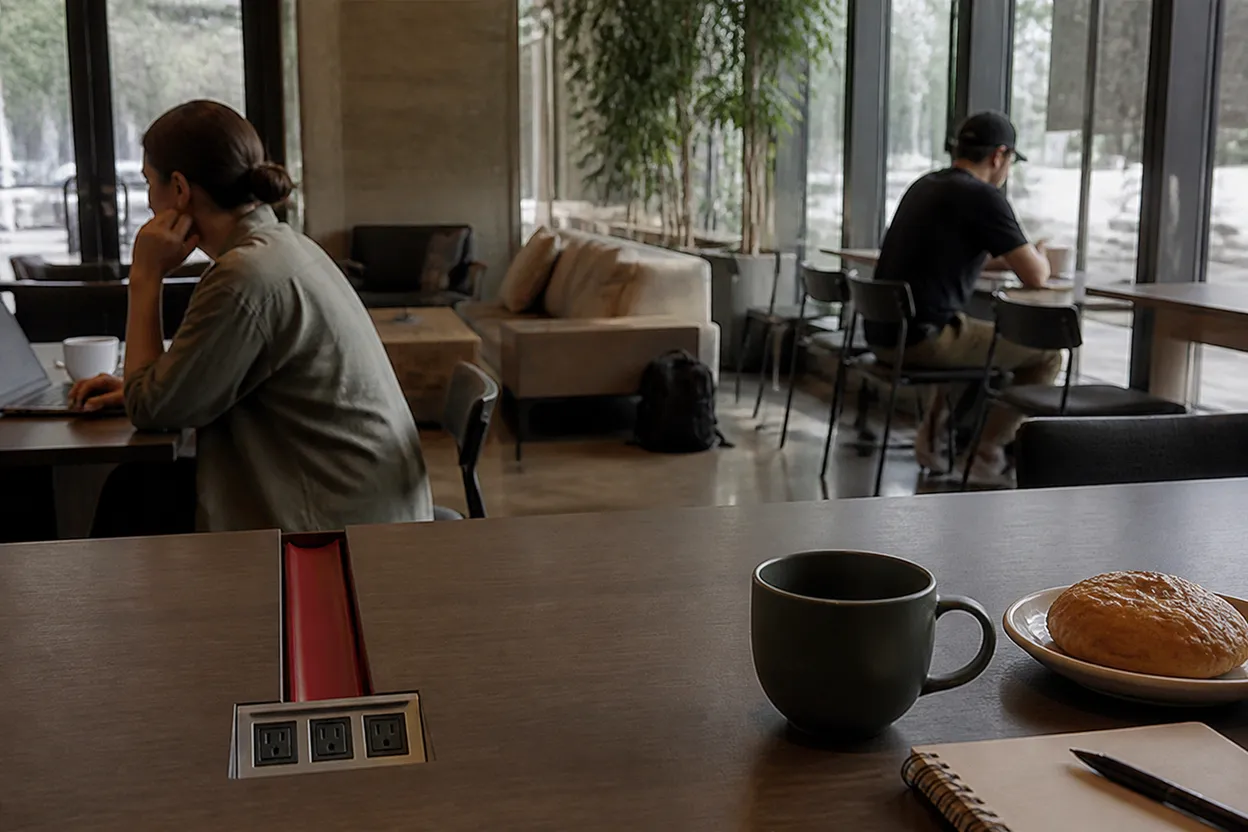
LAPL Branch Finder for Neighborhood Backup
If Downtown is the wrong direction, use the LAPL branch pages as the second layer of the plan, not a vague search for “free Wi-Fi near me.” Branch listings show practical filters such as Wi-Fi, public computers, mobile device charging, scanners, wireless printing, and in some locations Tech2Go items. That lets someone in Koreatown, South LA, Hollywood, or the Valley choose a public indoor stop with the actual tool they need, not just a pin on a map.
Hours and services can change by branch, construction, staffing, or holiday schedule, so build the verification into the route. Open the branch page while you still have service, save the address, and call only if voice is working; otherwise use the page details and posted signage when you arrive. The best audience fit is a solo worker or two coworkers who need ten quiet minutes to sync calendars, charge devices, and decide whether to continue, commute, or cancel.
Tech2Go Hotspots, Chromebooks, and Solar Chargers
LAPL’s Tech2Go program is useful if the disruption exposes a bigger problem: you do not have backup hardware at all. The library describes borrowable computer bundles with a Chromebook and internet hotspot, standalone Chromebooks, mobile hotspots for households lacking service, and 25-watt USB solar chargers for emergency prep. These are not instant vending-machine fixes, because eligibility, pickup location, availability, and agreements apply, but they are a real LA resilience option beyond today’s cafe seat.
Use Tech2Go as a next-day or same-week solution, especially if your job, classes, caregiving, or freelance income depends on having a backup connection. The failure mode is assuming a hotspot solves a carrier-wide mobile issue everywhere; it may rely on wireless networks too, and availability is not guaranteed. Check the item page, branch pickup requirement, and library card standing before counting on it. For today, prioritize public Wi-Fi and charging; for future outages, reserve durable backup gear.
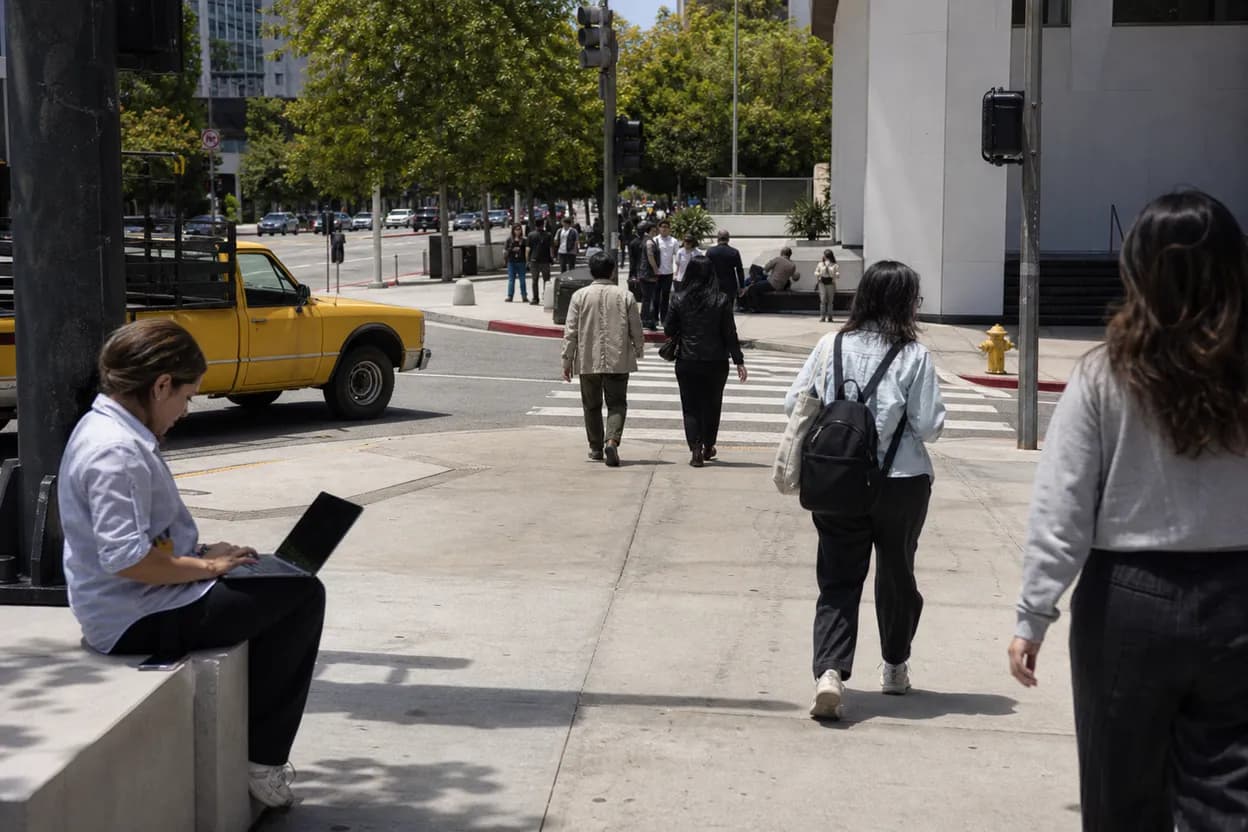
Get Connected LA Digital Asset Map
The City of Los Angeles points residents to Get Connected Los Angeles for digital resources, including a Digital Asset Map for free public Wi-Fi at libraries, parks, and community spaces. This is helpful when your phone works just enough on Wi-Fi to load a map but not enough to trust live cellular service. It also keeps the search civic and practical, instead of sending you toward random businesses where power outlets, seating, or purchase expectations may be unclear.
The map is a planning tool, not a promise that every outdoor access point will be comfortable during a hot weekday or late commute. If the nearest result is a park or open plaza, check heat, shade, personal safety, restrooms, and whether your laptop battery can survive the walk. A library or public building usually beats an exposed bench for work recovery. Use the map to identify options, then choose the one with the fewest things that can fail at once.
Metro Rail, Bus Schedules, and Customer Information
When cellular service is unstable, LA transit planning should get simpler, not more ambitious. Metro’s schedules page lists rail, busway, and bus schedule resources, including major lines such as A, B, C, D, E, G, J, and K. If your app will not refresh, move toward a station or corridor you already understand, save a PDF or screenshot where possible, and avoid itineraries that require tight bus-to-rail transfers across unfamiliar streets.
Metro’s customer information line covers fares, schedules, service alerts, trip planning, and transit connections, but a phone outage can make calling unreliable. That is why the better workday backup is a known rail line, a visible station, and a written destination shared with a coworker before service fails again. If the wait feels unsafe, too hot, or too isolated, go inside a public building first. A slower, legible trip beats a clever route you cannot verify.
Final Action: Verify, Charge, Tell One Person
Before leaving any backup spot, complete three small actions in order. First, reload Verizon’s status or My Verizon on Wi-Fi and note whether the outage is confirmed, unresolved, or still unclear. Second, charge above the point where navigation and two-factor authentication become fragile. Third, send one plain update to a coworker, friend, or household contact: where you are, where you are going next, and what time you will check in again.
Do not make the final decision from a single bar of recovered signal outside the door. LA streets, station portals, elevators, garages, and dense buildings can flip a phone back into failure quickly. Confirm the next address, transit line, meeting status, and payment method while still connected. If a changing fact cannot be confirmed, treat that uncertainty as the answer: choose the route with public Wi-Fi, shade or air conditioning, visible staff, and the shortest unsupported gap.
Tags: #verizonoutage #LosAngeles #LAWorkday #PublicWiFi #PhoneOutage #ChargingSpots #LAPL #LAMetro #DowntownLA #CommuteBackup #WorkdayRescue #SoloLiving #AskKarpo #BeforeYouGo
Sources consulted: Source 1: verizon.com · Source 2: verizon.com · Source 3: lapl.org · Source 4: lapl.org · Source 5: getconnected.lacity.gov · Source 6: metro.net
All trademarks are the property of their respective owners.
Ask Karpo first
Tell Karpo your date, group size, budget, and starting point. We’ll check current access, timing, transit, and the cleanest Los Angeles plan for LA workday backup route for Wi-Fi, charging, libraries, cafes, and transit-safe waiting spots during phone disruptions before you head out.