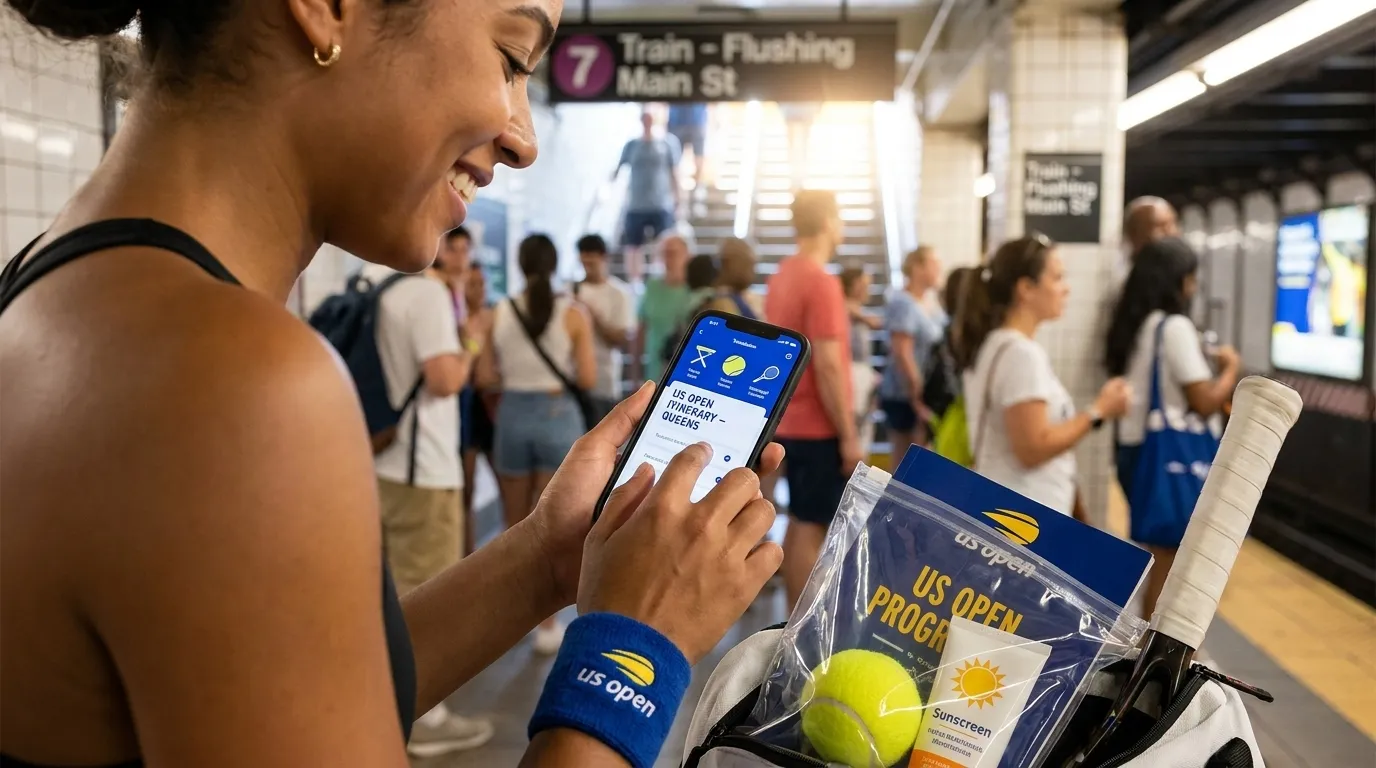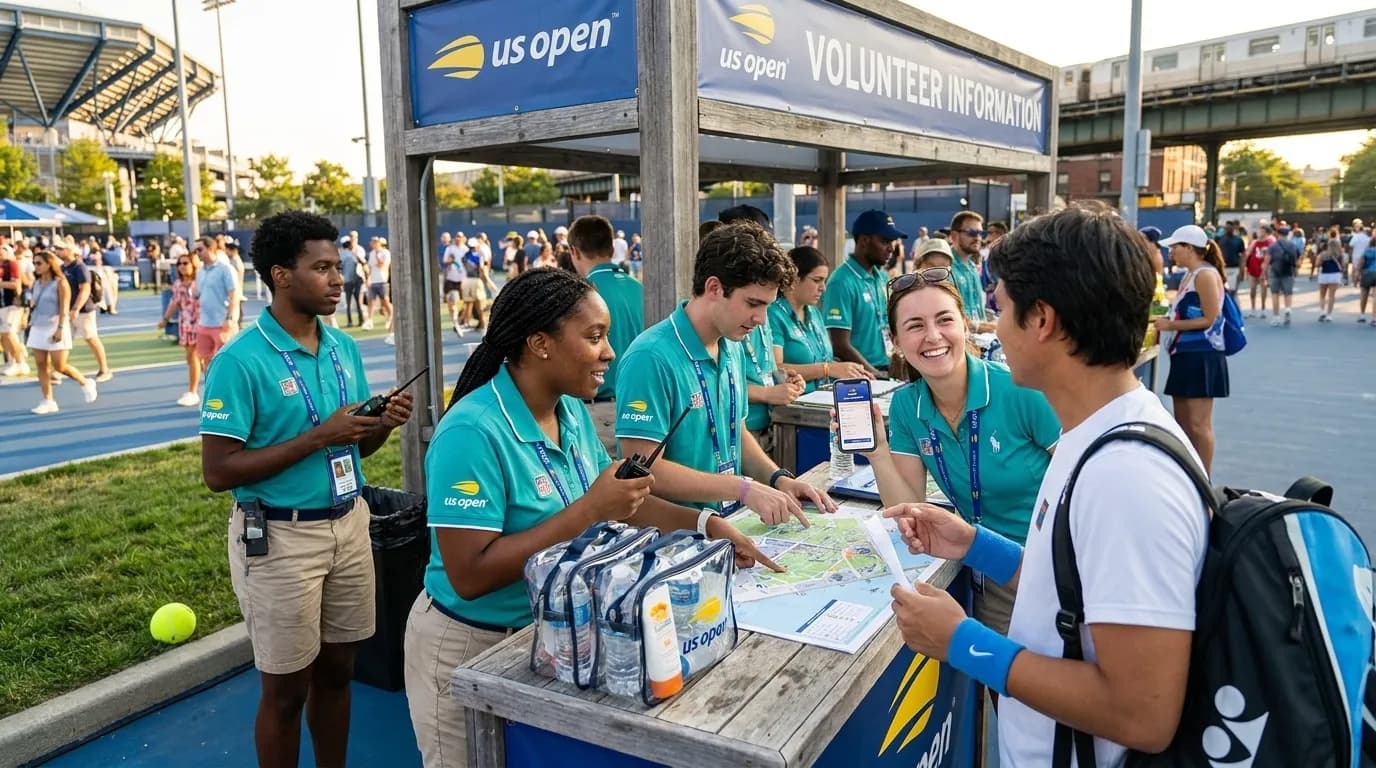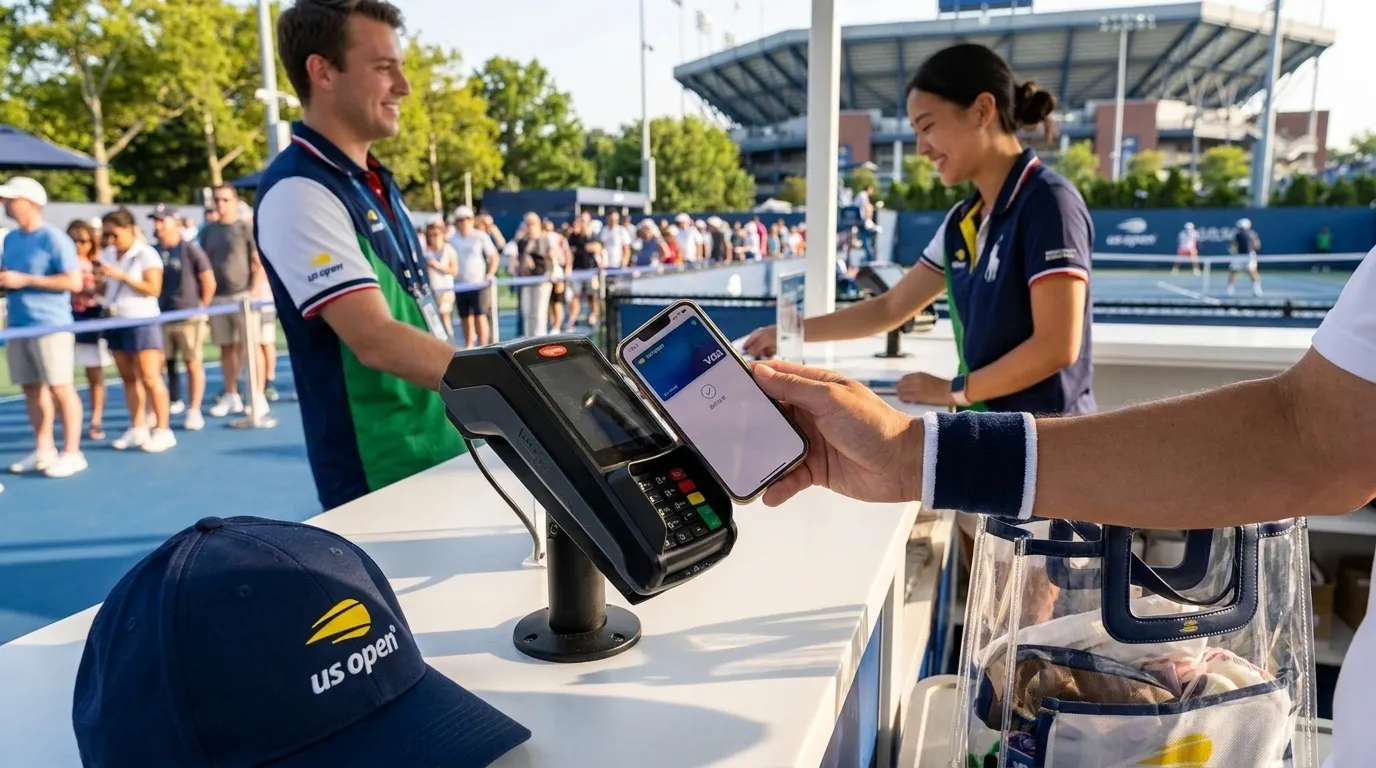
If you are visiting New York from abroad for the 2026 US Open, plan for a tournament day where cards and mobile payments may matter more than cash. The official 2026 US Open calendar runs August 23 through September 13, with singles main-draw play beginning August 30, but details that affect your day can change: schedules, gate times, venue rules, transit operations, weather plans, local hours, inventory, and service availability. Before travel and again close to attending, recheck the US Open event schedule, A-Z visitor information, transportation guidance, prohibited-items page, and the MTA’s US Open guide. Treat payment planning as part of your route planning, not as something to solve at a crowded counter or station.
Text Karpo to prepare a cashless US Open payment setup before your first purchase.

Bring Two Independent Ways to Pay
For overseas visitors, the safest approach is not picking one perfect card. It is having at least two payment methods that do not depend on the same phone, issuer, or card network. A physical credit card plus a second debit or credit card can help if one issuer blocks a transaction, a terminal cannot read a card, or your phone battery runs low. Keep the backup separate from your primary card so one lost wallet or bag does not remove every option.
Before flying, review international card settings in your banking app or with your issuer. Check foreign transaction fees, daily limits, contactless permissions, PIN requirements, and fraud controls. Some banks no longer use travel notices, while others still offer them. If your home card usually relies on chip-and-PIN, confirm how it behaves for contactless or chip transactions in the United States. Save issuer support details somewhere accessible offline, because the number printed on the card is not useful if the card is missing.
- Pack at least two cards, preferably from different issuers or networks.
- Test a card in New York before tournament day with a small purchase if possible.
- Know your PINs, banking-app login method, and one-time-password process abroad.
- Avoid relying on a single phone for every card, ticket, map, and ride option.
- Keep a limited city backup, but do not assume cash will solve venue purchases.
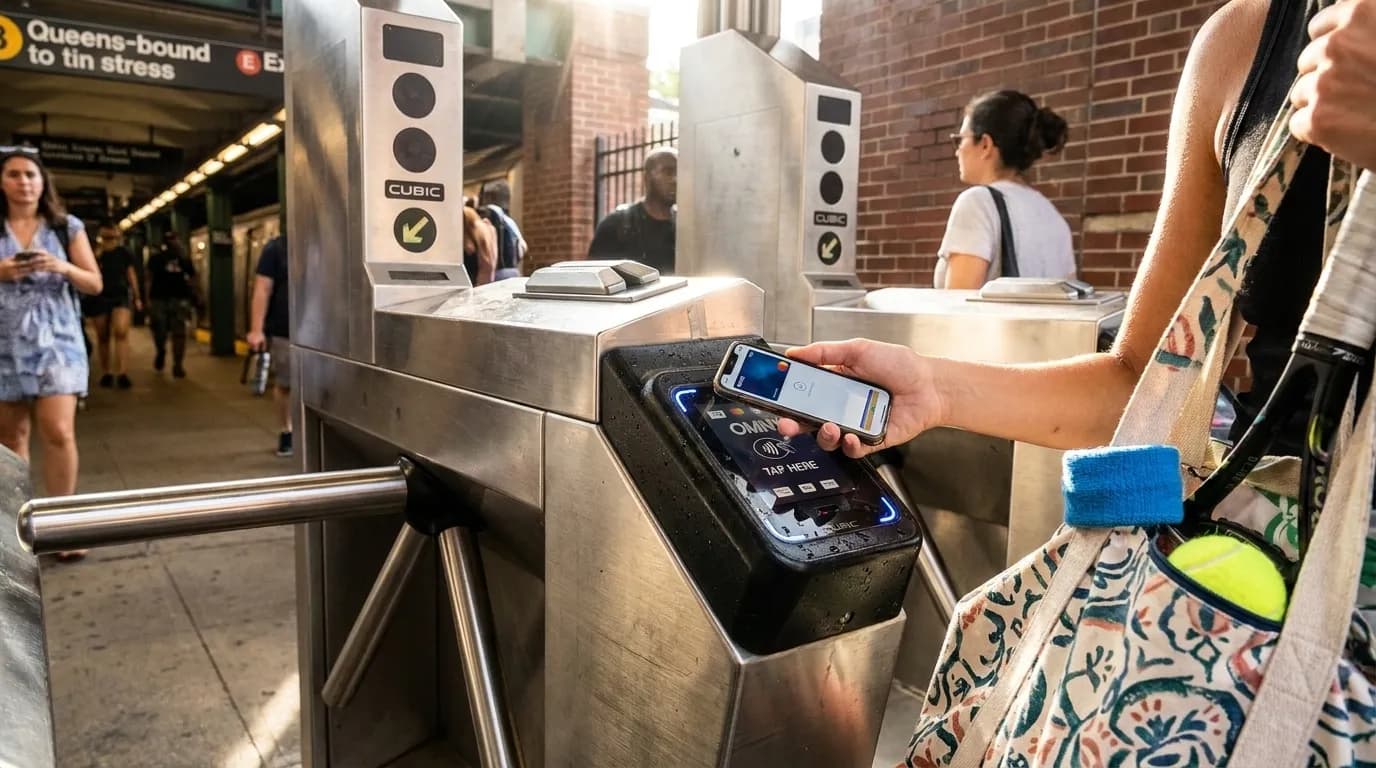
Make Mobile Wallets a Convenience, Not the Only Plan
Mobile wallets can be useful for quick tap-to-pay moments, but set them up before leaving home. Card verification is often easier while your normal phone number, banking app, and data connection are working reliably. Add the card you expect to use, confirm it is the default if that matters to your device, and test it before the tournament day if you can. If you use a watch, test the watch separately from the phone rather than assuming both will work the same way.
Battery planning is part of payment planning. A US Open day can involve maps, messages, photos, weather checks, score updates, and transit apps, all of which may drain a device faster than a normal day. A compact charger may be useful only if it fits current venue rules, so check the official prohibited-items guidance before packing. Also consider what happens if roaming fails or your bank requests a security check you cannot receive. A physical backup card is a simple safeguard against several phone-based problems.
Decide Transit Payment Before You Travel
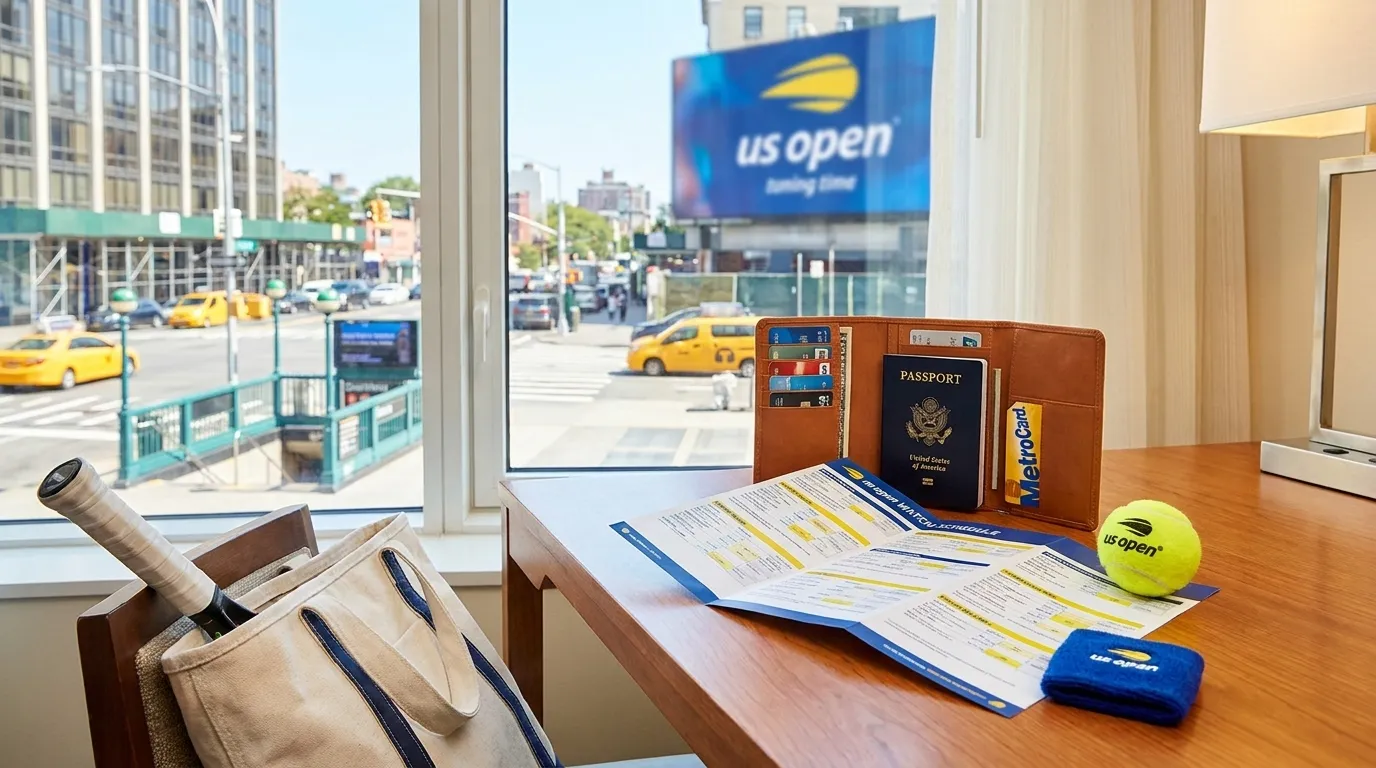
Public transit is a common way visitors consider reaching the USTA Billie Jean King National Tennis Center, and both the tournament’s transportation page and the MTA’s US Open guide are worth checking close to your visit. Your payment decision may differ by route. For subway travel, you may be able to use an eligible contactless card or mobile wallet where accepted. For rail travel, you may need to buy or manage tickets through the relevant MTA channels. Confirm the current process before you are standing on a platform with a group waiting.
If using contactless transit payment, use the same card or device consistently for the relevant trip when the fare system requires it. International visitors should also check that the card is enabled for transit-style taps and that fraud controls will not treat repeated transport transactions as suspicious. If traveling with children, older relatives, or friends using different devices, decide in advance who pays for whom and where everyone will regroup if a tap, ticket, or app does not work as expected.
Separate Venue Spending From Travel Spending
A practical setup is to use one primary method for purchases at the grounds and a different method for transit, taxis, hotel incidentals, or emergencies. This makes it easier to understand bank alerts and reduces the chance that one blocked card disrupts the entire day. It can also help if your issuer reacts differently to small contactless purchases, transport taps, and larger retail transactions.
Read payment screens carefully when a terminal offers a choice between U.S. dollars and your home currency. Dynamic currency conversion can look convenient, but the rate and fees may not be favorable compared with your issuer’s conversion. The better choice depends on your card terms, so review them before traveling. If your banking app supports transaction alerts and you have data service, alerts can help you distinguish a real decline from a terminal retry, spending limit, or security check.
Keep Payment Tools Accessible at Security
Bag rules and payment planning are connected. If your backup card, charger, or transit ticket is packed in an item that cannot enter under current rules, your backup plan may fail before you reach the grounds. Before leaving for Queens, recheck the official prohibited-items page and A-Z guide for current bag and item guidance. Do not rely on rules from another stadium, another tennis event, or a past US Open visit.
Keep payment essentials reachable but not exposed: phone, primary card, backup card, identification, and any transit ticket or app needed for the return trip. If one person is paying for a group, give another responsible traveler a backup option. That way a dead battery, lost phone, blocked card, or app problem does not leave everyone dependent on staff help or a last-minute workaround during a busy session change or departure period.
Plan the Return Before You Enter
The trip back can be more payment-sensitive than the arrival. Matches may run longer than expected, weather can change the pace of the day, crowds may build after popular sessions, and phones may be low on battery. Before entering the grounds, decide how you expect to leave: subway, rail, taxi, rideshare, private pickup, or another option. Then confirm that the payment method for that option will still be available at night or after a long day.
If using public transit, check current MTA guidance and service information close to departure. If using app-based transportation, remember that access depends on battery, data, account status, local availability, and real-time demand; it should not be treated as guaranteed. Save offline directions or screenshots if your route is unfamiliar. The goal is to avoid solving route, fare, phone, and bank questions all at once after leaving the venue.
Practical Notes
- Recheck the official US Open schedule, A-Z guide, transportation page, prohibited-items page, and MTA US Open guide close to travel.
- Bring at least two independent payment methods, including at least one physical backup card.
- Set up and test mobile wallets before tournament day, but do not make a phone your only payment tool.
- Decide how you will pay for subway or rail travel before reaching the station.
- Keep cards, phone, identification, and return-trip payment access split between secure locations.
- Before leaving the venue, check battery level, transit status, and whether your return payment method is still ready.
Tags: #USOpen2026 #Tennis #NewYork #Queens #FlushingMeadows #KarpoFinds #Karpo #CashlessUSOpen #OverseasVisitors #TravelPayments
Sources consulted: usopen.org — Official reference · usopen.org — Official reference · usopen.org — Official reference · usopen.org — Official reference · new.mta.info — Official reference
All trademarks are the property of their respective owners.
Ask Karpo first
Ask Karpo how to organize cards, mobile wallet, transit taps, and emergency backups for a smoother visit.