If captions, audio clarity, readable screens, or phone-based tools affect how you follow tennis, plan before you reach the gates. The official 2026 US Open calendar runs August 23 through September 13, with singles main-draw play beginning August 30, but the details that shape an accessible visit can shift by day, session, court, weather, crowding, transportation conditions, and current venue procedures. Treat your plan as a set of choices to verify: which session you are attending, what official visitor and accessibility information says close to travel, what you may bring, how your devices will work if service is slow, and what backup communication method you can use if captions, audio, screens, or connectivity are not enough.
Text Karpo to make your phone, headset, and caption plan US Open-ready.

Start With the Session You Are Actually Attending
The best accessibility plan starts with the kind of visit you expect, not with a gadget. A grounds-heavy day, an assigned-stadium session, and a shorter evening visit can create different needs for movement, rest, caption access, audio support, and battery life. Before focusing on apps, headphones, or phone settings, review the official event schedule and think through how much live information you need to understand in real time. Some fans mainly need scores and basic announcements. Others need readable text, dependable spoken information, extra time for questions, or a companion plan for moving between courts.
Because daily schedules, player fields, gate details, and service availability can change, avoid building your plan too early around one exact court sequence. Instead, define your comfort range. Consider whether long outdoor stretches are manageable, whether noise or crowd density affects comprehension, whether fewer court changes would help, and whether you need time to locate official assistance. If captions or audio support are important for understanding the day, a slower itinerary may be more useful than trying to maximize the number of matches.
Treat Captions as a Chain of Dependencies
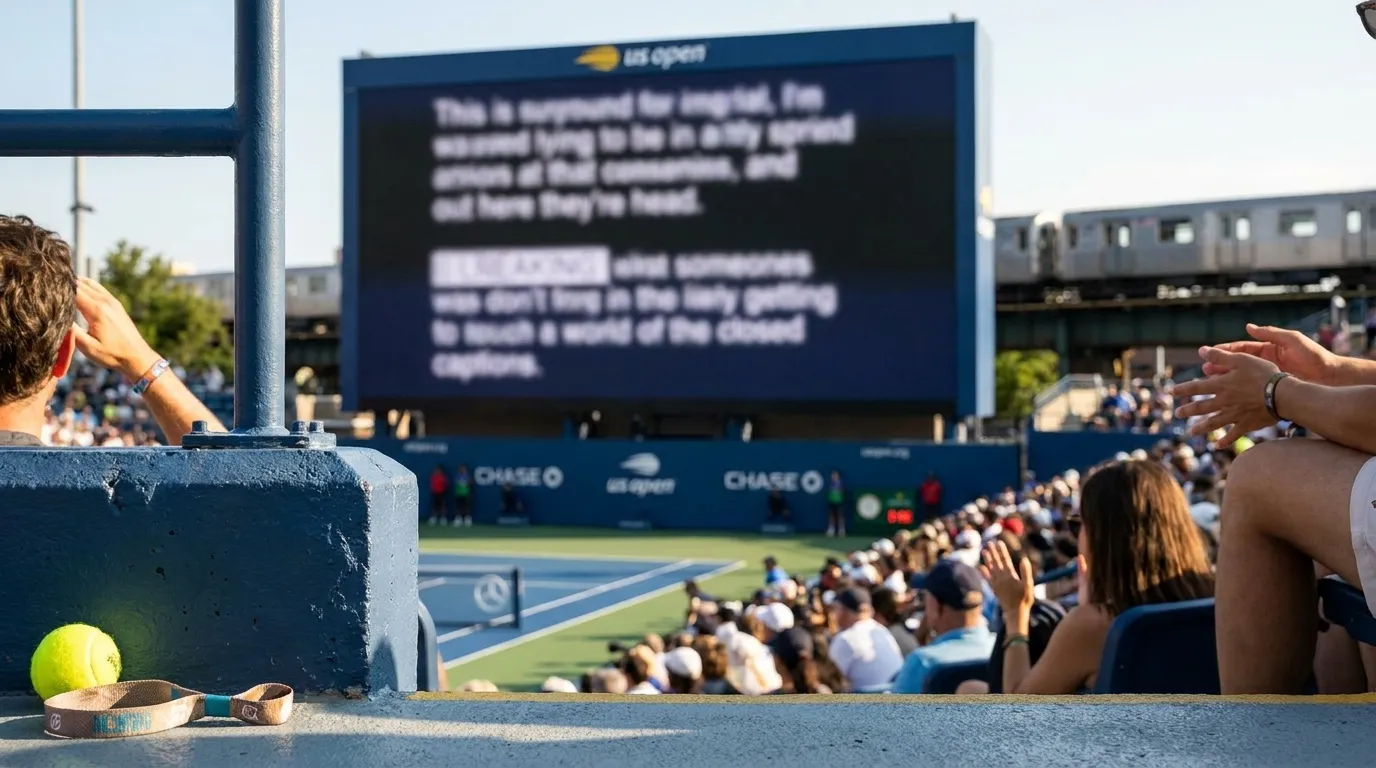
Caption access can depend on what content is being shown, where it appears, what technology is available, whether your device has service, and whether an official accommodation applies to that situation. Before arrival, review the current US Open A-Z and visitor information, including any accessibility guidance linked from official pages. If you need captions for announcements, ceremonies, video content, service interactions, or safety-related information, look for the venue’s current instructions rather than assuming every screen or spoken message will be captioned.
It helps to separate what is helpful from what is necessary. If captions are essential for wayfinding, instructions, or service communication, use the official venue information to confirm the current accommodation process. If captions mainly improve comfort during match breaks, you may be able to combine official displays, written schedules, saved notes, and help from someone in your group. Accessibility needs are individual, and official services can change, so the cautious approach is to verify close to your visit and carry a backup way to receive key information.
Prepare Audio for Noise, Distance, and Delays
The sound environment at a major tennis event can change quickly. Entrances, concourses, stadium seats, outdoor courts, and transportation points may all feel different. If you use hearing aids, earbuds, headphones, live transcription, or other listening tools, test them in a noisy setting before the day of your session. Make sure you know how to adjust volume, microphone permissions, transparency mode, noise reduction, Bluetooth, and battery settings without searching through unfamiliar menus under pressure.
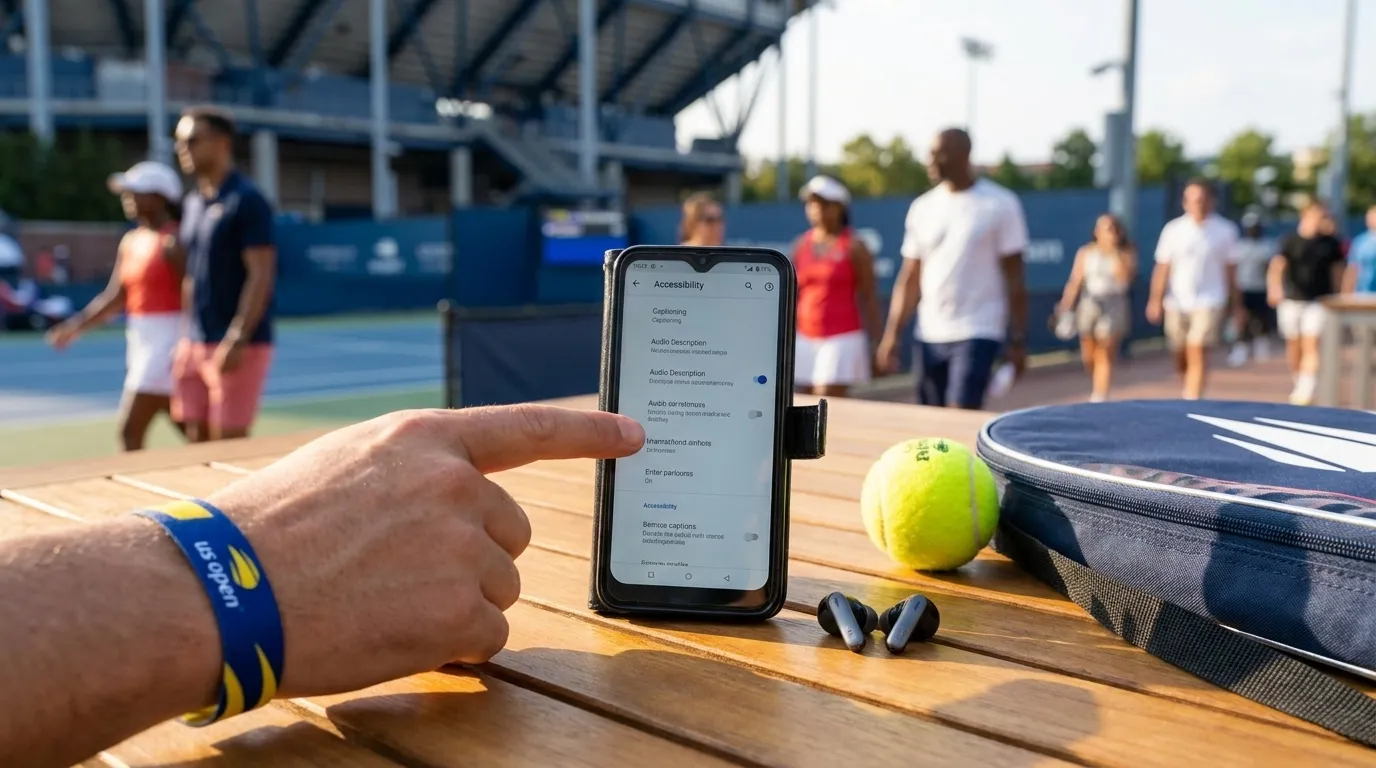
For phone-based audio or transcription support, check whether the app or feature needs mobile data, a strong microphone signal, Bluetooth, or advance downloads. Do not assume connectivity will be steady in a crowded venue. If you rely on accessibility features from Samsung, Apple, Google, or another device maker, confirm them on your exact model and software version before travel. Avoid unfamiliar updates or settings changes on the morning of your session unless you have time to test them afterward. A feature that works at home may still need adjustment in glare, crowd noise, or intermittent service.
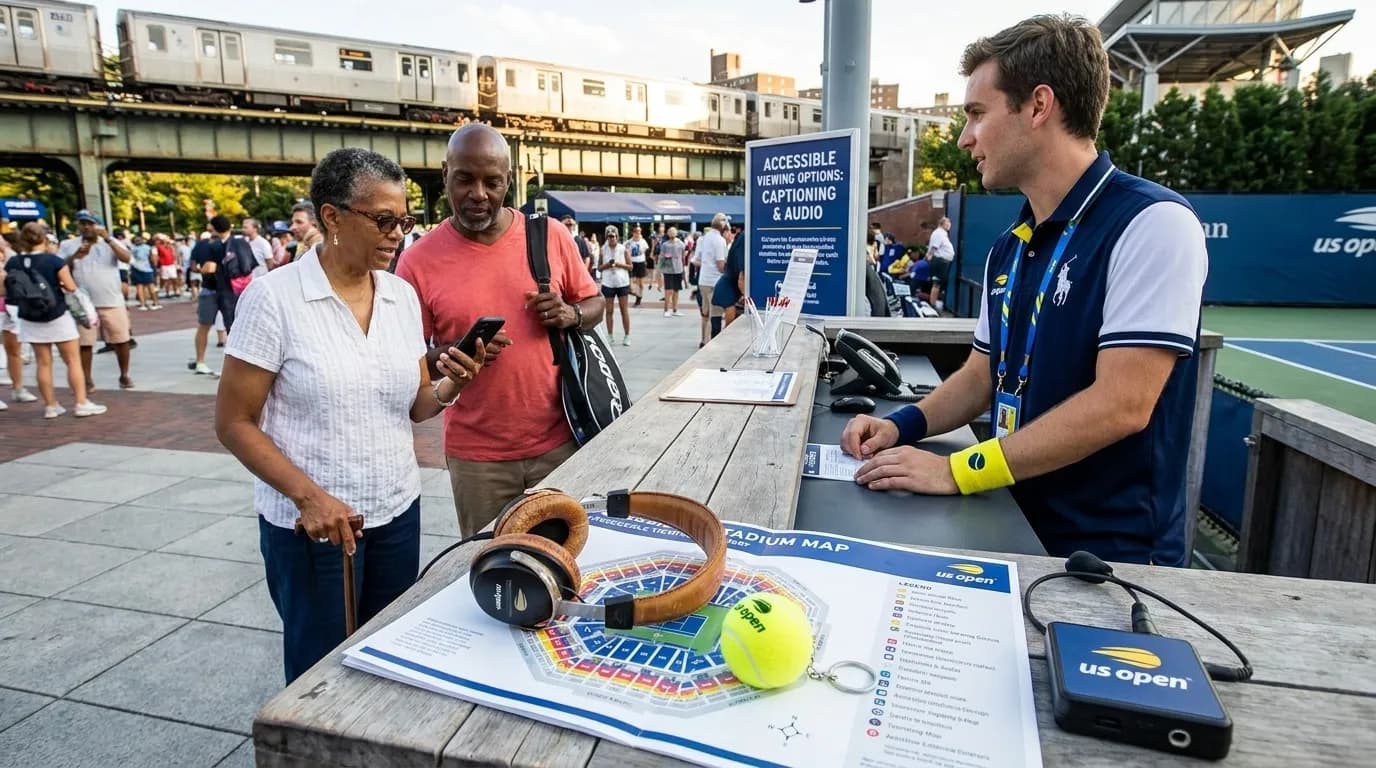
Check Screens, Sightlines, and Device Readiness Together
Screens and sightlines deserve their own review. If you rely on score displays, court signage, video boards, maps, or written information, consider how distance, glare, weather, and crowd movement may affect what you can read. A display that works for one fan may be too small, too bright, too far away, or partly blocked for another. If screen visibility is central to your visit, review official seating and venue information carefully and use current venue channels for accommodation questions instead of relying on general descriptions.
Bring permitted visual backups that are simple and familiar, such as prescription glasses, a glasses strap if useful, a brimmed hat, or a phone with enlarged text and contrast settings already configured. If you use camera zoom to read distant signs, practice doing it quickly and remember that it can drain battery. Before packing chargers, bags, audio devices, visual aids, or comfort items, read the current prohibited-items information. An accessibility tool only helps if it is allowed through entry under the rules in effect for your visit.
- Charge phones, hearing devices, earbuds, watches, and power accessories before leaving, then test the setup you expect to use onsite.
- Save essential information offline where possible, including schedule details, transportation directions, meeting points, accommodation notes, and key contacts.
- Set text size, contrast, captions, hearing, and notification preferences before travel, then test them in daylight and noise.
- If you depend on Bluetooth, pair devices in advance and know how to reconnect them without internet access.
- Keep a simple group communication plan: where to meet, how long to wait, and what to do if calls or messages lag.
Match Transportation to Energy and Timing
Transportation affects accessibility because it shapes how rushed, tired, or overloaded you may be when you arrive. Use the official transportation and directions page as your starting point, and recheck it close to departure. Transit guidance, road conditions, service patterns, local hours, and crowd flow can change around a large event. If hearing, vision, mobility, or processing becomes harder when you are tired, build in more time than the minimum route appears to require.
Avoid planning the day so tightly that a slower entry line, weather delay, changed route, or service question disrupts your ability to use accommodations calmly. If you are meeting companions, agree on a clear location that fits your tickets and current venue rules. For food, merchandise, and other services, keep expectations flexible. Hours, menus, inventory, and availability can shift inside and outside the grounds, so do not make one specific stop the only support for your timing, hydration, communication, or rest plan.
Practical Notes
- Recheck the official 2026 US Open event schedule close to travel, especially if your plan depends on a particular day, session, or main-draw timing.
- Review the official A-Z guide and visitor information for current accessibility details, and use official venue channels for accommodation questions.
- Check transportation and directions shortly before departure, then allow extra time for crowds, weather, route changes, and personal pacing.
- Read the prohibited-items page before packing bags, chargers, audio devices, visual aids, or comfort items.
- Do not assume captions, audio support, screens, connectivity, inventory, or services will be identical across courts, sessions, or dates.
- Keep essential accessibility tools with you when permitted, especially during air or ground travel connected to the trip.
- Build the day around what you need to understand and enjoy the match comfortably, not around seeing the maximum number of courts.
Tags: #USOpen2026 #Tennis #NewYork #Queens #FlushingMeadows #KarpoFinds #Karpo #USOpenCaptions #AccessibleAudio #TennisAccess
Sources consulted: usopen.org — Official reference · usopen.org — Official reference · usopen.org — Official reference · usopen.org — Official reference
All trademarks are the property of their respective owners.
Ask Karpo first
Ask Karpo which viewing-support questions to confirm with official sources before your session begins.