The US Open draws hundreds of thousands of tennis fans to Flushing Meadows Corona Park every August and September, and while the grounds are well-served by the 7 train, a sudden loss of mobile service can turn a straightforward day into a logistical puzzle. Whether you're dealing with a dead battery or simply patchy coverage in the stadium bowl, knowing which Queens transit hubs offer recognizable landmarks and places to regroup will help keep your day on track. This guide walks you through the key stops along the 7 corridor and explains how to prepare your tickets, meet-up plans, and troubleshooting strategy before you lose signal.
Text Karpo if your signal drops and you need a practical Queens backup route, charging stop, and meetup plan before the next match.

Prepare Your Tickets and Passes Offline
The US Open accepts mobile tickets, but if your phone loses service or dies, you'll need a backup. Before you leave home, sign in to your ticketing account and follow the official ticket instructions. If the US Open or Ticketmaster app offers an option to add your ticket to Apple Wallet or Google Pay, do so—wallet apps often work without an active data connection. You may also be able to download a PDF copy to your device. On event day, open your ticket before you descend into the subway so it's ready to scan at the gate even if you have no bars. If you arrive at Mets-Willets Point and discover your ticket won't load, look for guest services or the box office near the main entrance; staff can look up your order by name and ID. The official US Open A-Z guide at usopen.org confirms that guest services can assist with ticketing issues, so ask tournament staff for current instructions rather than refreshing your app in a dead zone.
Mets-Willets Point: Your Primary Hub
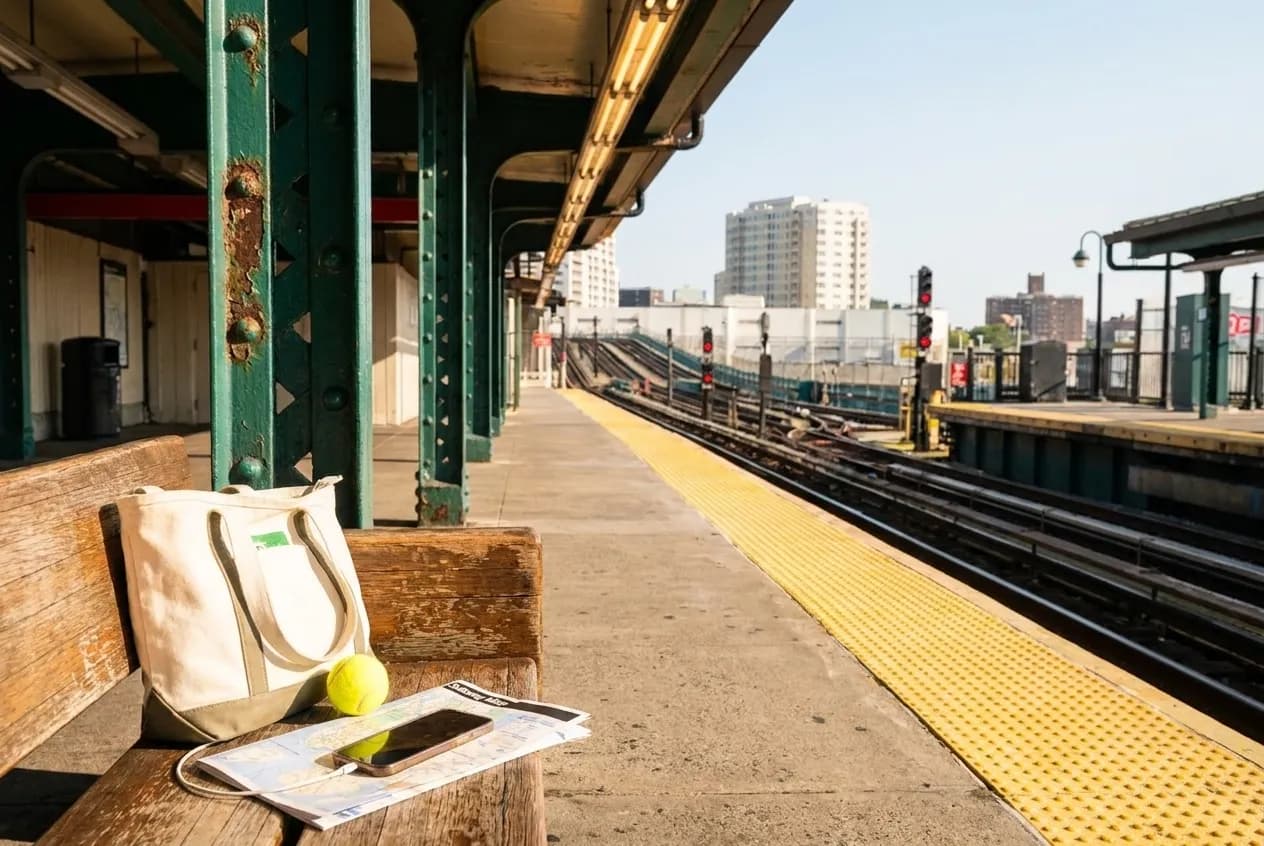
Mets-Willets Point station is the official US Open stop, and during the tournament the MTA runs extra 7 train service. This is your anchor: if you lose signal anywhere on the grounds, return here to regroup. The station has clear signage and is a recognizable meeting point. The MTA's official US Open transit guide at new.mta.info/guides/stadiums/us-open explains that express 7 trains may run during peak hours, so check live MTA information or ask platform staff whether your next train will make local stops if you're heading deeper into Queens. If your group separates and phones go dark, agree in advance to meet at the Mets-Willets Point north exit near the Unisphere sculpture; it's a fixed, iconic landmark that's visible from multiple paths and hard to miss.
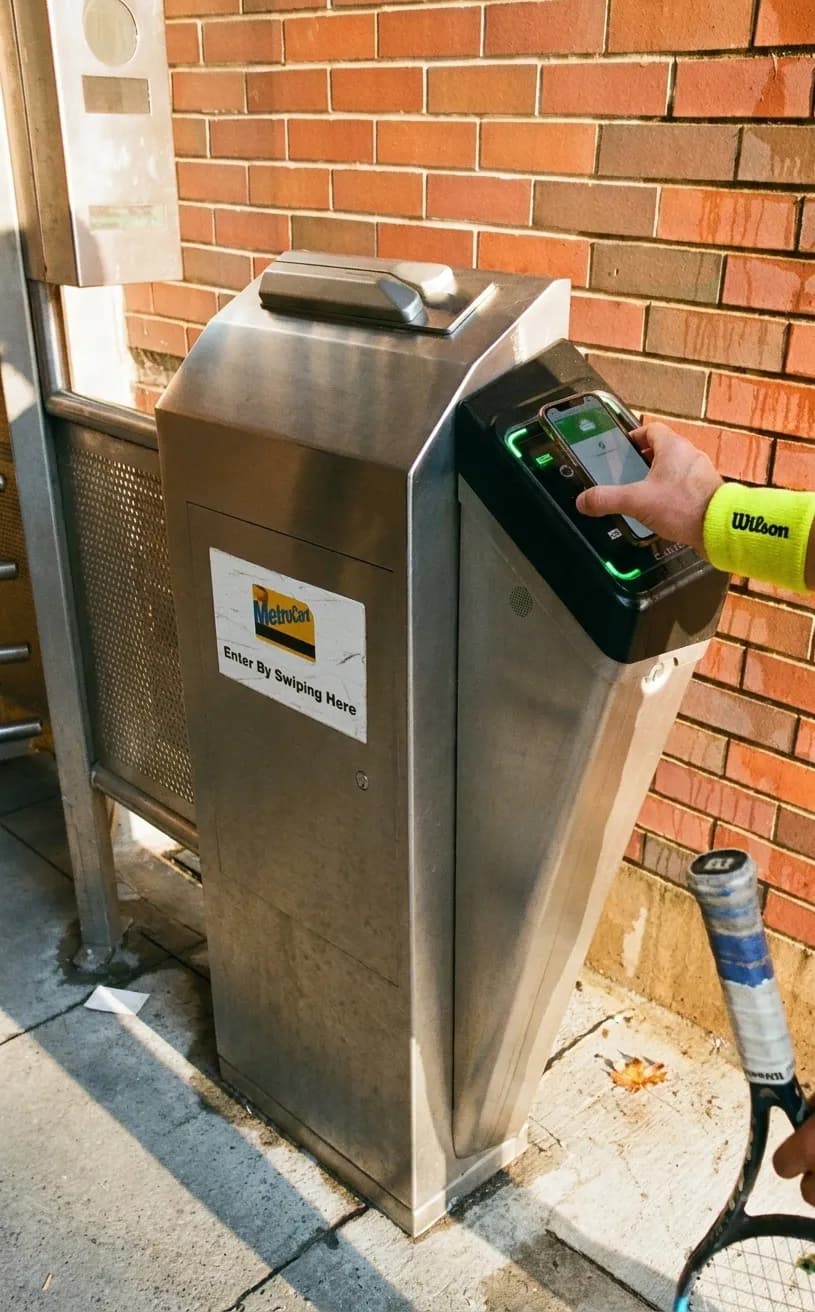
Flushing-Main Street: Commercial District Backup
Flushing-Main Street is the eastern terminus of the 7 train and the most densely commercial transit hub in Queens. If you need to buy a portable battery, charging cable, or prepaid phone card, this is a good place to look. The station itself has clear connections to buses heading south toward the US Open grounds. Above ground, the blocks surrounding Main Street and Roosevelt Avenue are packed with electronics shops, pharmacies, cafés, and bank branches. Look for national chains like Starbucks or Dunkin', or any of the bubble-tea shops and bakeries along Main Street; many of these spots have seating where you can regroup. If you're troubleshooting connectivity, some businesses offer customer Wi-Fi, but use public networks cautiously—avoid logging into banking apps or entering passwords for sensitive accounts while you're on an open network. Flushing-Main Street is a recognizable Queens district where you can reassess your options after checking live MTA information.
Jackson Heights-Roosevelt Avenue/74 Street: Multi-Line Interchange
Jackson Heights-Roosevelt Avenue/74 Street is the largest transit interchange in Queens, connecting the 7, E, F, M, and R trains. If your original route is disrupted by a service change, this station offers multiple options and is a recognizable place to reorient. The mezzanine has clear signage for each line. Above ground, Roosevelt Avenue is lined with food vendors, small grocers, and mobile-phone accessory shops where you can buy a charging cable or other supplies. This neighborhood offers a mix of Colombian, Ecuadorian, Nepali, and Tibetan restaurants where you can find a table and a paper menu. If you're coordinating with friends who scattered across the city, agree to meet at the Roosevelt Avenue and 74th Street corner, near the subway entrance, rather than trying to navigate the multi-level station interior without a map. This is another recognizable Queens district where you can check live transit information and reassess your route.
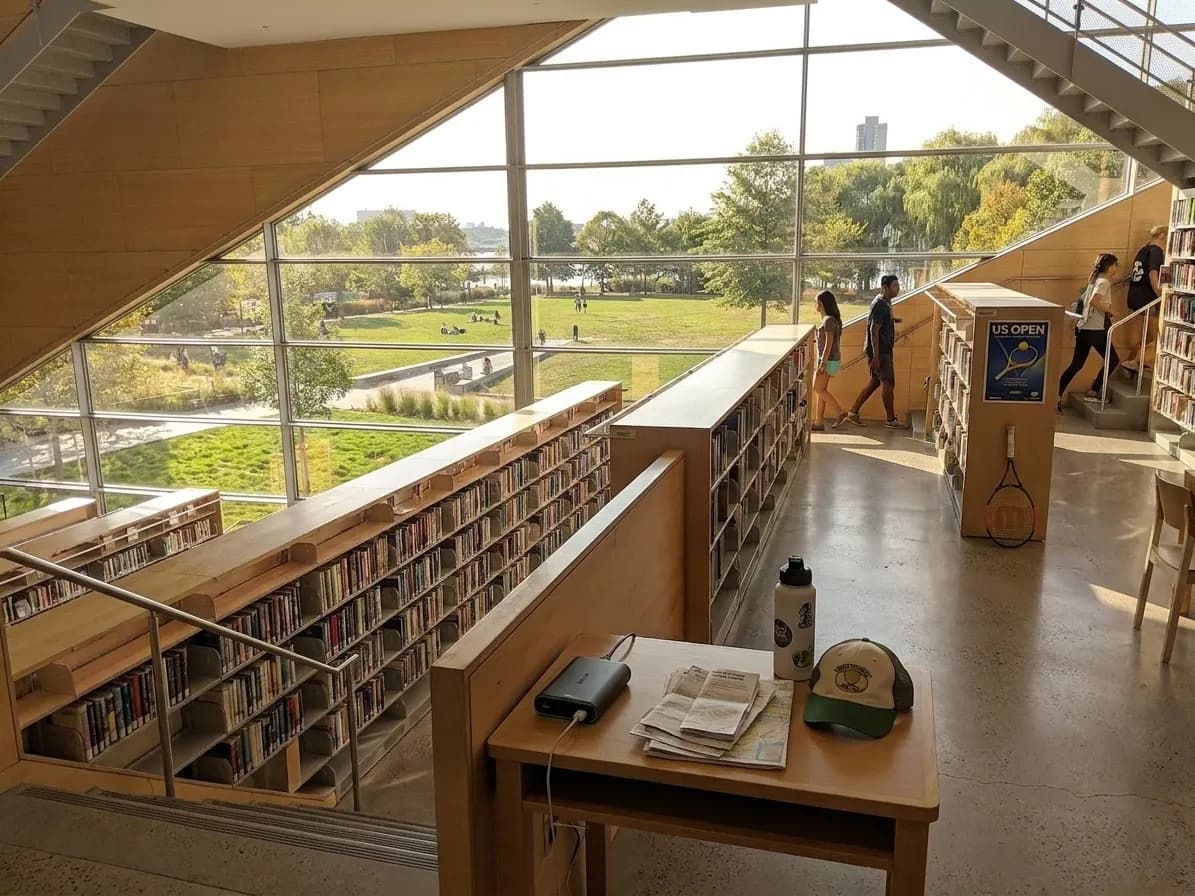
Queensboro Plaza and Long Island City: Western Landmarks
If you're heading back to Manhattan and your phone dies or your signal drops before you cross the river, Queensboro Plaza and the Long Island City stops along the 7, E, M, and G lines are recognizable interchanges where you can regroup. Queensboro Plaza is an elevated station with open sightlines to the Manhattan skyline, making it a useful visual landmark if you're navigating by paper map. The area below the tracks has delis and a pharmacy where you can buy supplies. Long Island City has seen rapid development in recent years, and the blocks around Court Square now host coffee shops and other businesses. If you're meeting someone coming from Manhattan, agree on the northwest corner of Queens Plaza and Jackson Avenue, which is visible from the elevated tracks and close to multiple bus lines. These are recognizable Queens districts where you can check live MTA information and decide on your next step.
When to Stop Troubleshooting and Ask for Help
It's tempting to spend twenty minutes toggling airplane mode, restarting your phone, or searching for a stronger signal, but if you're already inside the US Open grounds or standing on a subway platform, your time is better spent finding official staff. The US Open employs security personnel and tournament staff who can direct you to guest services. If you've lost your group, ask an usher or staff member for assistance. If your ticket won't scan, go directly to guest services or the box office rather than trying to reload the app in a dead zone. If you're unsure which train to take, ask MTA staff for current instructions; they've guided thousands of visitors and can explain your options. The MTA's system status page at new.mta.info is useful when you have signal, but once you're offline, asking official transit or tournament staff for current instructions is faster and more reliable than guessing.
Practical Notes for Offline Navigation
- Sign in to your ticketing account before you leave home and follow official ticket instructions.
- Add tickets to an approved device wallet when that option appears in the official ticket flow.
- Download offline maps of Queens and the 7 train corridor in Google Maps or Apple Maps before you leave home.
- Write down your hotel address, your group's phone numbers, and key landmarks on a physical card or paper slip.
- Charge your phone and a portable battery pack fully, and carry a Lightning or USB-C cable in your bag.
- Agree on a clearly named landmark outside the busiest pedestrian flow, plus a second landmark in case your group is separated.
- If you use public Wi-Fi, use it cautiously—avoid logging into accounts that store payment information or personal data.
- Check the MTA's service status and the US Open's event schedule on the morning of your visit, while you still have reliable signal.
- If you're traveling with children or elderly family members, take a photo of them in their outfit for the day so you can describe them accurately to staff if you're separated.
Mobile service is a convenience, not a guarantee, and the US Open's scale and the density of the crowds can strain any network. By preparing your tickets offline, memorizing a few key transit hubs, and knowing when to ask official staff for help instead of refreshing your screen, you'll turn a potential disruption into a minor detour. The 7 train corridor is one of the most legible transit routes in New York, and the neighborhoods it connects—Flushing-Main Street, Jackson Heights-Roosevelt Avenue/74 Street, Queensboro Plaza, and Long Island City—are recognizable Queens districts where you can reassess your options after checking live MTA information. Treat your phone as a tool, not a lifeline, and you'll enjoy the tennis without the stress.
Tags: #USOpen2026 #Queens #FlushingMeadows #NYCTransit #OfflineTickets #KarpoFinds #Karpo #NewYorkLocal #TennisTravel
Sources consulted: US Open – Official event schedule · US Open – Official visitor A-Z guide · US Open – Official transportation directions · MTA – Official US Open transit guide · MTA – Official system status
All trademarks are the property of their respective owners.