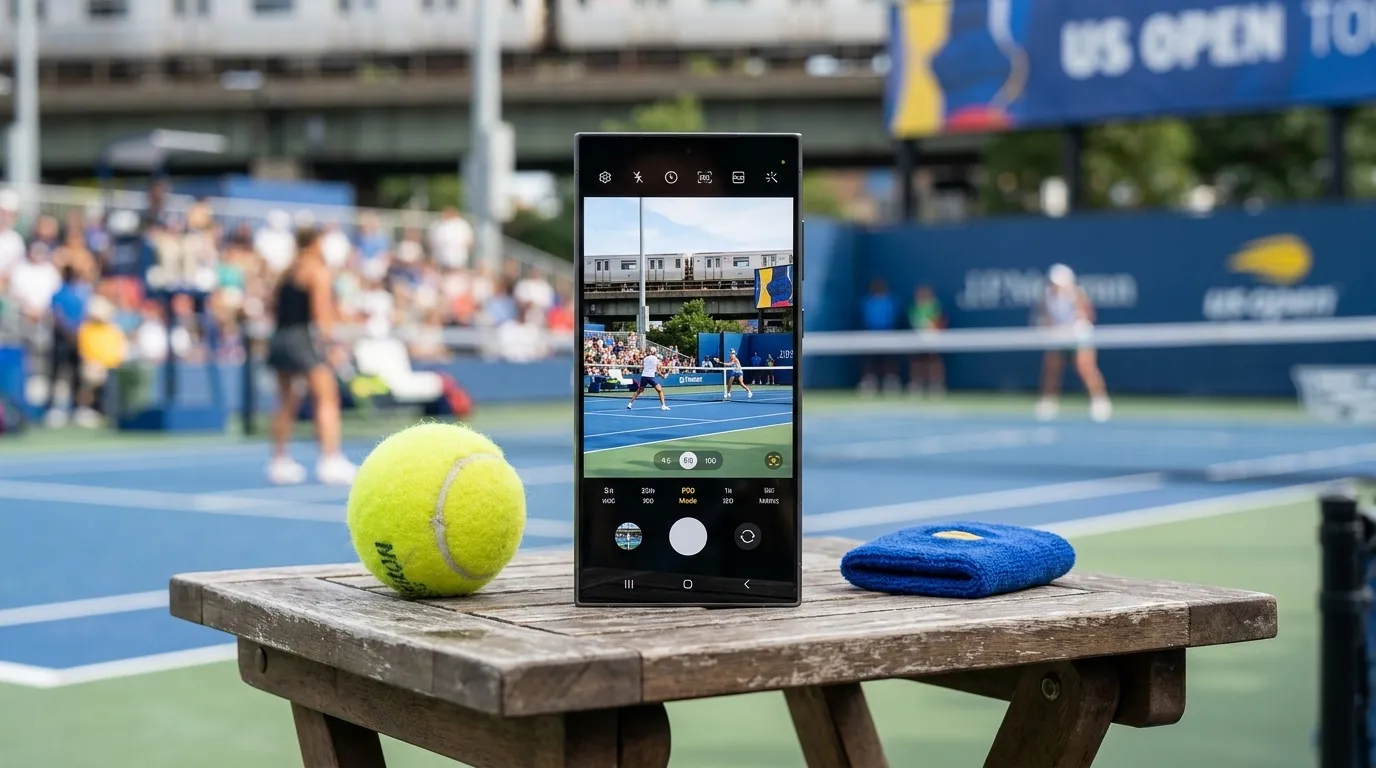
If you are taking a Samsung phone to the 2026 US Open, do not rely on one universal camera recipe. Galaxy camera controls vary by model, lens package, software version, and update status, so the best setup is the one you test before you reach your seat. As of July 23, 2026, the official US Open calendar runs August 23 through September 13, with the singles main draw scheduled to begin August 30. Schedules, gate procedures, transport conditions, player participation, and venue rules can change, so recheck USOpen.org close to travel. Your goal is practical: choose a sensible lens, time the point, protect highlights, save battery, and photograph without disrupting play or nearby spectators.
Want a photo plan matched to your phone and seats? Text Karpo for a quick pre-match checklist covering settings, battery, sightlines, and current venue rules.

Start With the Shot You Can Actually Get
Tennis is fast, distant, and repetitive in ways that help patient photographers. A sharper image often comes from anticipating one moment instead of chasing every swing. Watch a player’s serve rhythm for a few points. The ball toss, racquet drop, split step, and follow-through repeat often enough that you can time one short burst or one deliberate tap rather than holding the shutter through an entire rally.
From upper seats, full-body action, court lines, shadows, and stadium geometry may look better than tight player portraits. From lower seats, try the instant just after contact, when the body is extended and the ball may still be visible. During changeovers, wider frames of the scoreboard, crowd, roofline, or evening light can be more memorable than a heavily zoomed image of a player sitting down.
Keep your phone use brief and courteous. Do not hold the device high in another fan’s sightline, and avoid recording in a way that distracts the row behind you. If an usher gives instructions about when or how you can shoot, follow them promptly.
Pick the Lens Before You Pick the Mode
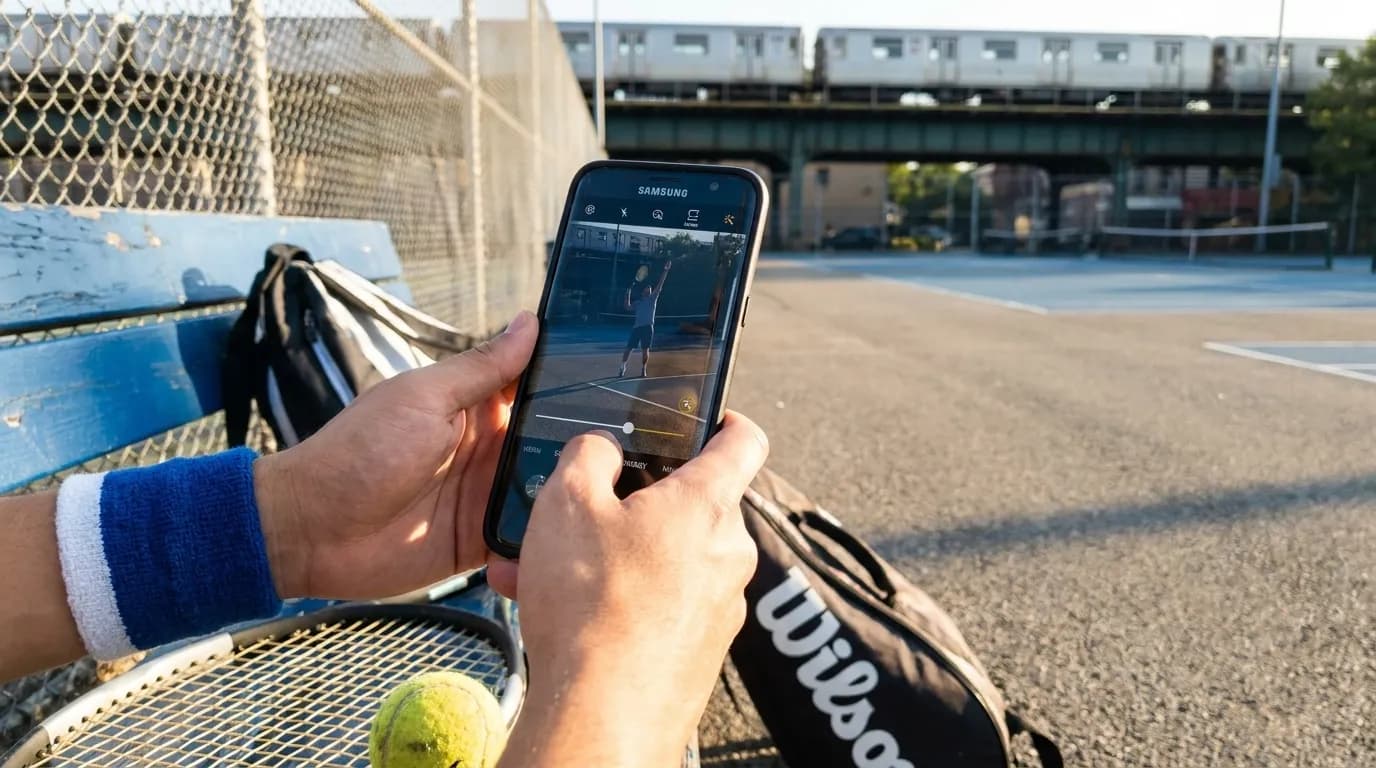
On supported Samsung phones, you may see multiple rear-camera choices such as ultra-wide, wide, telephoto, or longer zoom options, but the exact lenses and zoom ranges are model-dependent. A recent Galaxy S Ultra will not behave like an older A-series phone, and even premium models can process zoom differently. Test your own phone outdoors before match day so you know when detail begins to fall apart.
For action, the main wide camera is often the safest starting point because it usually gathers more light and focuses reliably. Use it when you are close enough to crop later or when light is fading. A true optical telephoto lens, if your model has one, can help from better seats, but very long digital zoom magnifies hand shake, heat shimmer, and processing artifacts. If the player looks smeared or the ball disappears, back off the zoom.
Ultra-wide is usually better for atmosphere than forehands. Use it for the stadium bowl, practice-court context, fans arriving, or a dramatic sky over the grounds. For tennis action, sharper usually means steadier, not closer at any cost.
Use Motion, Burst, and Pro Controls Selectively
Samsung support materials describe camera options such as Motion Photo, burst shooting, stabilization, Pro controls, and Pro Video controls on supported devices, but availability varies. Open the Camera app before your trip, check the mode carousel and settings menu, and confirm what your own phone offers. If a feature is missing, do not waste match time hunting for it in the stands.
- Burst shooting can help with serves, overheads, and lunging volleys. Use short bursts, then stop, because long bursts fill storage and make culling harder.
- Motion Photo can help when your timing is close but not perfect, because it may preserve a brief moment around the still image on supported phones.
- Pro mode is useful only if your model offers it and you are comfortable with shutter speed and ISO. Faster shutter speeds help action, but dim light may force higher ISO.
- Stabilization can help handheld video and some framing, but it cannot freeze a moving racquet by itself. Subject motion still needs timing and light.
- Pro Video is best for short, steady clips if permitted and not disruptive. Avoid flash, bright screens, and continuous recording that could interfere with play.
If you are unsure, stay in standard Photo mode and use touch-to-focus on the player or the area where contact will happen. Many missed phone shots come from late framing, over-zooming, or a dirty lens rather than the absence of a professional mode.
Control Exposure for Sun, Lines, and Night Sessions
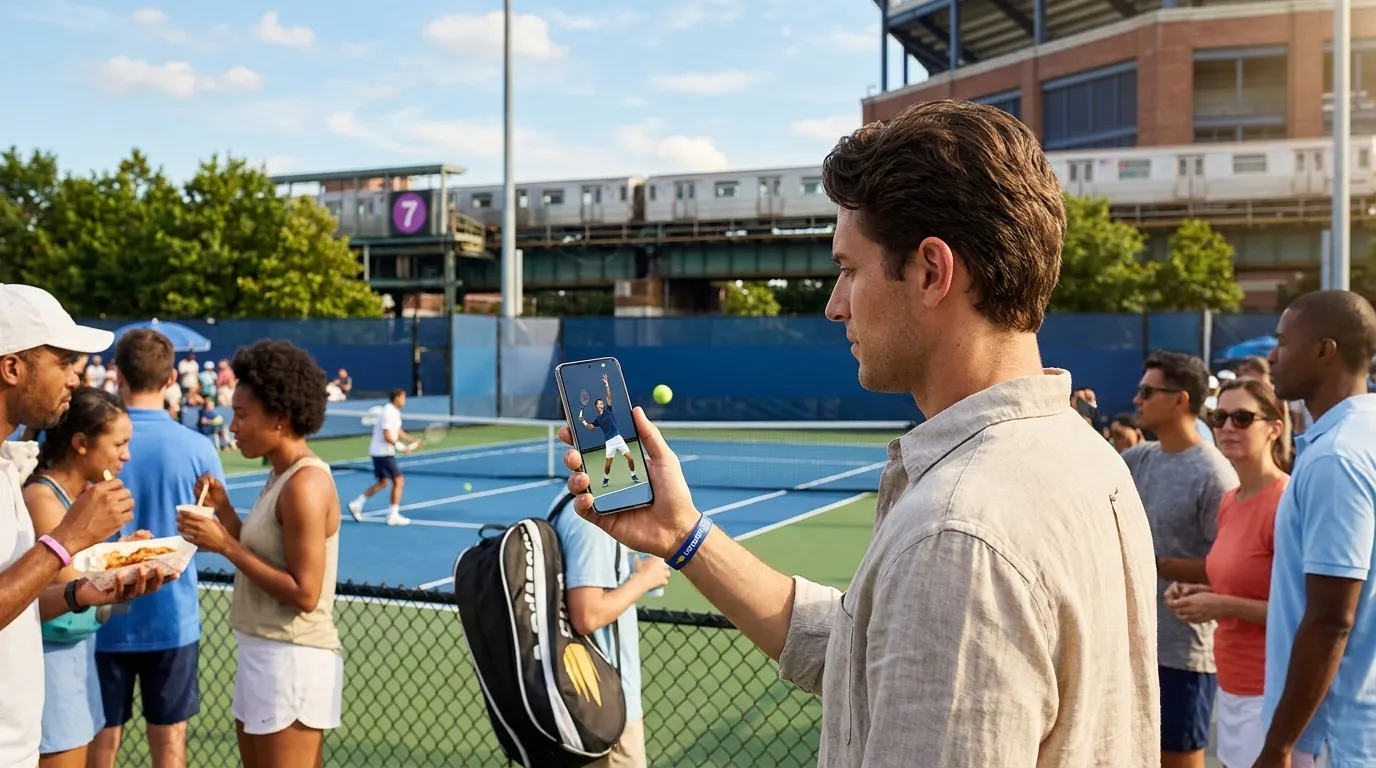
The US Open can give a phone difficult light: bright court surfaces, white lines, shaded seats, LED boards, and night-session contrast. Automatic exposure may protect the court and darken faces, or brighten the player and wash out the background. After tapping to focus, look for an exposure slider if your phone shows one, then pull brightness down slightly when whites are glaring. Preserving highlights often makes the final image look crisper.
At night, resist extreme zoom unless you have a strong optical lens and a steady grip. Phones compensate for low light by slowing exposure, increasing ISO, and applying heavier processing. That can make the ball, racquet, or limbs look soft. If action keeps blurring, switch to wider compositions, capture between-point gestures, or photograph serves when the motion is more predictable.
Clean the lens with a proper cloth before you enter the court. Sunscreen, fingerprints, and concession grease create haze that looks like bad focus. Lower screen brightness when practical; it saves battery and reduces the glowing-rectangle effect for people nearby.
Protect Battery, Storage, and Heat Tolerance
A long tennis day is a phone endurance test. Navigation, tickets, messaging, photos, video, cellular congestion, and sunlight all drain the battery. Charge fully before arrival, and bring only accessories that comply with the current US Open rules. Recheck the prohibited-items page, bag guidance, and A-Z information close to your visit, because policies and gate enforcement can change.
Free storage matters as much as battery. Clear several gigabytes before leaving for Queens, especially if you plan to use burst, Motion Photo, or video. Cloud backup can be useful if you are comfortable with data use, but crowded venues may make uploads slow or unreliable. A local backup after the session may be calmer.
Heat can reduce performance. Avoid leaving the phone baking on a seat, railing, or dark bag surface. If it warms up, stop recording video, close unnecessary apps, remove a thick case temporarily if safe, and let the device rest in shade. A short cool-down may matter more than forcing another clip.
Respect the Match, the People Around You, and the Rules
Good spectator photography is quiet, brief, and aware. Recheck the current USOpen.org prohibited-items page and A-Z guide before you go, including camera, bag, recording, and spectator-conduct rules. Do not assume last year’s policy still applies. Gate times, entry procedures, transport conditions, and on-site operations should also be verified close to travel through official channels.
Flash should be off. Across a court it is ineffective, and it can be disruptive. Disable camera sounds only if doing so is lawful and available on your device; some regions or software builds may restrict shutter sound behavior. Keep video clips short and considerate, and never let filming become a barrier between another spectator and the point.
The most useful habit is to shoot less once the point starts. Take a few frames, put the phone down, and watch. You will see patterns that improve the next attempt, and you will be a better neighbor in the row.
Practical Notes
- One week before: update your Samsung phone only if you normally do so safely, then confirm which lenses, modes, Motion Photo, burst, stabilization, Pro, or Pro Video options your model actually offers.
- Two days before: recheck the official US Open schedule, ticket details, prohibited-items page, A-Z guide, bag rules, and transport information. Treat operating details as changeable.
- Morning of your session: charge fully, clear storage, pack only rule-compliant accessories, clean lenses, and turn flash off.
- In your seat: start with the main camera, use moderate zoom, expose for bright court areas, and shoot short bursts only at predictable moments.
- During play: follow ushers, avoid blocking sightlines, keep recording discreet, and stop immediately if phone use appears to disturb players or spectators.
The best Samsung setup for the US Open is the one you have already tested. Know your phone’s limits, verify the venue’s current rules, and let timing do more of the work than zoom.
Tags: #USOpen2026 #Tennis #NewYork #Queens #FlushingMeadows #USOpenGuide #TennisFans #SportsTravel #NYCEvents #KarpoFinds #Karpo #SamsungPhotography
Sources consulted: usopen.org — Official reference · usopen.org — Official reference · samsung.com — Official reference · samsung.com — Official reference
All trademarks are the property of their respective owners.
Ask Karpo first
Ask Karpo for a seat-aware US Open photo plan that fits your Samsung model, session time, battery level, and the latest spectator rules.