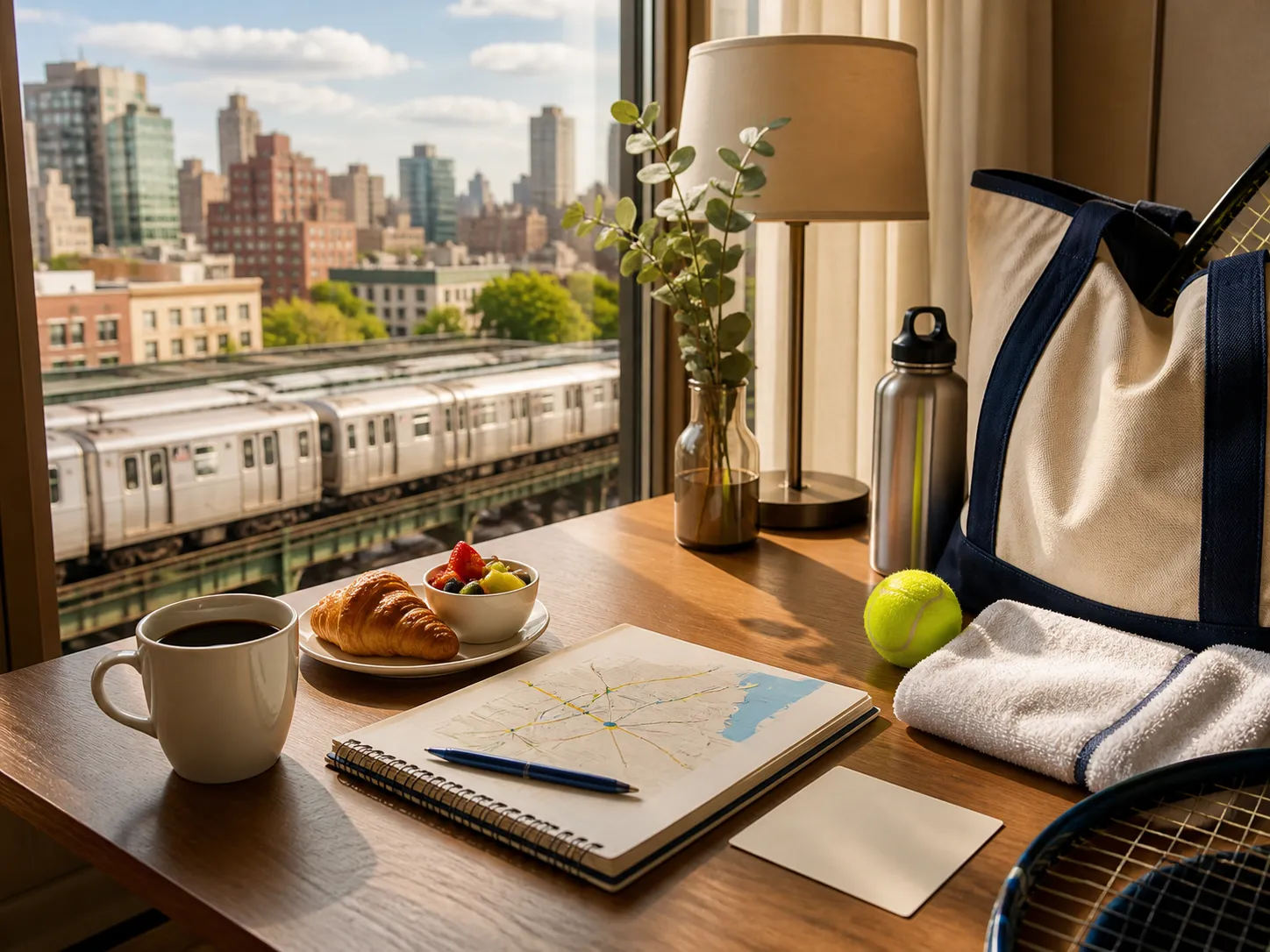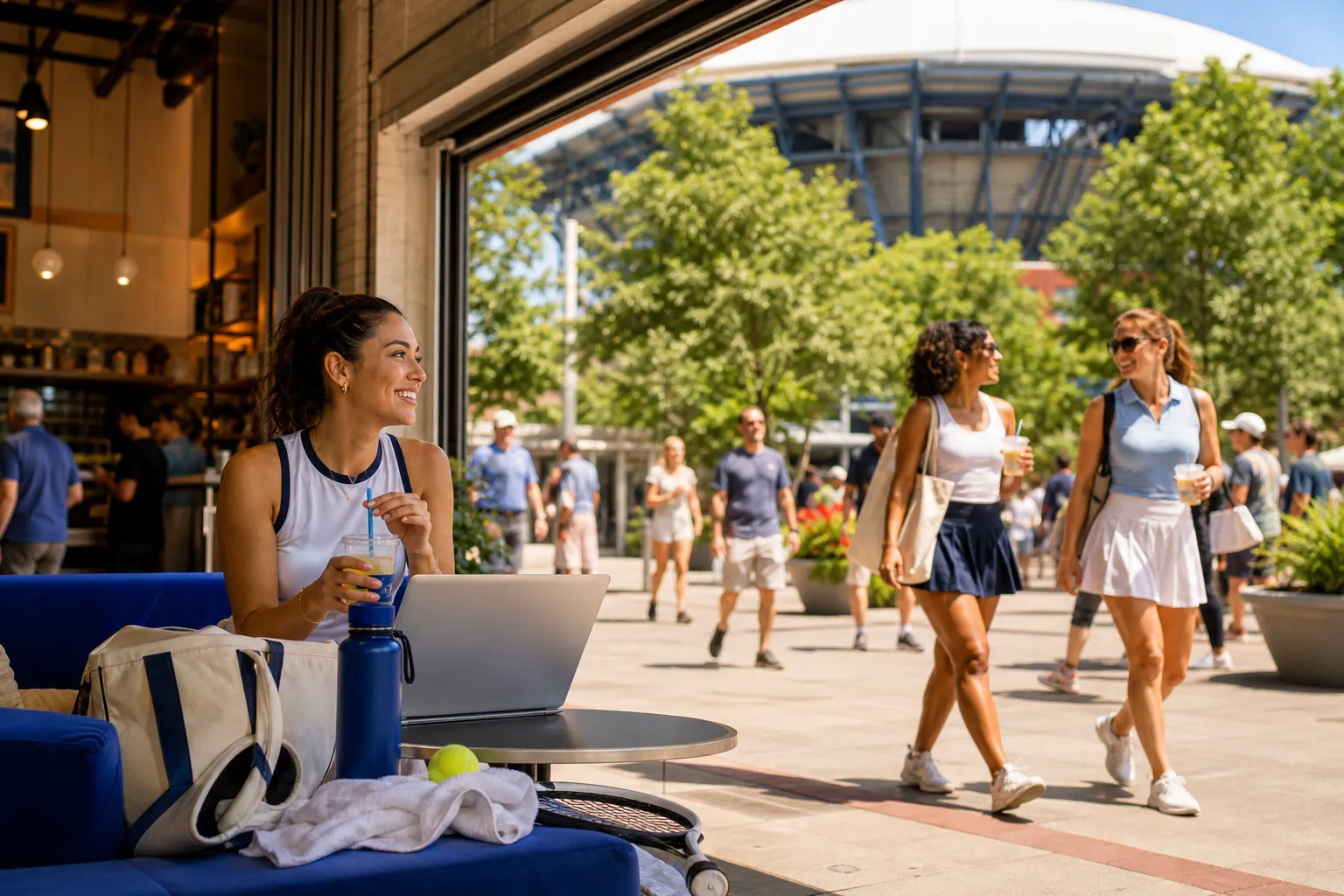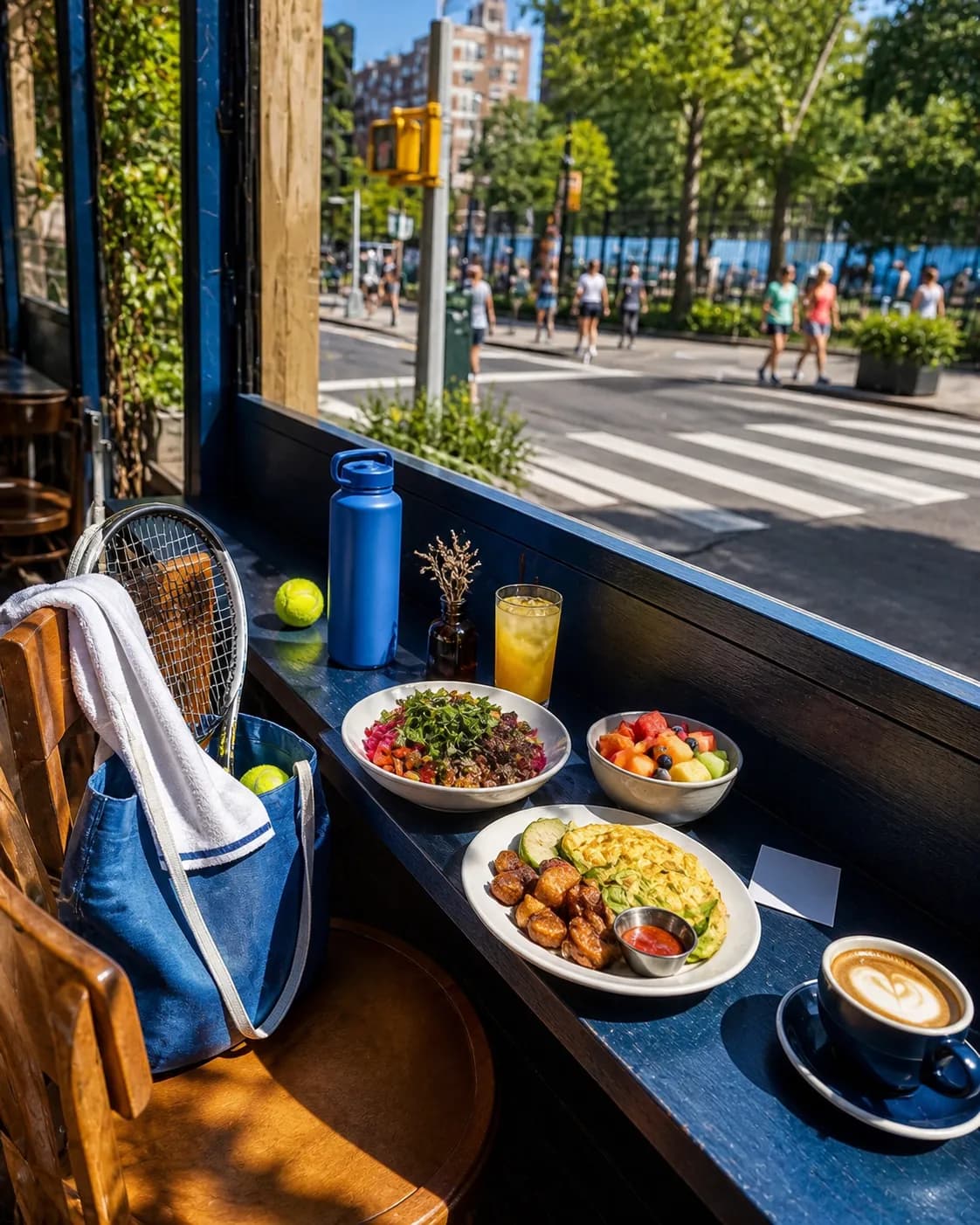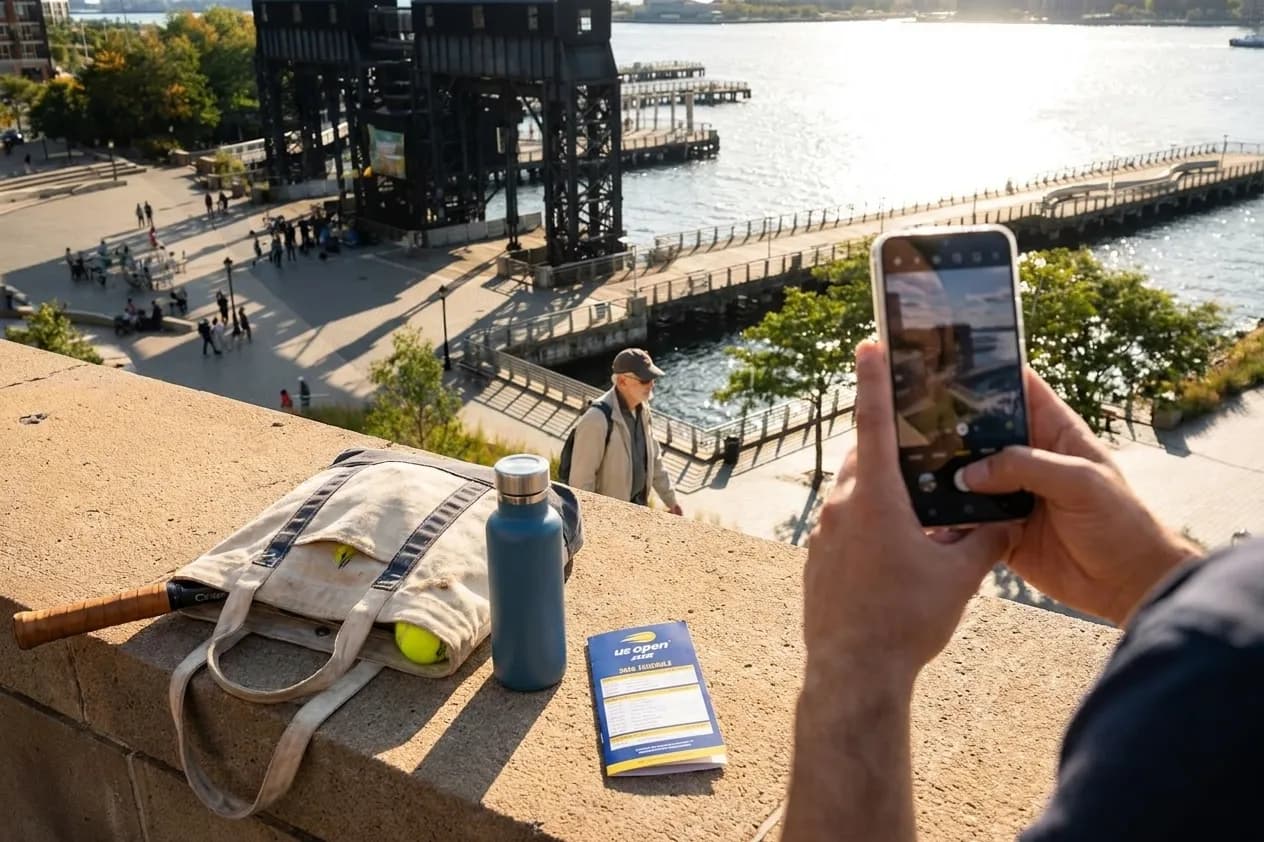
The US Open brings two weeks of energy to Flushing Meadows Corona Park every late August and early September, and if you're carrying a phone with a capable camera—like the Samsung Galaxy S25 Ultra, which has been trending as enthusiasts explore its computational photography—you have a real opportunity to document not just the tournament grounds but the neighborhoods that frame it. Queens offers layers of street life, public art, transit architecture, and park light that reward intentional composition and thoughtful settings. This guide walks through practical camera configurations, shooting etiquette, and the kinds of scenes you'll encounter along the 7 train corridor, so you can return home with images that feel true to the borough and the event.
Text Karpo with your US Open session time and Queens starting point, and we’ll turn this phone-photo ideas in Queens into a practical local plan.
Why Camera Settings Matter for Street Photography in Queens
Street photography in Queens during the US Open means adapting to shifting light—subway platforms at Mets–Willets Point, dappled shade under the Unisphere, bright midday glare on Roosevelt Avenue, and golden-hour glow along the park's perimeter paths. Modern smartphone cameras rely on computational processing to balance exposure, sharpness, and color, but default auto modes often flatten contrast or oversaturate skies. Taking a few minutes to adjust white balance, exposure compensation, and focus mode helps you preserve the texture of brick, the grain of painted murals, and the nuance of faces in motion. These adjustments don't require professional gear—they're available in most native camera apps and become second nature after a few deliberate frames.
Recommended Settings for Outdoor Scenes Around Flushing Meadows
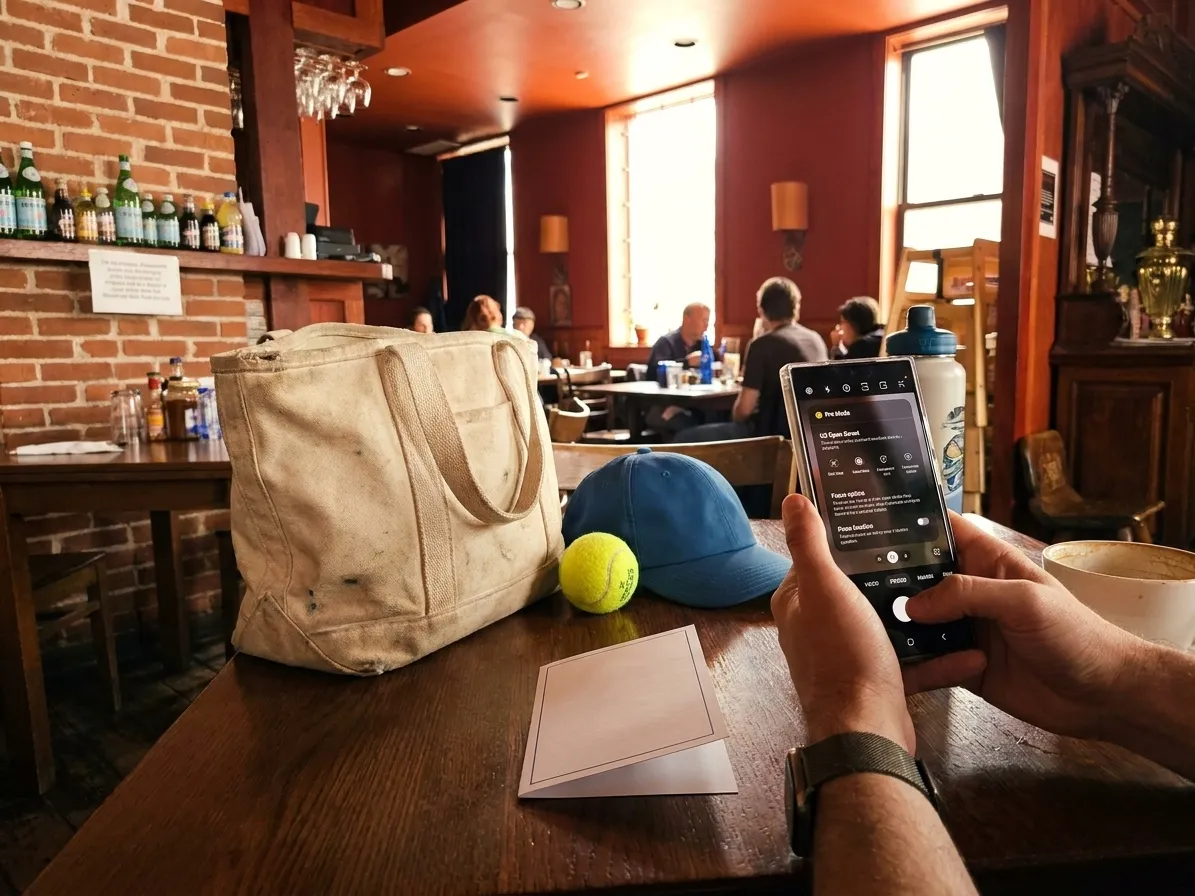
For daytime shots in Flushing Meadows Corona Park—around the Unisphere, the Queens Museum, or the paths leading to the USTA Billie Jean King National Tennis Center—start with your camera's Pro or Manual mode if available. Set ISO to the lowest native value, typically 50 or 100, to minimize noise. Use a shutter speed of at least 1/250 second to freeze pedestrians and cyclists; if your phone supports it, enable electronic or optical stabilization. Keep white balance on daylight or auto, but review the preview: if skies look too blue or greens too yellow, switch to a manual Kelvin setting around 5500K. For exposure, aim to preserve highlight detail in the sky—you can lift shadows in editing, but blown highlights are harder to recover. If your phone offers RAW capture, use it; the extra data gives you more latitude when adjusting contrast and color later.
Settings for Subway Platforms and Indoor Transit Spaces
The 7 train corridor—especially the elevated stations between Flushing–Main Street and Queensboro Plaza—offers dramatic light and shadow. Platforms are often backlit by open sky or lit by mixed fluorescent and LED sources, which can confuse auto white balance. Switch to a manual white balance preset (tungsten or fluorescent) or set Kelvin between 3800K and 4500K to avoid sickly green casts. Raise ISO to 400 or 800 to maintain a fast enough shutter speed—1/125 second minimum—so that passengers and trains stay sharp. If your phone has a night or low-light mode, test it, but be aware that multi-frame processing can introduce motion blur if subjects move between exposures. For candid shots of commuters, use burst mode and select the sharpest frame afterward. Always be discreet, avoid blocking doorways, and respect personal space; street photography thrives on observation, not intrusion.
Portrait and Candid Settings for Crowds and Public Gatherings
During US Open weeks, the streets around the tournament—and the plazas near Citi Field, the Queens Museum, and the New York Hall of Science—fill with fans, families, and vendors. If you want to capture candid portraits or group scenes, switch to portrait mode or enable a moderate depth-of-field effect, but don't rely on it exclusively; computational bokeh can misread edges and blur parts of a subject's face or clothing. Instead, use your phone's longest native focal length (often a 3× or 5× telephoto lens) to compress perspective and isolate subjects naturally. Set focus to single-point or touch-to-focus, tap on your subject's face or eyes, and lock exposure before shooting. For group shots in mixed light—say, under the Unisphere or near food stalls—enable HDR or exposure bracketing to balance bright skies and shadowed faces. Always ask permission if you're photographing someone directly, and be prepared to delete an image if requested. Public space doesn't mean public consent.
Practical Notes for Phone Photography Around the US Open
- Check the official US Open prohibited-items guide at usopen.org before you go; professional cameras with detachable lenses are restricted inside the tournament grounds, but smartphones are permitted.
- Carry a small microfiber cloth and a portable battery pack; screens smudge quickly, and a day of shooting drains power.
- Use the MTA's official US Open transit guide at new.mta.info to plan your route; the 7 train is the primary access line, and service adjustments are common during event days.
- Explore the neighborhoods before or after your session: Flushing's Main Street for street markets and signage, Jackson Heights for storefronts and murals, Corona for park edges and residential texture.
- Review your phone's storage settings and enable cloud backup or offload images to free space; RAW files and burst sequences fill memory fast.
- Respect private property, avoid photographing children without guardian consent, and be mindful of cultural and religious sensitivities in diverse neighborhoods.
Editing and Sharing Your Queens Street Photography
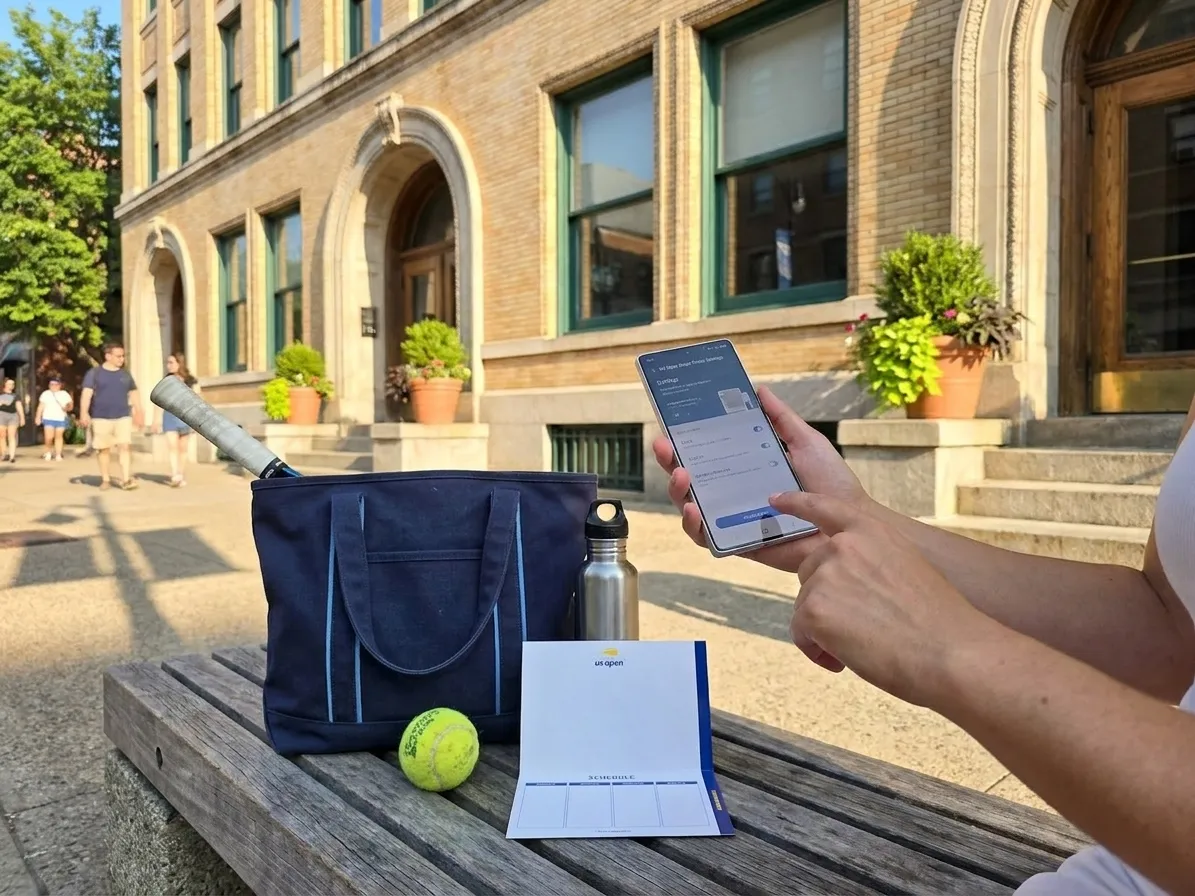
Once you've captured a day's worth of images, take time to edit thoughtfully. Most phones include built-in editors with sliders for exposure, contrast, highlights, shadows, saturation, and sharpness. Start by correcting exposure and straightening horizons, then adjust contrast to bring out texture in brick, metal, and fabric. Be cautious with saturation—Queens street scenes are already colorful, and oversaturation can make images feel artificial. If you shot in RAW, consider using a mobile app like Lightroom Mobile or Snapseed for finer control over white balance, tone curves, and selective adjustments. When sharing on social media, add context: mention the neighborhood, the time of day, and the event backdrop. Tag locations accurately, credit any recognizable public art or murals, and avoid geotagging private residences. Street photography is a conversation with place; your captions and metadata are part of that dialogue.
Planning Your Route and Timing Around the Tournament
The US Open runs for two weeks, typically from late August into early September, with day and evening sessions. Consult the official event schedule at usopen.org to understand match times, crowd peaks, and gate openings. If you're planning a photography walk, consider arriving mid-morning or late afternoon when light is softer and foot traffic is steady but not overwhelming. The 7 train runs frequently, but expect heavier loads on match days; the MTA's service status page at new.mta.info provides real-time updates. Flushing Meadows Corona Park itself is open year-round, and the Unisphere, Queens Museum, and surrounding paths are accessible outside tournament hours. If you want to photograph the park without event crowds, visit on a weekday morning before the gates open or after the evening session concludes. Always check the NYC Parks website at nycgovparks.org for any closures, permits, or special events that might affect access.
Respecting the Community and the Moment
Queens is home to one of the most linguistically and culturally diverse populations in the world, and the neighborhoods around Flushing Meadows reflect that richness. When you photograph street life, you're documenting real people in their daily routines—commuting, working, gathering, celebrating. Approach your work with humility and respect. If someone asks you not to photograph them, honor that request immediately. If you capture a compelling portrait, consider sharing a print or digital copy with your subject as a gesture of thanks. Avoid photographing in ways that stereotype, exoticize, or reduce individuals to visual tropes. Street photography at its best is an act of witness and empathy, not extraction. The US Open is a backdrop, but the people and places of Queens are the story.
This guide draws on practical experience and publicly available information. Always verify details close to your visit.
Tags: #USOpen2026 #Queens #FlushingMeadows #KarpoFinds #Karpo #samsunggalaxys25ultra #NewYorkLocal #TennisTravel #NYCLocalLife #TennisTravel
Sources consulted: usopen.org — Official event schedule · usopen.org — Official visitor A-Z guide · usopen.org — Official transportation directions · usopen.org — Official prohibited-items guide · MTA — Official US Open transit guide · NYC Parks — Flushing Meadows Corona Park · Queens Public Library · MTA — Service status
All trademarks are the property of their respective owners.
Ask Karpo first
Want to know what is actually open, how to time the trip, and where to pause around Queens? Ask Karpo for the latest public US Open context, a respectful visitor plan, and a live route around Flushing Meadows before you head out.