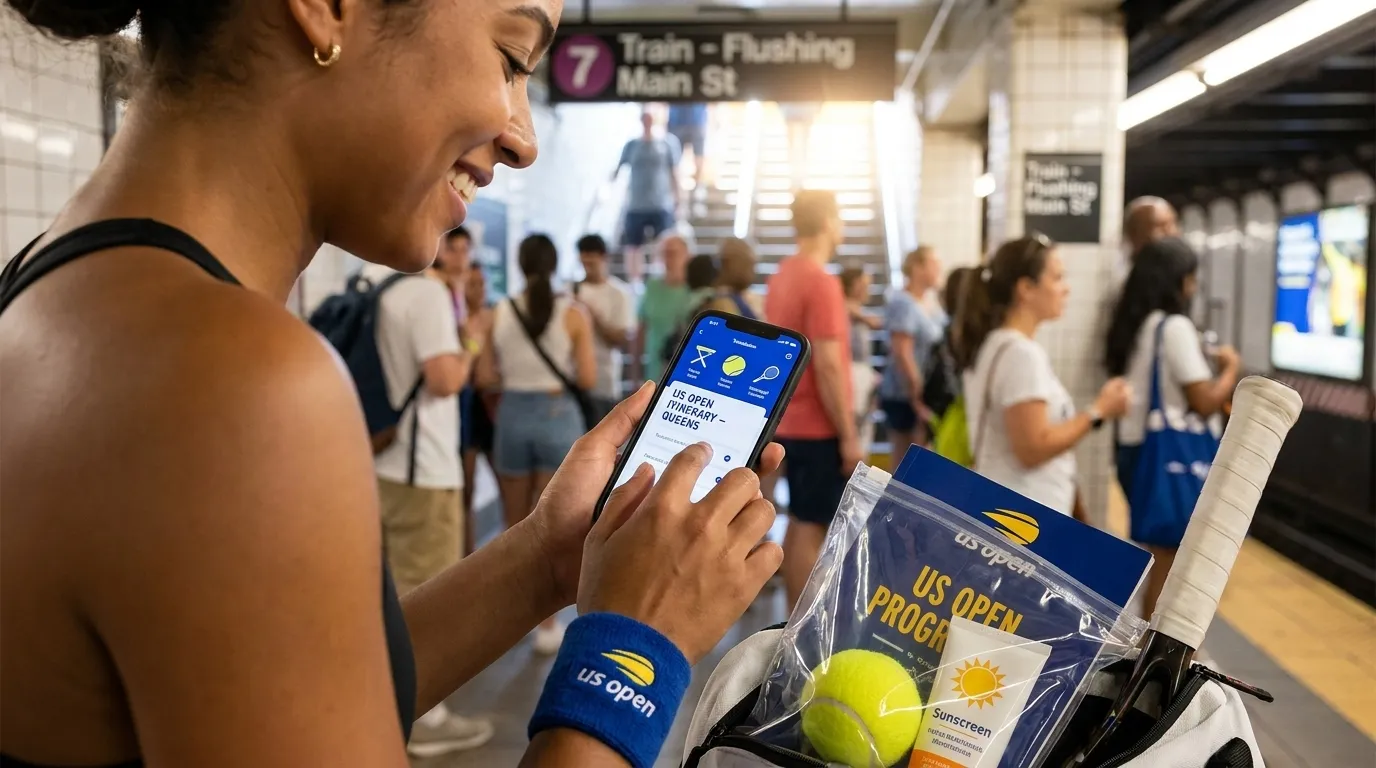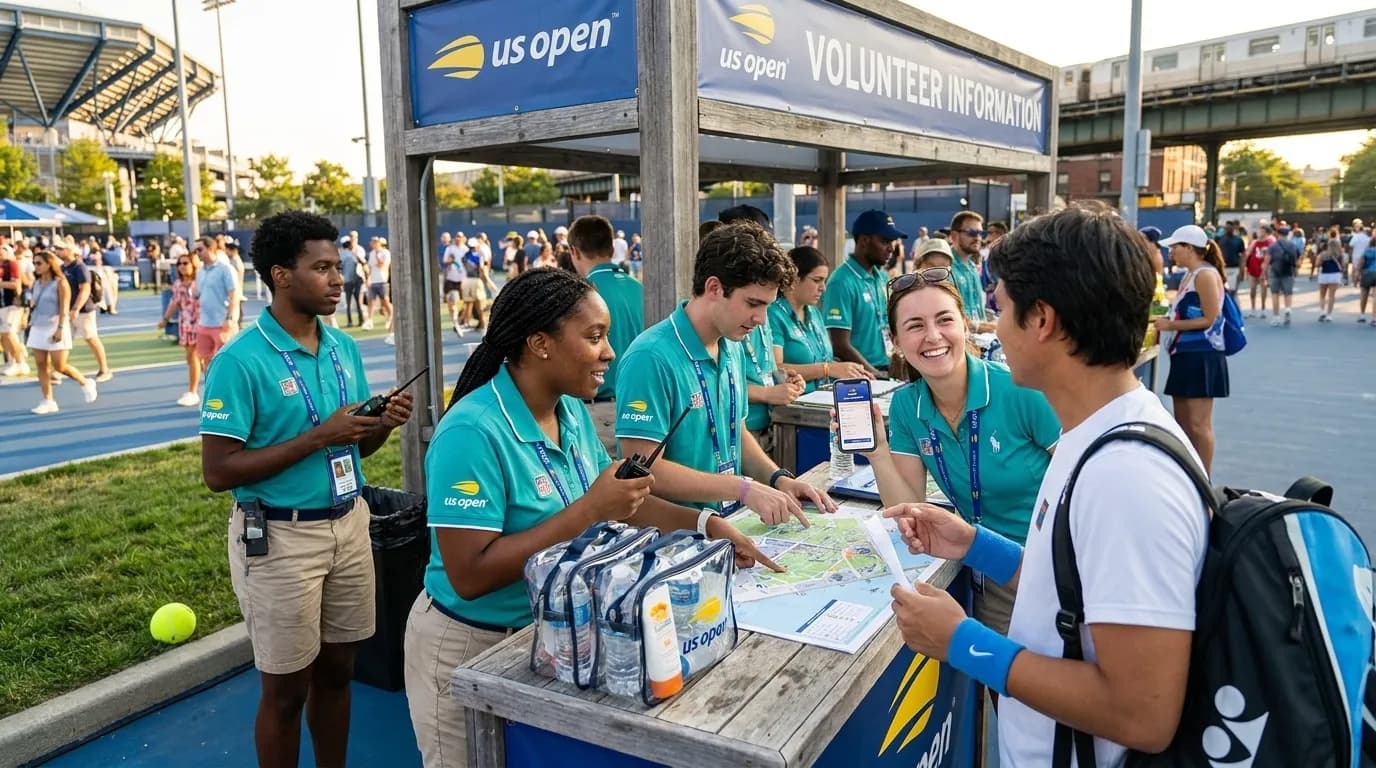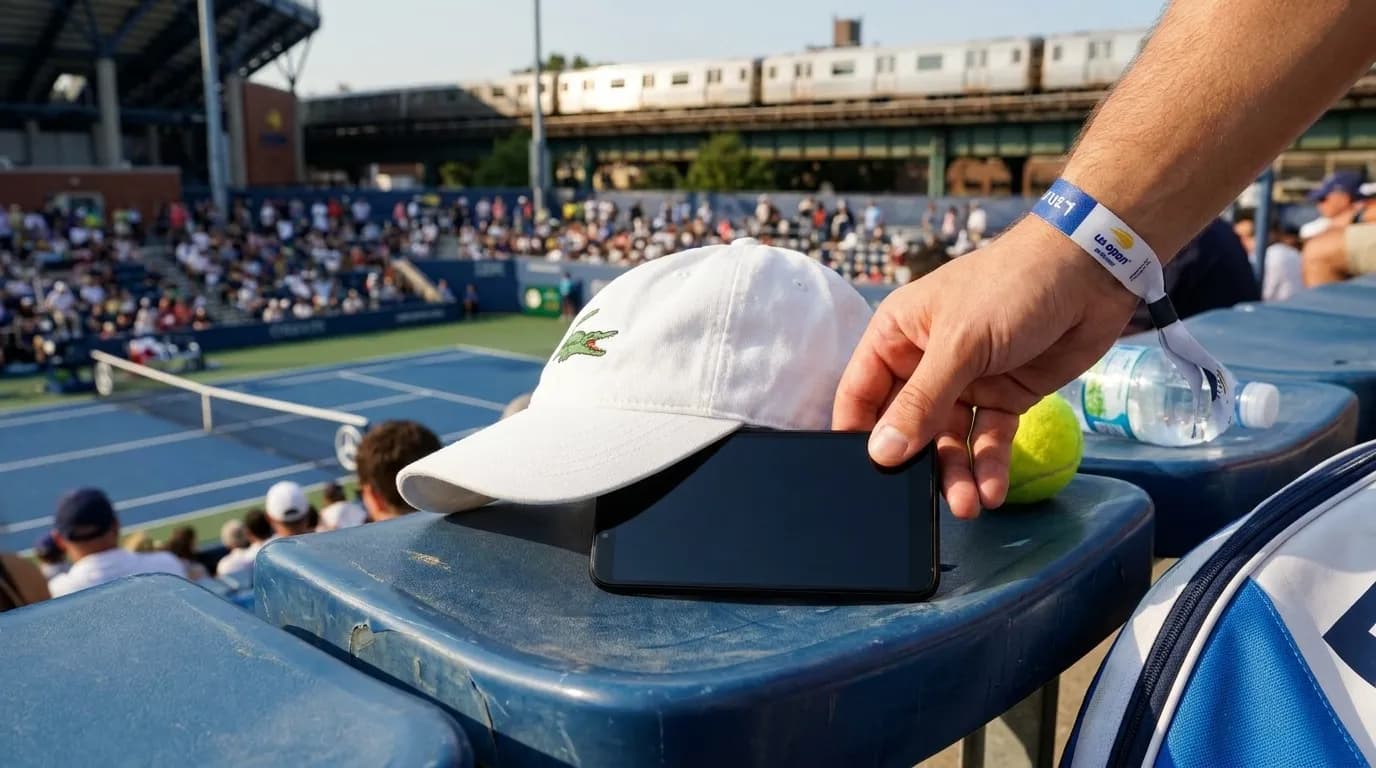
Your phone may be one of the most important items you bring to a hot US Open session because it can carry tickets, payment cards, transit details, group messages, photos, and current event information. As of July 23, 2026, the official 2026 US Open calendar runs August 23 through September 13, with singles main-draw play beginning August 30. Still, schedules, gate times, player fields, transit guidance, venue rules, weather, local hours, inventory, and service availability can change. Recheck the official schedule, A-Z guide, transportation page, and prohibited-items page close to your visit. The practical goal is not to make a phone heatproof. It is to reduce avoidable heat, preserve enough battery for entry and the trip home, and avoid creating problems at security or in your row.
Text Karpo for a heat-safe phone routine before your ticket, camera, or payment app struggles.

Why Phones Heat Up Fast at Tennis
A phone warms from several directions during a late-summer session. Direct sun heats the screen and body. High brightness, camera use, video, navigation, mobile data, and background syncing add internal heat. A thick case can slow cooling, and a dark bag, hot seat, or tight pocket can trap warmth. Once a device is hot, it may dim, slow down, pause charging, or show a temperature warning.
Those protections can help the device, but they can be inconvenient when you are trying to scan a ticket, find your group, or check a route. Behavior varies by brand, model, battery health, case, settings, region, carrier, and software version. Do not assume every phone will offer the same warning, battery mode, wallet access, or offline feature. Plan as if the phone will be less capable in heat, then make calmer choices before the stressful moment arrives.
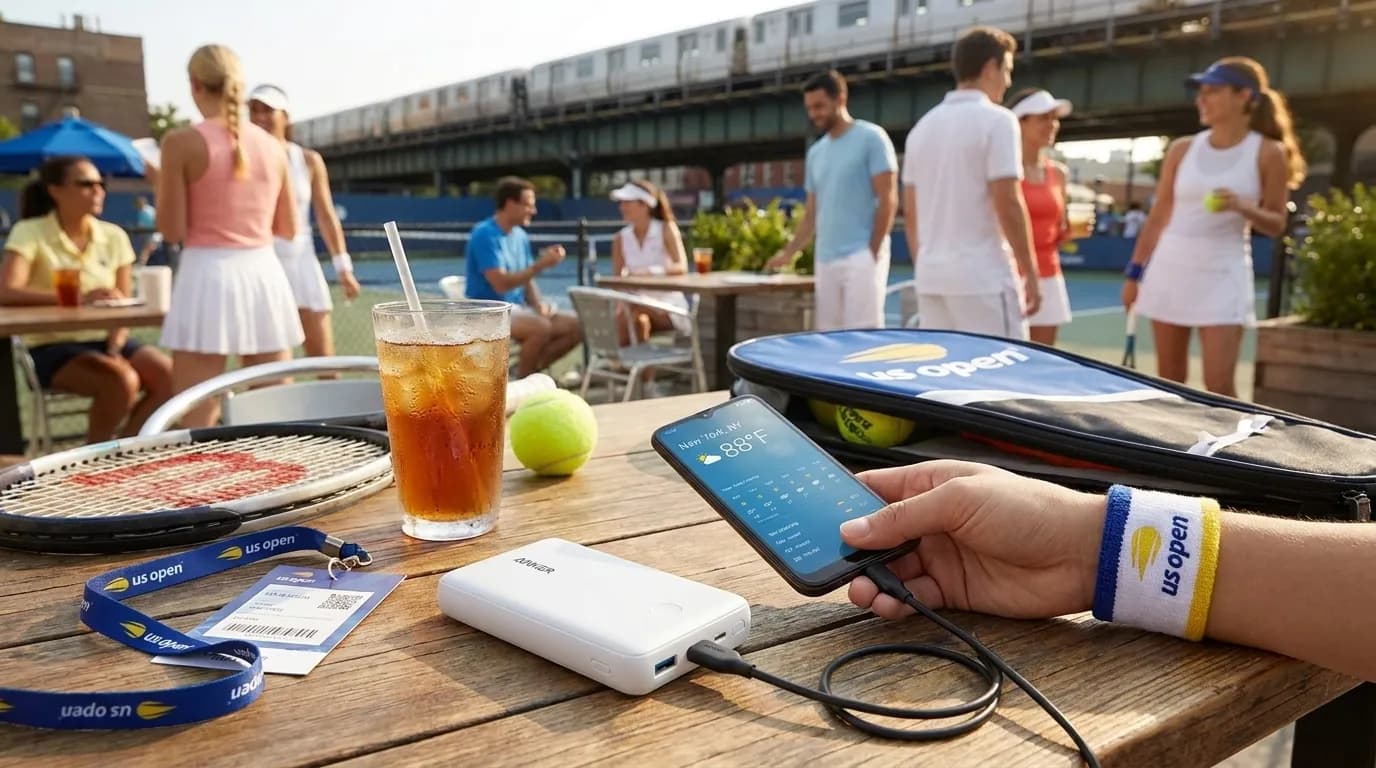
Prepare Before You Reach the Grounds
Start while you are still indoors and connected. Charge the phone before leaving, then reduce avoidable workload. Save essential information that is reasonably available offline, such as confirmation emails, contact details, and transit notes. If your ticketing method allows it, add tickets to the authorized wallet or app in advance and confirm that you can display what you need. If screenshots are not accepted for a given ticket type, respect that rule and rely on the approved method.
- Use a lighter case, or be ready to remove a bulky case briefly if the device becomes too warm. Do not remove protection if that makes a drop more likely in a crowd.
- Lower brightness when practical, close apps you do not need, and turn off nonessential wireless features only when doing so will not interfere with tickets, payments, or messages you need.
- Check current prohibited-items guidance before packing any charger, battery pack, cable, pouch, or bottle. Rules can change, and staff instructions at entry matter.
- Write down or share one backup contact number and a return route. A small paper note can still help if batteries fail or the network is crowded.
- Keep the phone out of parked-car heat, windowsills, and direct sun while getting ready. A cooler starting point gives you more margin later.
Protect Tickets, Payments, and Battery
The most important phone moment may be a routine scan or tap. Before approaching entry, stop recording, close the camera, and give the device a shaded minute if it feels warm. Open the required ticket or wallet screen before the front of the line, but avoid leaving the display at maximum brightness longer than necessary. If connectivity is busy, repeated refreshing may add heat and battery drain without solving the problem. Moving a short distance, waiting briefly, or using already saved information may be more useful.
For payments, avoid relying on one pathway if you can. Mobile wallets, physical cards, and venue-specific practices may vary by location and may change, so check current visitor information close to your session. Carrying a physical payment card can be a sensible backup if it fits your plans and security requirements. The point is not to predict failure; it is to avoid letting one overheated device block water, food, merchandise, transit, or communication.

Use the Camera Without Cooking the Device
Photos are part of the fun, but the camera can heat a phone quickly. Long video clips, high-resolution capture, live-photo features, portrait processing, and constant reviewing all keep the processor, screen, and storage active. If the phone is already warm, take a few still photos and put it away in shade instead of filming long stretches of play, walkways, or the crowd.
Venue etiquette matters as much as battery life. Follow current US Open rules and staff instructions on photography, recording, and behavior in seating areas. Even when casual photos are allowed, a bright raised screen or repeated recording can distract nearby fans. Keep the phone low, silence unnecessary sounds, reduce glare or flash where appropriate, and avoid blocking sightlines. For memories, choose short moments: the approach to the grounds, your seat view before play, a scoreboard scene when appropriate, or a group photo where you are not slowing traffic.
Cool Safely and Plan for the Ride Home
If your phone feels hot, the safest first step is simple: stop using it, lock the screen, remove it from direct sun, and give it airflow. Place it in a shaded pocket, under a light-colored cloth, or in a shaded bag compartment where it is not pressed against a warm battery pack. If a temperature warning appears, follow the phone’s on-screen guidance and wait. Forcing use during a warning may leave you without a working device later.
Avoid extreme cooling tricks. Do not put the phone on ice, against a frozen bottle, or into a refrigerator or cooler where condensation may form. Moisture can damage ports, speakers, and internal components, and sudden temperature changes are hard on electronics. A sealed pouch may help with splashes, but it can also trap heat, especially in sun. If you carry a bottle permitted under current rules, keep it separate from the phone.
Recheck the official transportation and directions page before traveling, because transit conditions, service patterns, local operations, and event timing can change. Save relevant route information close to the session rather than relying on an old note. If you use mobile tickets for transit or ride-hailing apps, reserve battery for the end of the day, when the phone may be warm, the network may be busy, and many people may be leaving at once. Choose a meeting point, decide what to do if messages lag, and make sure someone has a secondary navigation plan.
Practical Notes
- Recheck the official US Open schedule, A-Z guide, transportation page, and prohibited-items page shortly before your session.
- Arrive with the phone charged, tickets prepared through the authorized method, essential route details saved, and a backup payment option if practical.
- Keep the device shaded, limit long video, lower brightness when possible, and let it rest if it feels hot or shows a temperature warning.
- Use battery saver, low power mode, adaptive brightness, offline maps, wallet settings, focus modes, or background controls only where your device supports them and you understand the tradeoffs.
- Share location only with trusted people and only as long as useful. Weak connectivity can make location information stale or imprecise.
- Treat public Wi-Fi cautiously. Avoid sensitive account changes or financial troubleshooting on networks you do not trust.
- Agree on a group meeting point and return plan before play starts, so an overheated or dead phone is an inconvenience rather than a crisis.
Tags: #USOpen2026 #Tennis #NewYork #Queens #FlushingMeadows #KarpoFinds #Karpo #PhoneHeatTips #USOpenTech #HotSessionReady
Sources consulted: usopen.org — Official reference · usopen.org — Official reference · usopen.org — Official reference · usopen.org — Official reference
All trademarks are the property of their respective owners.
Ask Karpo first
Ask Karpo to help build a battery, shade, and backup-ticket plan for hot US Open sessions.