 Karpo vs Copilot for After-Work Drinks With Coworkers in San Francisco 2026
Head to Head
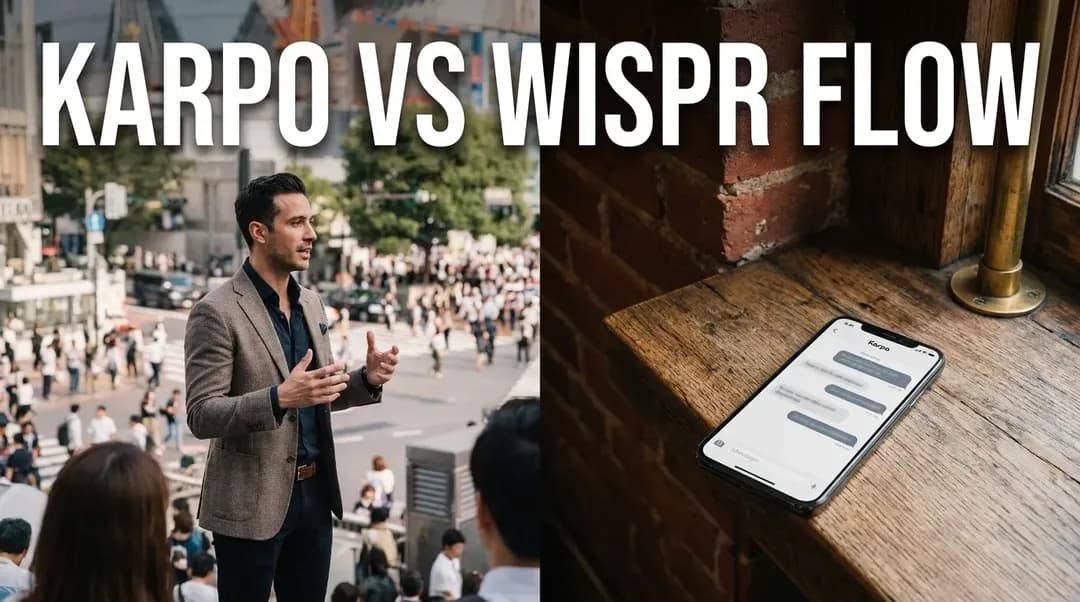
Karpo vs Wispr Flow: From Spoken Thought to a Real City Plan
Wispr Flow turns speech into polished text across devices, while Karpo helps turn personal context into practical choices for the hours you spend in a city.
The verdict: Wispr Flow captures the thought; Karpo helps decide what happens next
Wispr Flow and Karpo solve two different forms of friction in a mobile day. Wispr Flow is designed to turn spoken language into clear text across apps and devices, making it easier to write a message, draft a note, or give an AI tool more context without stopping to type. Karpo starts after the thought has become a real-world need: find a quiet lunch near the next meeting, use a two-hour opening well, recover a plan after rain, or choose one neighborhood that fits a group instead of collecting ten generic options. Wispr Flow is the stronger voice-input layer. Karpo is the more relevant city-decision layer.
Tell Karpo where you are, how much time you have, what the day already includes, and what would make the next stop feel worthwhile. It can reduce the city search before another break disappears into tabs.
A morning in motion reveals the difference
Imagine a consultant leaving a hotel in Midtown with a client call at 9:30, a presentation at noon, and an open late afternoon. Walking to coffee, she dictates a polished follow-up into email with Wispr Flow. On the train, she speaks three reminders into her task system. That is the product’s natural territory: language capture without returning to a keyboard. Its official site positions Flow as voice-to-text that works across applications on Mac, Windows, iPhone, and Android, with synced personal settings and support for many languages.
At 3:15, the problem changes. The client has moved dinner later, the weather is uncertain, and a colleague wants something local that is not another crowded observation deck. Faster dictation will express the constraints, but it will not by itself choose a coherent plan. Karpo is useful because the output is not another paragraph. The output is a smaller set of city options shaped by timing, location, energy, preferences, and the next fixed commitment.

Where Wispr Flow earns its place
Wispr Flow is compelling when the bottleneck is composition. Spoken thoughts are often repetitive, incomplete, or conversational; the official product demonstration emphasizes turning that rough speech into more polished writing. That can matter for people who live in communication tools: founders answering messages, sales teams following up, lawyers capturing notes, students drafting ideas, creators recording concepts, and developers giving detailed instructions to AI systems.
The cross-application promise is also important. A dedicated recorder can create a transcript, but the user still has to move that text to the place where work happens. Flow is positioned as an input method that follows the user across applications. Its personal dictionary and style settings are meant to make repeated names and preferred writing patterns more consistent. For people with accessibility needs or keyboard fatigue, reducing physical typing can be more than a speed benefit.
Wispr’s official site advertises a 14-day Flow Pro trial and describes a free download. Treat current plan limits, supported devices, language quality, data handling, and enterprise controls as details to verify directly before committing. Voice tools can encounter sensitive information, so users should avoid dictating confidential client, legal, medical, financial, or personal material unless their policies and the service’s current controls permit it.
Where Karpo changes the shape of the day
Karpo matters when the user has enough words but not enough judgment. City research is rarely blocked by a lack of listings. It is blocked by the mismatch between generic recommendations and a specific day. A “best cafés in New York” page does not know that the user has luggage, needs a power outlet, wants to stay below 30 dollars, has ninety minutes before a train, and would rather walk than take another car.
A good Karpo request turns those facts into a decision brief. The assistant can help frame neighborhoods, sequence stops, suggest a backup, and keep the answer anchored to the available window. It should not replace official transit alerts, venue confirmations, reservation systems, accessibility information, safety guidance, or weather authorities. The value is prioritization: fewer plausible options, arranged around the actual person rather than an abstract tourist.

The handoff workflow: speak the context, then act on it
The best combined workflow is simple. Use Wispr Flow when typing is the obstacle; use Karpo when choosing is the obstacle. A traveler could dictate: “I finish near Union Square at four, have a backpack, want one bookstore and an early vegetarian dinner, need to be at Penn Station by seven, and do not want more than twenty minutes of transit.” That richer prompt gives Karpo a better brief than a two-word search.
Keep the tools’ roles clear. Wispr Flow can make the request easier to express, but the user still needs to review names, numbers, addresses, and tone before sending. Karpo can organize a practical city plan, but the user still needs to confirm operating hours, route disruptions, reservation availability, ticket rules, and prices. Voice capture reduces effort; city reasoning reduces option overload; verification protects the day.
Quick comparison without the feature-count theater
Choose Wispr Flow when success means producing accurate, polished text in the app already open. Choose Karpo when success means making a local choice that fits time, place, companions, taste, mobility, budget, or weather. Wispr Flow is used throughout the writing moment; Karpo is consulted around a decision moment. Flow’s output is editable language. Karpo’s output is a proposed course of action. Neither product is a substitute for the other, and neither should be judged by pretending that dictation and city planning are the same category.
Who should choose which?
A remote worker who writes all day, a founder moving between messages, or a creator capturing ideas may get immediate value from Wispr Flow even without traveling. A traveler with a complicated free window, a couple negotiating different preferences, or a local tired of generic lists has the clearer case for Karpo. For a mobile professional who has both problems, run them in sequence: speak the complete context with Flow, let Karpo narrow the real-world plan, then verify the consequential details.
FAQ
Is Wispr Flow a travel planner?
No. Wispr Flow is positioned as a voice-to-text product that helps users write across applications. It can help express a travel request, but it is not presented as a city itinerary or local discovery service.
Can Karpo transcribe long voice notes?
Karpo is not a dedicated dictation utility. Use a voice-input or transcription product when the primary need is converting speech into editable text.
Does Wispr Flow work on mobile and desktop?
Wispr’s official site currently lists Mac, Windows, iPhone, and Android. Check the official download and support pages for current availability, requirements, and feature differences.
Which product is better for an unexpected two-hour gap?
Karpo is the more relevant choice because the problem is how to use time in a specific place. Share the current area, next commitment, interests, mobility, budget, and weather tolerance.
Can I dictate a Karpo prompt with Wispr Flow?
Yes, if Flow works in the application you are using. Review the dictated text before sending, especially names, times, dietary needs, locations, and accessibility requirements.
Do either of these tools guarantee current local information?
No. Confirm reservations, opening hours, transit status, access rules, weather alerts, and prices with the responsible provider or official source.
How should I handle private information?
Share only the minimum context required. Avoid confidential work details, personal identifiers, sensitive health information, and private travel documents unless current policies and service controls clearly allow it.
A practical test before subscribing
Test Wispr Flow on the real writing surfaces that consume your day, including noisy and mobile conditions, then review correction time rather than headline speed. Test Karpo with one constrained city window where generic search usually fails. The useful metric is not how impressive the demo feels; it is whether the tool removes a recurring bottleneck without creating more review work.
Wispr Flow is a trademark of its respective owner. This independent editorial comparison is not affiliated with, endorsed by, or sponsored by Wispr.
Tags: #Karpo #WisprFlow #VoiceAI #AIDictation #MobileWork #CityPlanning #TravelTech #ProductivityAI #ProactiveAI #DigitalNomad #AIComparison #VoiceToText
Sources consulted: Wispr Flow official website · Wispr Flow features · Wispr Flow pricing · Karpo official website · Karpo scenarios
All trademarks are the property of their respective owners.
Ask Karpo first
Ask Karpo first when a spoken idea becomes a city decision. Share the usable time, present location, next hard commitment, personal preferences, and one thing you want to avoid so the answer can become a practical short list rather than another search session.
Ask Karpo for more information.
Keep reading
- Karpo vs Copilot for After-Work Drinks With Coworkers in San Francisco 2026
 Karpo vs Yelp Assistant: Best Weekend Brunch Planner in Los Angeles 2026
 Karpo vs Alexa+: Which AI Helps Host Thanksgiving in Miami in 2026?