 Karpo vs Copilot for After-Work Drinks With Coworkers in San Francisco 2026
Head to Head
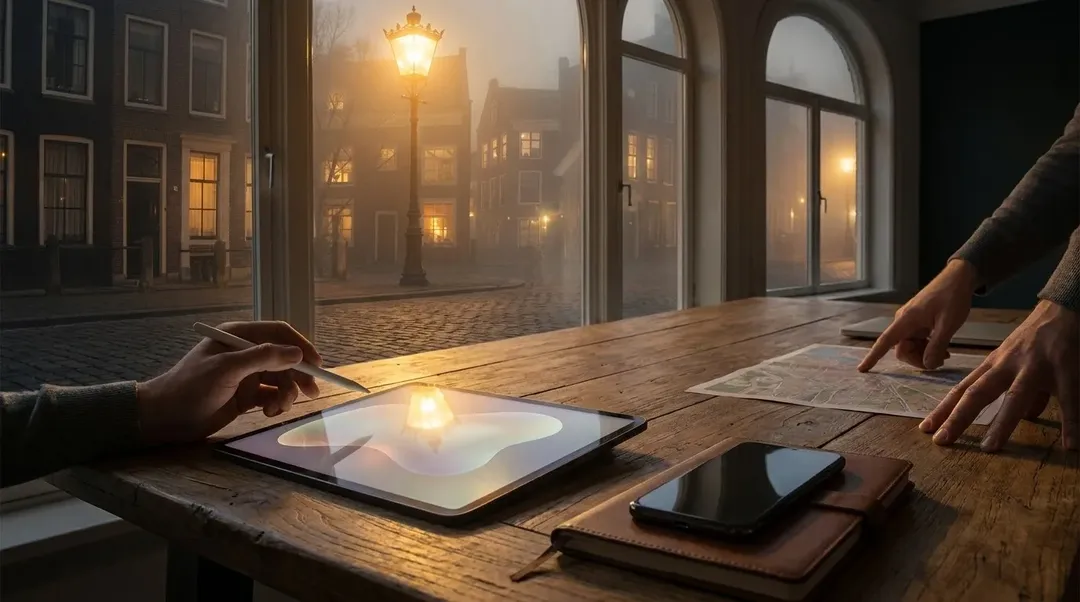
Karpo vs Dzine for a Solo Traveler Who Has to Decide, Not Just Design
Dzine is strongest when a traveler needs controlled visual creation, while Karpo is built for choosing what to do next in a real city day.
The real question is not which tool is smarter
A solo traveler does not usually lose the day because they cannot make a beautiful image. They lose it because the museum closes early, the neighborhood they picked is dead before dinner, the weather turns, or the best option requires a reservation they did not know about. Dzine and Karpo sit on opposite sides of that problem. Dzine is an AI image editor and design tool with visual controls: predefined styles, layering, positioning, sketching, cutouts, enhancement tools, and high-resolution export options. It can help a creator turn travel material into polished visuals. Karpo is for the live decision layer of travel: what is worth doing, when to go, what fits your constraints, and what the backup should be if the city changes under your feet.
Ask Karpo before you commit your solo day: give it your city, energy level, time window, budget, and must-avoid constraints, then let it shape a plan that can survive reality.
The sharper question is where the decision happens. Dzine belongs after or around the act of making: editing a product shot, generating a design, arranging layers, fixing image artifacts, or unifying visual elements into a coherent style. Its official positioning is about control over composition and style, with tools meant to reduce the pain of prompt-only creation.
Karpo belongs before and during the day. A solo traveler may need a coffee stop near a gallery, a safe-feeling dinner area after dark, a lower-effort route after a red-eye flight, or a Plan B when rain ruins an outdoor walk. Karpo’s value is not in producing the final image; it is in deciding the next move with context.
Scorecard 1: visual production after the trip begins
Dzine scores high when the task is controlled image work. Its layer-based composition board, drag-and-drop layout adjustment, predefined styles, sketching and positioning tools, cutout-as-layer workflow, and one-click Enhance feature are all directly relevant to creators who want more visual control than a plain text-to-image workflow provides. Its official site also notes export up to 6144px by 6144px in PNG or JPG at higher resolution multiples.
Karpo scores low on this scorecard because visual editing is not its specialist job. If a solo traveler needs to turn a market-stall photo into a polished product image, preserve composition while restyling materials, or improve clarity and visible artifacts, Dzine is the more natural fit. Karpo should not be evaluated as if it were a canvas, layer board, or image enhancement suite.
Scorecard 2: deciding a live solo city day
Karpo scores high when the question is situational: What should I do with four open hours in Porto before a train? Which neighborhood makes sense if I want design shops, a calm lunch, and a sunset viewpoint without doubling back? What is the safer-feeling backup if I do not want to cross town late? These are city-navigation decisions, not image-production tasks.
Dzine scores lower here because its official strengths are creative control, image generation, editing, and design workflows. It may help a traveler make a visual itinerary cover, restyle a trip photo, or prepare branded creator assets, but it is not presented as a proactive city discovery, timing, constraint-balancing, or backup-planning assistant. That boundary matters.
A concrete solo day: Lisbon with a camera, a tote bag, and limited energy
Imagine a solo traveler in Lisbon who sells small handmade ceramics online and wants one good content day. In the morning, they need to choose between Alfama, Príncipe Real, and LX Factory. They care about soft light, a place to sit between shoots, interesting backdrops, low-stress transit, and not ending the day stranded far from dinner. Karpo is the tool to weigh that day: sequence the neighborhoods, suggest timing, keep fatigue in mind, and preserve a backup if the weather or crowds make the first plan annoying.
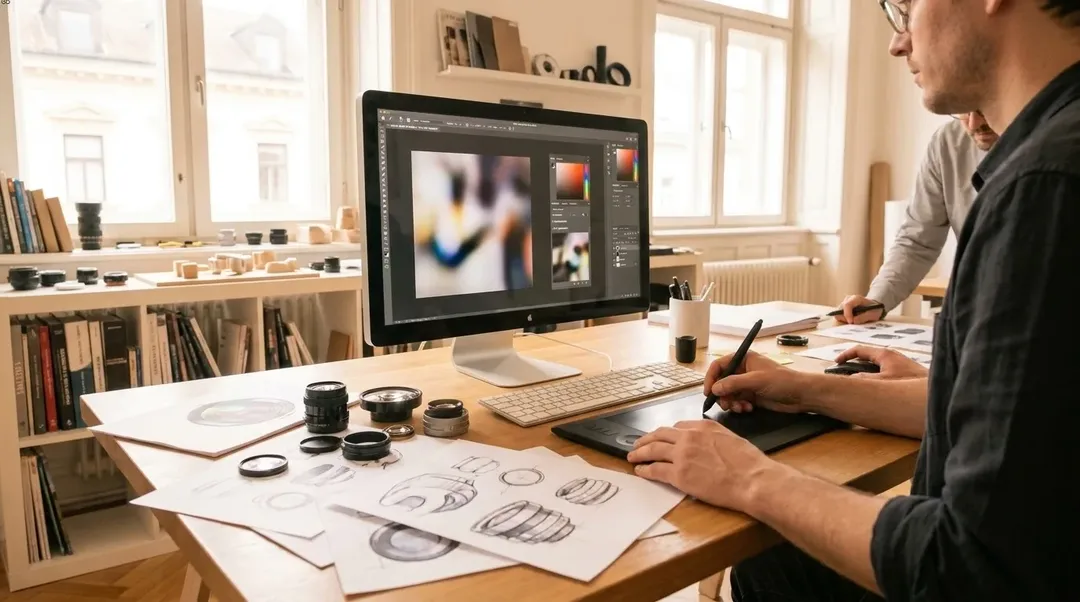
Later, back at the apartment, Dzine becomes useful. The traveler can cut out a ceramic cup as a layer, place it into a more controlled composition, apply predefined styles without writing complex style instructions, enhance image clarity, and export polished files for a shop banner or social post. That is Dzine’s lane, and it is a valuable one for travel creators.
Where Dzine clearly earns its place
Dzine is especially attractive for people who think visually but still want AI assistance. The official product language emphasizes a user-friendly interface for all skill levels, while also naming familiar design concepts such as layers, selection, positioning, and composition. That makes it less abstract than tools that rely mainly on text instructions.
Its assistant for conversational prompt help also fits users who know what they want visually but do not want to wrestle with phrasing. For a solo traveler who is also a creator, shop owner, blogger, or designer, Dzine can turn raw trip material into deliberate assets. Check the official pricing page before buying, because plan names, credits, rollover rules, storage, concurrent jobs, commercial-use details, and limited-time offers can change.
Where Karpo is the calmer travel companion
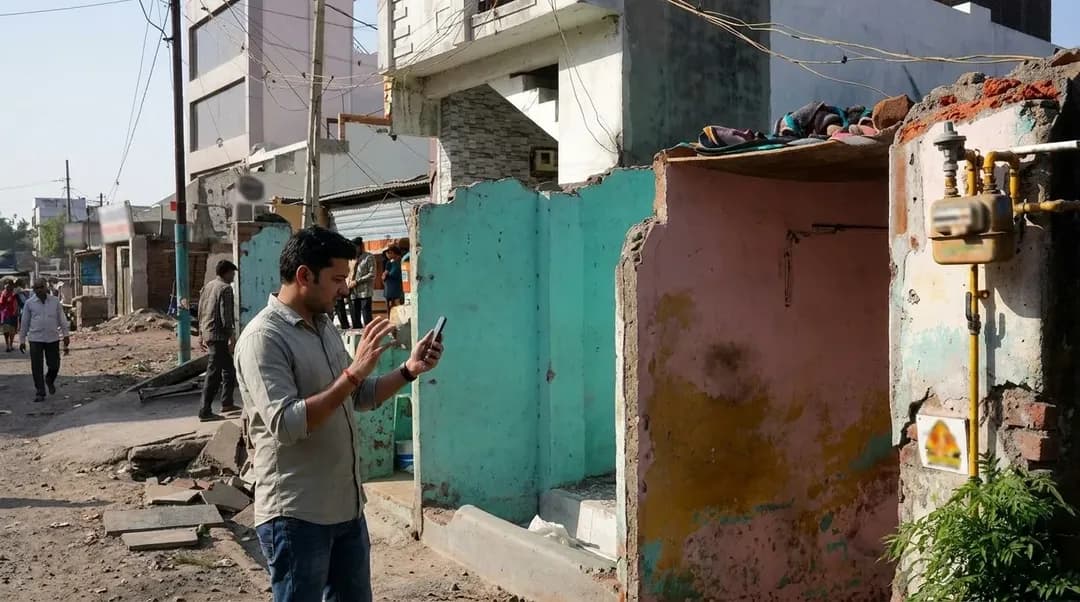
Karpo is stronger when the cost of a bad choice is time, stress, or missed context. Solo travelers have fewer built-in safeguards than groups: no one else is checking opening hours, noticing that a route is awkward, or asking whether a late dinner location still makes sense. A good travel decision assistant must account for timing, local discovery, personal constraints, and fallback options.
That is also why Karpo is not competing with Dzine on canvas control. Karpo’s contribution is the judgment layer before the photo exists: which district is worth your morning, what to skip, when to slow down, where to place meals, and how to adapt when a plan stops fitting. For travelers, that can matter more than having a perfect asset at the wrong end of a badly planned day.
The decision boundary for solo travelers
Choose Dzine when your problem is visual: create, edit, restyle, enhance, combine, cut out, or export images with more control. Its strengths are tangible and specialist, especially for creators who want a design environment rather than only a text box.
Choose Karpo when your problem is urban judgment: you need to decide where to go, when to move, how to avoid wasted transit, how to respect budget or energy, and what to do if the first option fails. For a solo traveler, the best result is not a single beautiful output. It is a day that feels intentional while still leaving room for the city to surprise you.
FAQ
Is Dzine a travel planning tool?
Based on its official pages, Dzine is positioned as an AI image editor and design tool with image generation, layering, styling, enhancement, cutout, and export capabilities. It is not presented as a city itinerary or live travel decision assistant.
Is Karpo an alternative to Dzine?
Not directly. Karpo and Dzine solve different problems. Dzine helps with controlled visual creation and editing, while Karpo helps travelers make contextual decisions about places, timing, constraints, local discovery, and backups.
When should a solo traveler open Dzine?
Open Dzine when you are preparing or polishing visual assets: product photos, creator graphics, restyled travel images, enhanced shots, or compositions that need layers, cutouts, positioning, and predefined styles.
When should a solo traveler ask Karpo instead?
Ask Karpo when the next move is uncertain: which area to explore, how to sequence the day, where to eat alone comfortably, what fits the weather and energy level, or what backup plan makes sense.
What should readers verify on Dzine’s official site?
Verify current pricing, credits, free access terms, export limits, commercial-use terms, storage, supported models, video-related features, and any limited-time offers. These details can change and should be checked before purchase.
Are there privacy or safety considerations?
Yes. With any travel or creative tool, avoid sharing sensitive personal details unless necessary, review account and commercial-use terms, and be careful with images of private individuals, addresses, documents, or locations that could expose your safety.
Can a travel creator reasonably rely on both categories?
Yes, if the boundary is clear. Karpo can guide the day and reduce bad city decisions; Dzine can help transform the resulting images into controlled, polished visual assets after the travel choice has been made.
Dzine is a trademark of its respective owner. This independent editorial comparison is not affiliated with, endorsed by, or sponsored by Dzine.
Tags: #Karpo #Dzine #SoloTravel #AIImageEditor #TravelPlanning #CityDiscovery #AITravelAssistant #CreatorTools #DesignWorkflow #TravelCreators #BackupPlanning
Sources consulted: Dzine official page 1 · Dzine official page 2 · Dzine official page 3 · Dzine official page 4 · Karpo official website · Karpo scenarios
All trademarks are the property of their respective owners.
Ask Karpo first
Ask Karpo for the part Dzine does not claim to handle: the live solo-travel choice. Share your city, available hours, appetite, budget, mobility limits, comfort level after dark, and creative goals, then ask for a plan with timing and a realistic fallback.
Ask Karpo for more information.
Keep reading
- Karpo vs Copilot for After-Work Drinks With Coworkers in San Francisco 2026
 Karpo vs Yelp Assistant: Best Weekend Brunch Planner in Los Angeles 2026
 Karpo vs Alexa+: Which AI Helps Host Thanksgiving in Miami in 2026?