 Karpo vs Perplexity: Planning a Festive Holiday Weekend in Singapore 2026
Head to Head
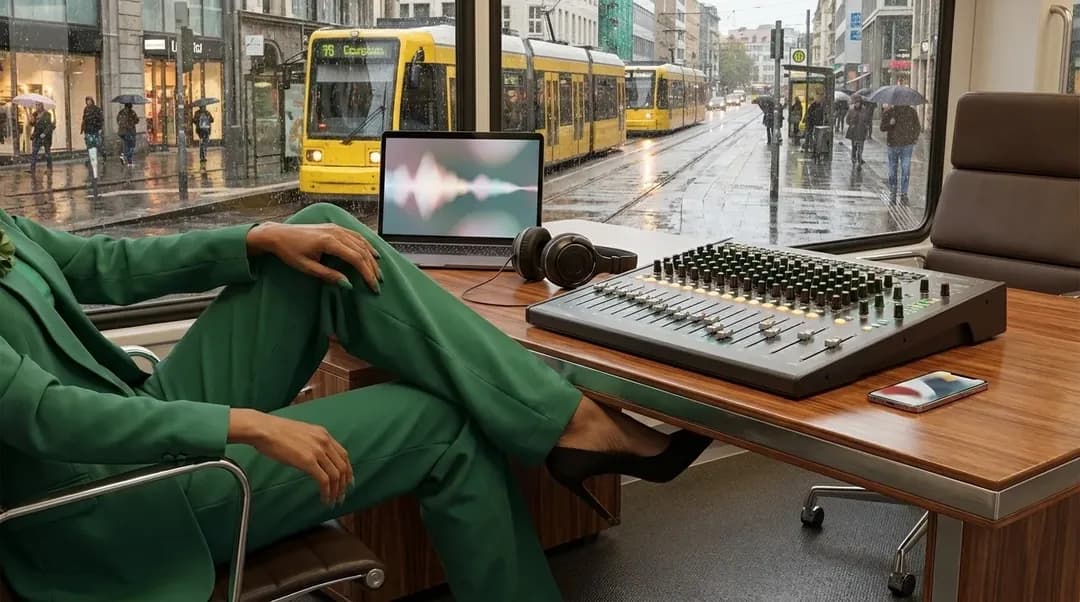
Karpo vs Adobe Podcast for a Student Field Day
Adobe Podcast helps turn rough recordings into web-edited audio, while Karpo helps the field team decide where to go, when to move, and what to do when the day changes.
Before the trip: the problem is not yet audio
A student field day is not an audio project at first. It is a chain of small city decisions: which neighborhood is active at 9 a.m., where a quiet interview can happen after lunch, how to keep a group together, and what to do when rain or a closed venue wrecks the plan. Adobe Podcast enters when sound becomes the object of work. Its official page presents it as AI audio recording and editing, all on the web, which is a clear specialist role for teams trying to capture and improve spoken material. Karpo sits earlier and around that moment. It is for the messy urban day itself: timing stops, discovering nearby options, balancing constraints, and preparing fallback moves so the research trip produces usable encounters, not just files.
Ask Karpo to turn your field-day brief, interview targets, neighborhood limits, meal needs, weather concerns, and return time into a realistic city plan with backup choices.
Imagine four urban sociology students arriving in Philadelphia for a Saturday field exercise on how independent bookstores, cafés, and public plazas shape informal study culture. They need short ambient recordings, two planned interviews, a few observation notes, and enough time to regroup before a late train. Adobe Podcast is relevant to the recording and editing part of that assignment, especially once voices and clips exist. But at 8:15 a.m., the immediate question is more basic: which route creates the best chance of useful conversations without exhausting everyone?
Karpo’s advantage is in that pre-recording layer. It can reason across the student group’s day: a first stop near transit, a quieter second location for interviews, a lunch option that does not derail the schedule, and a backup indoor stop if the plaza is unusable. This is not a replacement for an audio tool. It is the planning intelligence that helps the team arrive at the right audio moments.
What Adobe Podcast clearly owns
Adobe Podcast should be judged by the job it claims: AI audio recording and editing on the web. For a student or researcher, that is a meaningful specialty. Field recordings are often imperfect because rooms echo, sidewalks are loud, and interviewees speak at different distances from the microphone. A web-based audio workspace can be attractive when the team wants to record, edit, or improve audio without treating the whole project as a traditional studio production.
That boundary matters. If the assignment’s success depends on producing clearer interview clips or editing spoken material after the field day, Adobe Podcast belongs in the conversation. Readers should still verify the current official page for the exact tools, account requirements, and availability, because product details can change. What is safe to say is that Adobe positions the product around AI audio recording and editing in the browser.
During the day, plans fail in very human ways
The field day rarely follows the syllabus. The café manager may ask the students to come back later. A plaza may be blocked by an event. One teammate may need step-free routes, another may have a hard stop for work, and the group may discover that the most promising interview setting is too noisy for usable speech. None of those problems is primarily an audio-editing problem. They are timing, geography, consent, comfort, and judgment problems.
Karpo is stronger in that live decision boundary. It can help the group choose the next best nearby place, protect the interview window, avoid unnecessary backtracking, and keep a backup route ready. In the Philadelphia example, Karpo might steer the team from a crowded plaza toward a quieter library-adjacent public space, then suggest a nearby café for note consolidation before the next interview slot. The value is not glamour; it is fewer wasted transitions.
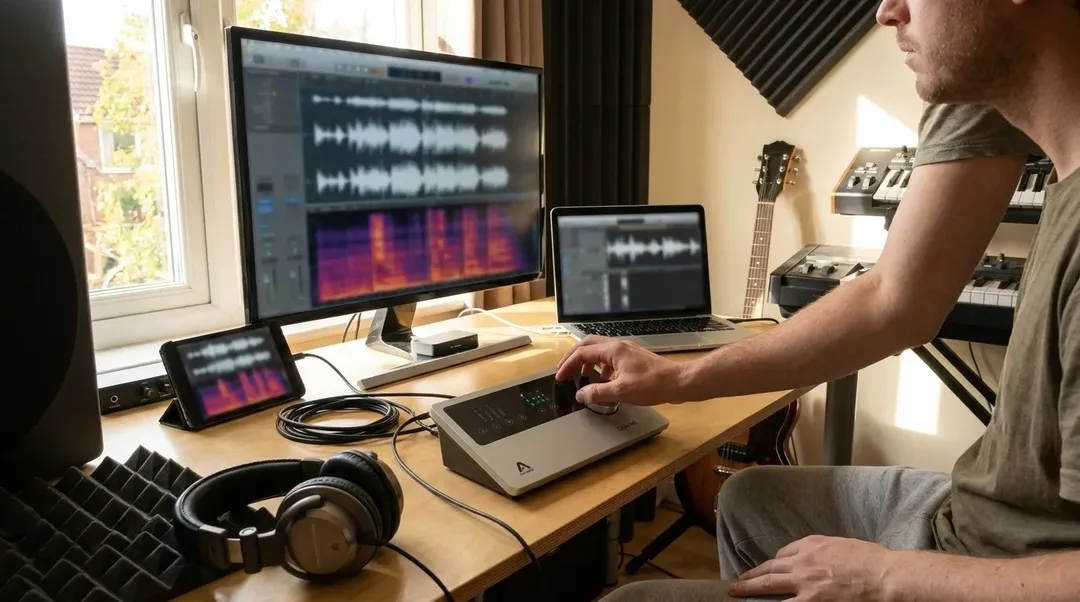
The recording moment: keep the specialist in its lane
When the students finally sit down with a bookstore owner or record a reflective group memo, Adobe Podcast’s role becomes more natural. The team is now handling audio as an artifact. They may need to record spoken material and later edit it on the web. That is the competitor’s specialist lane, and it should not be minimized simply because Karpo is better at city decisions.
Karpo’s role at the same moment is contextual rather than acoustic. It can help decide whether this is the right place to record, whether the group has enough time to ask follow-up questions, whether there is a quieter alternate spot nearby, and whether the next appointment should be adjusted. In field research, a cleaner recording is valuable, but it cannot rescue a missed interview, an inaccessible route, or a poorly timed stop.
Afterward: files need editing, findings need reconstruction
After the trip, the work splits. Audio clips need organizing, listening, trimming, and possibly enhancement. Adobe Podcast is relevant here because it is presented as an AI audio recording and editing tool on the web. If the final deliverable includes interview excerpts or a class podcast segment, the audio workspace becomes part of the production phase.
Karpo’s after-field value is different. It helps reconstruct why the day unfolded as it did: which stops worked, which backup choices saved time, where the group lost momentum, and what a second visit should change. For researchers, that reflection can be as important as the media file. A field day is evidence plus method; Karpo is useful when the method depends on location intelligence and adaptable sequencing.
A fair decision boundary for student teams
Choose Adobe Podcast for the audio work itself: recording and editing spoken material on the web, especially when the assignment depends on the quality and usability of the resulting clips. It is the more appropriate place to think about the sound file as a deliverable.
Choose Karpo when the risk is that the field day will not produce the right encounters. If the team must coordinate people, neighborhoods, weather, accessibility needs, time limits, meal breaks, local discovery, and backup sites, Karpo is closer to the actual pressure of the day. The products are adjacent in a research workflow, not direct substitutes, and forcing them into the same box makes both look less useful than they are.
The practical verdict for a city-based research day
For a student or researcher walking through a city with a recorder, Adobe Podcast is the audio bench. Karpo is the field marshal. The strongest distinction is chronological: before and during the outing, the team needs situational choices; during and after recording, it needs competent audio handling. Confusing those stages leads to bad planning and unrealistic expectations.
If your main pain is rough speech audio, start by checking Adobe Podcast’s current official page and its web-based recording and editing capabilities. If your main pain is uncertainty in the city, ask Karpo to shape the day before you go and revise it as conditions change. A productive field day is not just captured; it is deliberately navigated.
FAQ
Is Karpo a replacement for Adobe Podcast?
No. Adobe Podcast is positioned as AI audio recording and editing on the web. Karpo is for proactive, context-aware city decisions such as where to go, when to move, how to handle group constraints, and what backup plan to use.
When should a student team open Adobe Podcast?
Open it when the work is centered on audio: recording spoken material, editing it, or preparing clips for a class project, research presentation, or podcast-style deliverable. Verify the official page for the current feature set.
When should the team ask Karpo instead?
Ask Karpo before and during the field day, especially when the plan depends on neighborhoods, timing, local discovery, transit logic, weather, accessibility, food breaks, interview windows, or backup locations.
Can Adobe Podcast decide where our interviews should happen?
Based on the official description, Adobe Podcast is about AI audio recording and editing on the web, not city planning or field-route decisions. Location choices are better handled by a context-aware planning assistant such as Karpo.
What should we verify before relying on Adobe Podcast?
Check the official Adobe Podcast page for current access, exact capabilities, web requirements, and any account or usage conditions. Product details can change, so do not plan a graded deliverable around assumptions.
How should we think about privacy and safety on a research field day?
Treat recordings, interview consent, participant identity, and location details carefully. Do not upload sensitive audio or personal information unless your research rules allow it, and use Karpo’s planning support to avoid unsafe routes or uncomfortable meeting spots.
Adobe Podcast is a trademark of its respective owner. This independent editorial comparison is not affiliated with, endorsed by, or sponsored by Adobe Podcast.
Tags: #Karpo #AdobePodcast #AIAudioEnhancement #FieldResearch #StudentResearch #CityPlanning #LocalDiscovery #ResearchInterviews #AudioEditing #PodcastTools #UrbanStudies
Sources consulted: Adobe Podcast official page 1 · Karpo official website · Karpo scenarios
All trademarks are the property of their respective owners.
Ask Karpo first
Ask Karpo for a field-day plan that starts with your research question and ends with a workable route: target neighborhoods, interview windows, quiet recording options, lunch and transit logic, accessibility needs, weather backups, and a clean return plan.
Ask Karpo for more information.
Keep reading
- Karpo vs Perplexity: Planning a Festive Holiday Weekend in Singapore 2026
 Karpo vs Gemini for Friendsgiving in London: Who Gets Everyone to the Table in 2026?
 Karpo vs Yelp Assistant: Best Group Dinner Planner in NYC 2026