If you are traveling to New York for the 2026 US Open, the safest translation setup is not one app but a small, tested toolkit. As of July 23, 2026, the official US Open calendar runs August 23 through September 13, with singles main-draw play beginning August 30. Still, schedules, gate details, transit guidance, venue rules, weather, food options, inventory, and service availability can change. Before travel and again close to your session, recheck the official US Open event schedule, A-Z visitor information, transportation and directions page, and prohibited-items page. Translation tools can reduce confusion, but they should support current official instructions, posted signs, and staff guidance rather than replace them.
Text Karpo to prep translation tools before language gaps slow down your US Open trip.

Choose Tools for the Moments You Will Actually Face
A tennis trip creates different language problems at different times. The best app for a restaurant menu may be awkward in a crowded station, at a security checkpoint, or when asking about accessible routing. Plan for the moments most likely to matter: airport arrival, hotel check-in, rail or subway transfers, venue entry, food ordering, seating questions, medical or accessibility needs, and casual tennis conversation.
For many international fans, a practical setup includes a general translation app available in your region, a camera-translation option for printed text, downloaded offline language packs where supported, and a notes app with essential phrases. Google Translate, Apple Translate, Microsoft Translator, DeepL, Samsung interpreter features, and other tools may be useful depending on your device, country, language pair, operating system, and settings. Do not assume every phone, smartwatch, earbud, or tablet supports the same features. Test text, voice, camera, and offline translation before departure.
- Prepare short phrases for transit, food, allergies, accessibility, seating, and emergencies.
- Use camera translation for signs and menus, but expect errors from glare, crowds, small print, abbreviations, and unusual fonts.
- Use voice translation only when it is quiet enough and not disruptive to staff, security, players, or nearby spectators.
- Save screenshots of hotel addresses, route options, ticket-account instructions, and key visitor information.
- Carry a small card with your hotel, emergency contact, allergy notes, and accessibility needs in English and your primary language.
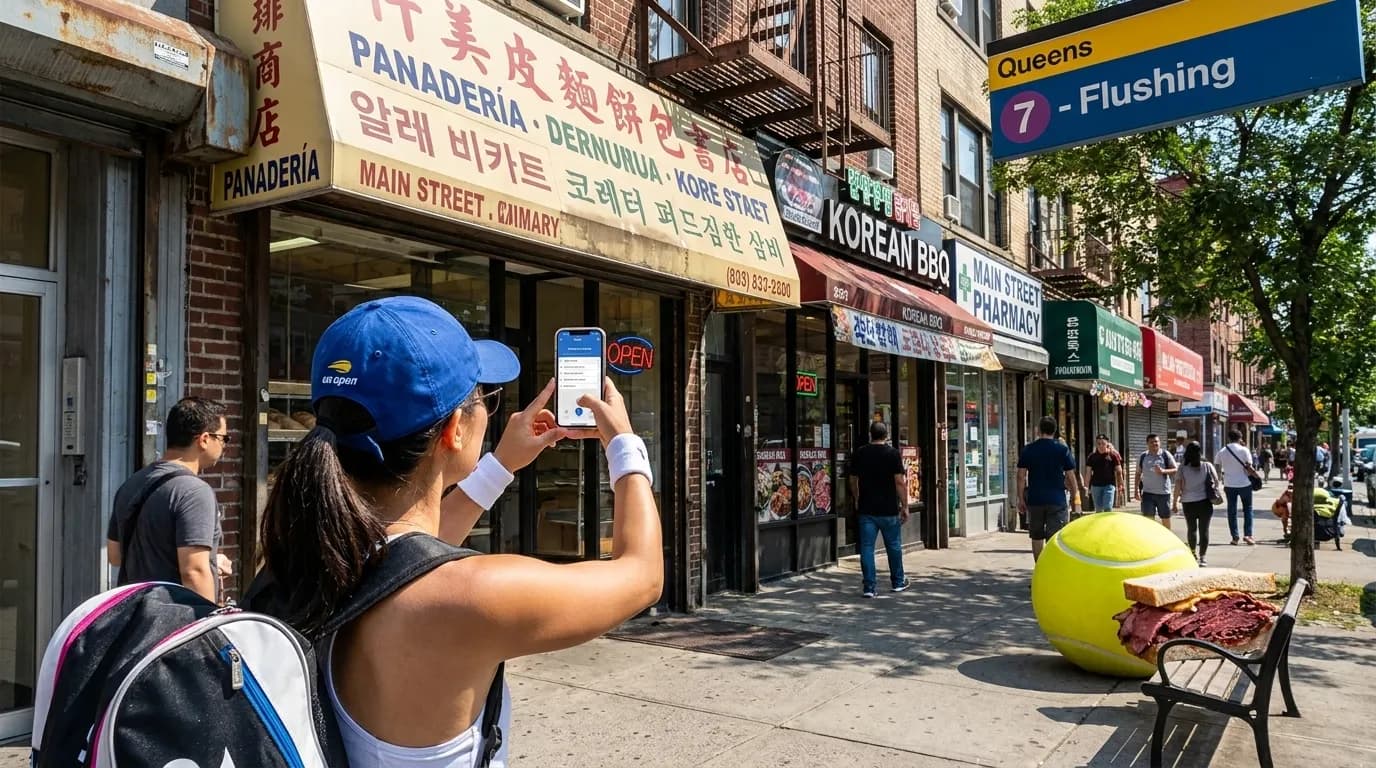
Transit Translation Should Be Short and Specific
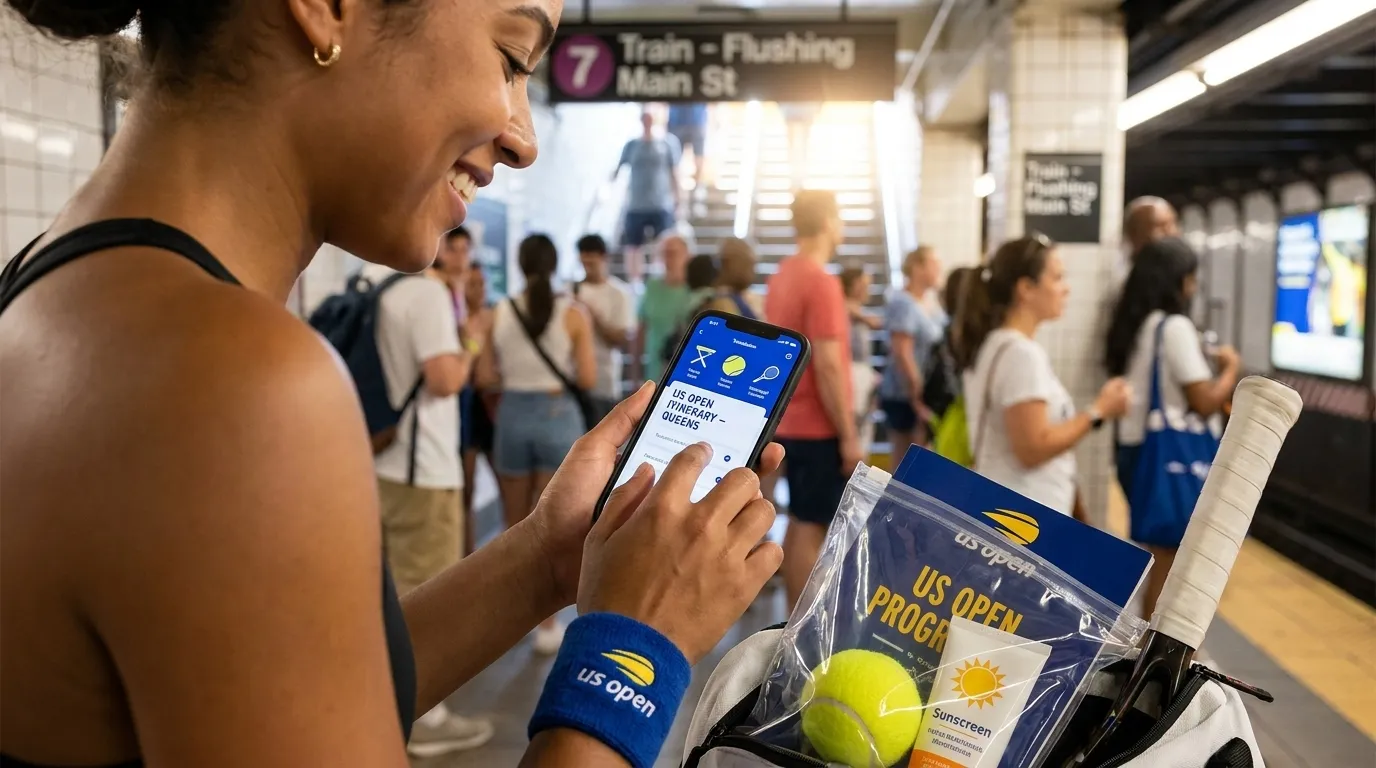
The official US Open transportation and directions page is the place to verify current travel guidance close to your visit. Translation apps can help you understand route options, but transit language is often brief and local: “express,” “local,” “transfer,” “track change,” “service advisory,” “exit,” and “platform.” These words can be mistranslated when buried inside a long, rushed question.
Prepare concise questions in advance. “Does this stop at Mets-Willets Point?” is more useful than a long explanation of your whole trip. “Which direction?” may work better than a paragraph typed while a train is arriving. If you are arriving by air, translation tools can help you read airline messages, compare backup routes, or contact your hotel. Keep the original airline and booking information accessible too; delay, cancellation, refund, and assistance rules depend on the airline, itinerary, jurisdiction, and circumstances.
Use Menu Translation Carefully
Food translation is convenient, but it is not a substitute for asking when the detail matters. Camera translation may make a menu readable, yet it can miss allergens, cooking methods, spice levels, or whether an item is available that day. At the US Open, concessions, menus, inventory, and service points can change. Treat translated menu descriptions as a starting point, not a guarantee.
If you have allergies, religious dietary needs, or strict preferences, prepare a simple English phrase and show it calmly to staff. For example: “Does this contain pork, shellfish, peanuts, dairy, or alcohol?” Add your own specific needs rather than relying on a generic allergy sentence. Fans exploring food in Queens before or after tennis should also verify current restaurant listings, directions, and availability directly. Translation tools can help you read menus and messages, but they cannot confirm that a specific dish, table, delivery option, or opening time will be available on your match day.
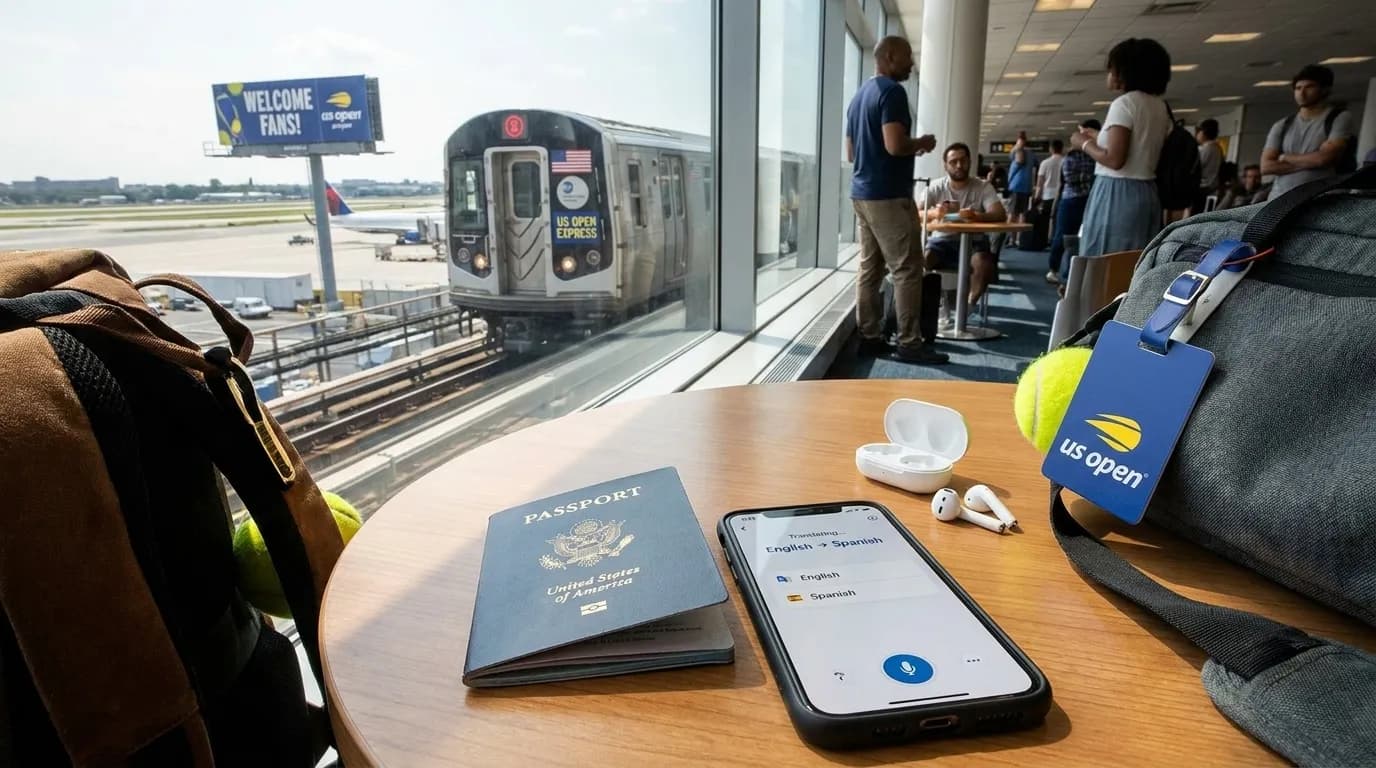
Accessibility and Privacy Need Extra Planning
If you or someone in your group has mobility, hearing, vision, sensory, medical, or other accessibility needs, do not depend on live translation as the only plan. Check the official US Open A-Z information close to your visit, then prepare clear English statements such as “I need step-free routing,” “I use a medical device,” “I need written instructions,” or “I need help finding my seat.” Staff can respond more easily to short, actionable wording than to a long translated explanation.
Privacy also matters. Voice translation may record, transmit, or process sensitive information depending on the app and settings, and cloud-based tools may require connectivity. For medical, financial, or personal details, consider typed text, a prepared card, or help from a companion instead of speaking everything aloud. Before packing mobility accessories, medical supplies, batteries, chargers, or bags, recheck the prohibited-items page. Translation should not be used to reinterpret a rule at the gate.
Build a Tennis Vocabulary Before Match Day
Tennis has terms that do not translate cleanly. “Love,” “break point,” “hold,” “seed,” “qualifying,” “walkover,” “retirement,” “tiebreak,” and “challenge” can sound strange without sports context. Before the trip, make a small glossary in English and your language. Include scoring words, court terms, and polite fan phrases such as “Who is serving?” “What happened on that point?” and “Is this the correct seat?”
Be cautious with player names, nationalities, match status, and court assignments. Translation tools may mangle names or turn shorthand into misleading statements. Player fields, orders of play, match times, and outcomes can change, so check official channels near the time you need the information. In the stands, use translation as a bridge, not a distraction: avoid loud playback during points, bright screens in dark or quiet moments, and long conversations that block aisles or disturb nearby fans.
Offline Backups and Battery Plans Matter
Crowds can strain connectivity, and batteries drain quickly when you use maps, camera translation, high screen brightness, messaging, and video. A strong translation plan includes downloaded language packs where your app supports them, saved documents, screenshots, and a charging option that complies with current venue and travel rules. Test airplane-mode translation at home so you know what still works without mobile data.
If you use more than one device, decide which one is your primary translator and which one is your emergency backup. Keep the backup simple: hotel address, return route, emergency contact, ticket-account access notes, and essential phrases. If your main app needs mobile data for a language pair or camera mode, install a second tool that can handle basic offline text. Lower brightness, close unused apps, and avoid unnecessary video when you may need your phone for tickets, maps, messages, or translation later.
Practical Notes
- Recheck the official US Open event schedule before travel; as of July 23, 2026, the calendar runs August 23 through September 13, with singles main-draw play beginning August 30.
- Review the US Open A-Z visitor information, transportation and directions page, and prohibited-items page close to your visit.
- Download offline language packs where supported, then test text, voice, and camera translation before leaving home.
- Save screenshots of routes, hotel details, ticket-access steps, allergy phrases, accessibility needs, and return plans.
- Use short prepared phrases with staff, especially at transit points, security, concessions, seating areas, and accessibility touchpoints.
- Respect privacy and etiquette: avoid recording nearby conversations without consent, loud playback during play, or blocking movement while translating.
- Follow current official instructions, posted signs, and staff guidance on site, even when an app translation seems to suggest something different.
Tags: #USOpen2026 #Tennis #NewYork #Queens #FlushingMeadows #KarpoFinds #Karpo #USOpenTranslation #InternationalTennisFans #MultilingualTravel
Sources consulted: usopen.org — Official reference · usopen.org — Official reference · usopen.org — Official reference · usopen.org — Official reference
All trademarks are the property of their respective owners.
Ask Karpo first
Ask Karpo which translation features, offline downloads, and phrase lists can help with transit, dining, and venue questions.