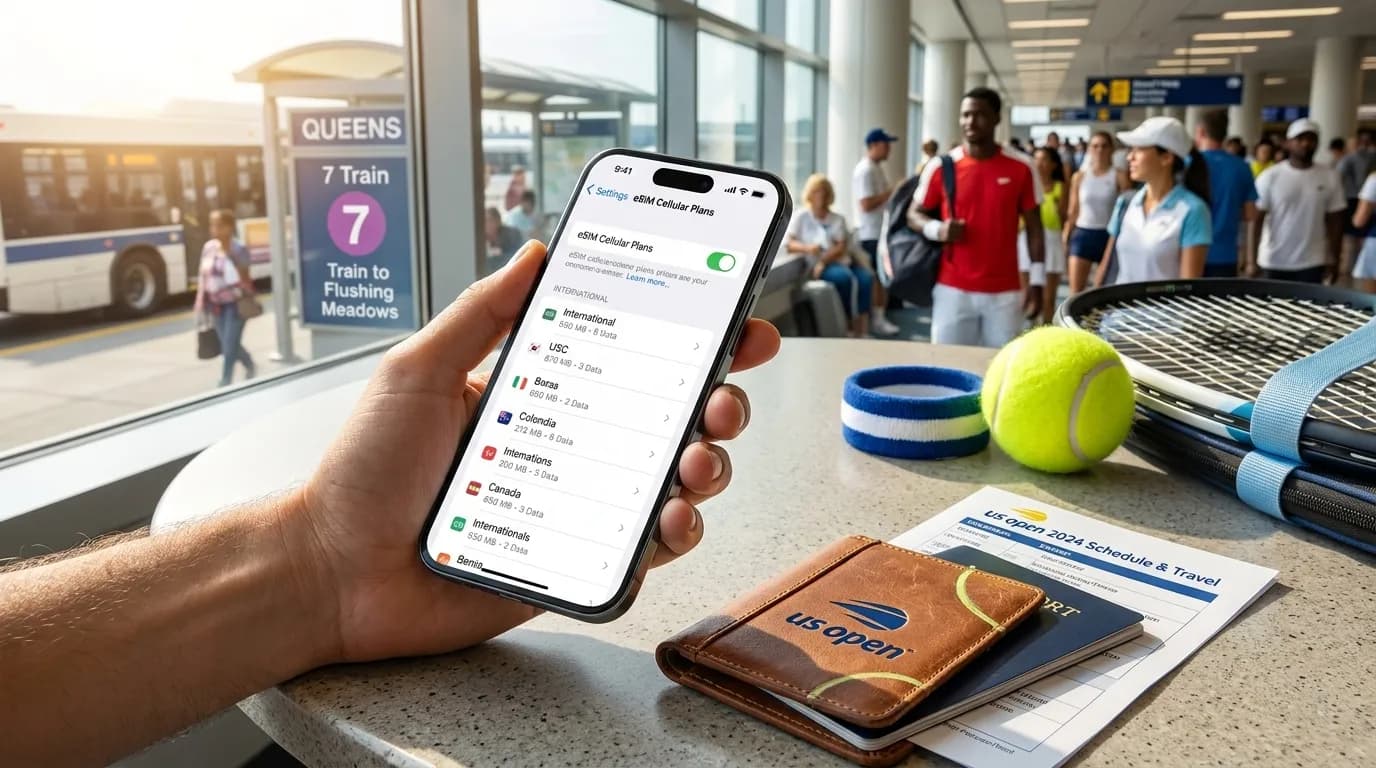
If you are traveling from abroad for the 2026 US Open, your eSIM decision should be made before you are standing outside a gate trying to load a ticket, message friends, or check your route. The official 2026 calendar runs August 23 through September 13, with singles main-draw play scheduled to begin August 30, but daily schedules, gate times, transit details, venue rules, inventory, weather, and service availability can change. A practical mobile setup gives you enough data for maps, messaging, ticket access, and schedule checks, while keeping a backup path if your phone, app, network, or battery misbehaves. The best choice is rarely “unlimited” by default; it is the plan that matches your phone, trip length, group habits, and comfort with switching settings under travel pressure.
Text Karpo to compare eSIM setup questions before you land for the US Open.

Match Data to How You Actually Move Through New York
For a tennis trip, data use tends to arrive in spikes. You may use little while watching a match, then burn through more when checking directions, ride options, weather, order confirmations, messages, and updates between sessions. If you are staying near the tournament area and traveling a simple route, a moderate plan may be enough. If you are sightseeing across the city, sharing live location, uploading video, or navigating in a group, leave more margin.
Think in categories rather than chasing a single magic number. Light users mainly need messaging, email, maps, and ticket access. Moderate users add photo sharing, browser searches, and transit checks throughout the day. Heavy users stream video, post frequently, hotspot a second device, or rely on cloud photo backup. Hotspot use deserves special attention because some plans restrict tethering or count it quickly against high-speed data. If your eSIM advertises “unlimited” data, read whether speeds may be reduced after a threshold, whether hotspot is included, and whether the plan works across all places you expect to visit.
Check Phone Compatibility Before You Buy
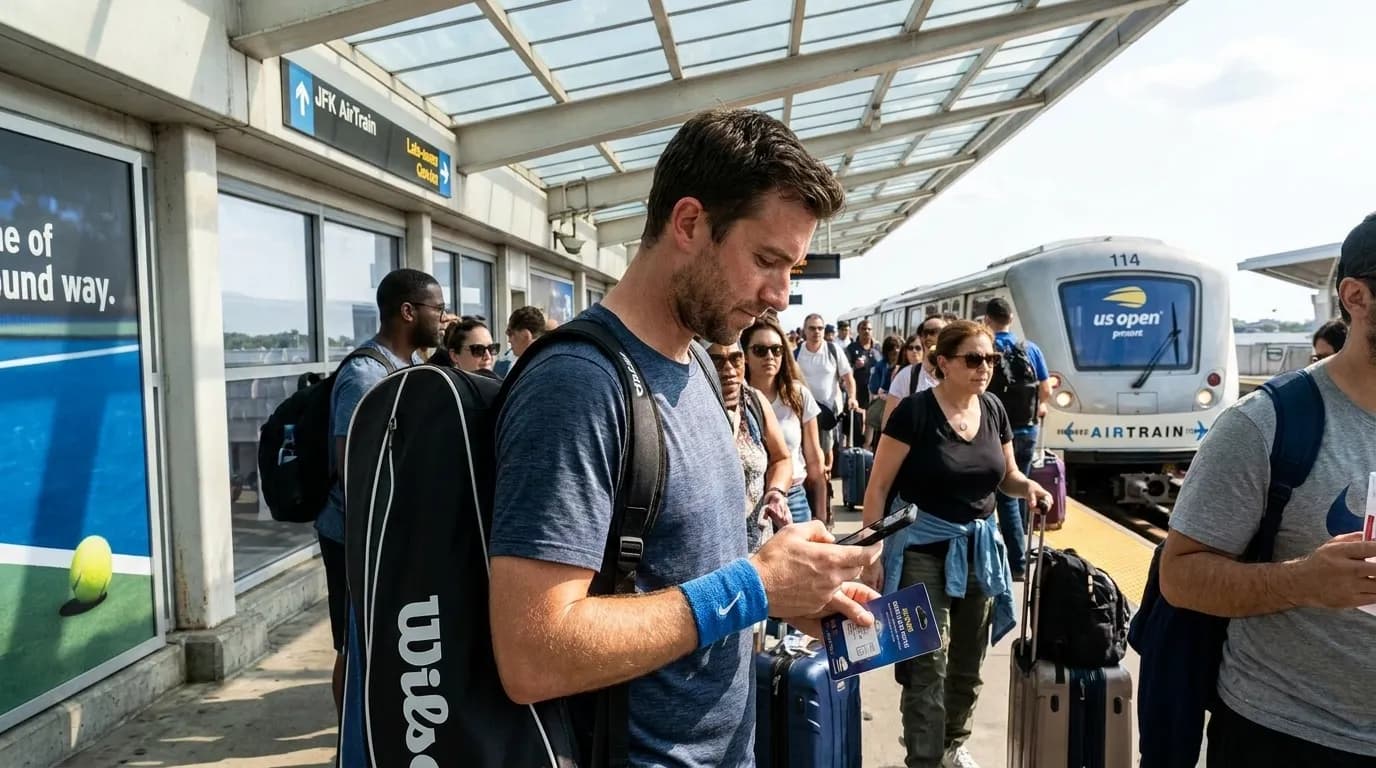
An eSIM is only useful if your phone supports it, is not locked to your home carrier, and can activate the plan in the country and software version you are using. Device features and software availability vary, and the same phone name can differ by market. Before purchasing, check your exact model, operating system version, and carrier-lock status. If you are using a Samsung device, be especially careful to verify that eSIM support is available on your specific model and software, because feature availability varies by model, region, and carrier configuration.
Do the compatibility check while you still have reliable home internet and access to your carrier support. Save activation instructions offline or as screenshots. Some eSIMs are installed by scanning a QR code, while others use an app or manual details. If your only copy of the QR code is inside an email you cannot open after landing, you have created an avoidable problem. Travelers with dual-SIM phones should also decide which line handles calls, which line handles mobile data, and whether roaming on the home line should stay off to prevent surprise charges.
Build Your Setup Around Tickets, Maps, and Messaging
For event days, the most important mobile tasks are usually simple: load tickets, check the official schedule, read venue updates, follow directions, and coordinate with your group. Before leaving your hotel, confirm that your ticketing app or account is signed in, your email is accessible, and any required authentication method works away from your home mobile network. If your bank, email, or ticket account uses text-message verification, consider whether that text will arrive abroad on your home number and what you will do if it does not.
Maps deserve the same attention. Download offline map areas for New York and save your hotel, the venue area, nearby transit points, and a meeting spot. Offline maps are not a replacement for live service updates, but they help when a platform, tunnel, crowd, or weak signal makes live navigation slow. Messaging apps should be updated before travel, with group chats organized by purpose: tickets, arrival plans, post-match meeting point, and emergency contacts. Keep one low-bandwidth channel agreed in advance in case photos, voice notes, or location sharing become unreliable.
- Before departure: install the eSIM if permitted by the provider, save activation details, and confirm your phone is unlocked and eSIM-capable.
- Before each event day: charge fully, download maps, sign in to ticket and email accounts, and check the official US Open schedule and A-Z information.
- At the venue: keep brightness and background uploads under control, avoid blocking walkways while using your phone, and follow current venue rules for bags, items, and conduct.
- After sessions: use Wi-Fi cautiously for non-sensitive browsing if you choose, but avoid entering important passwords on networks you do not trust.
Compare Local, Regional, and Global eSIM Plans
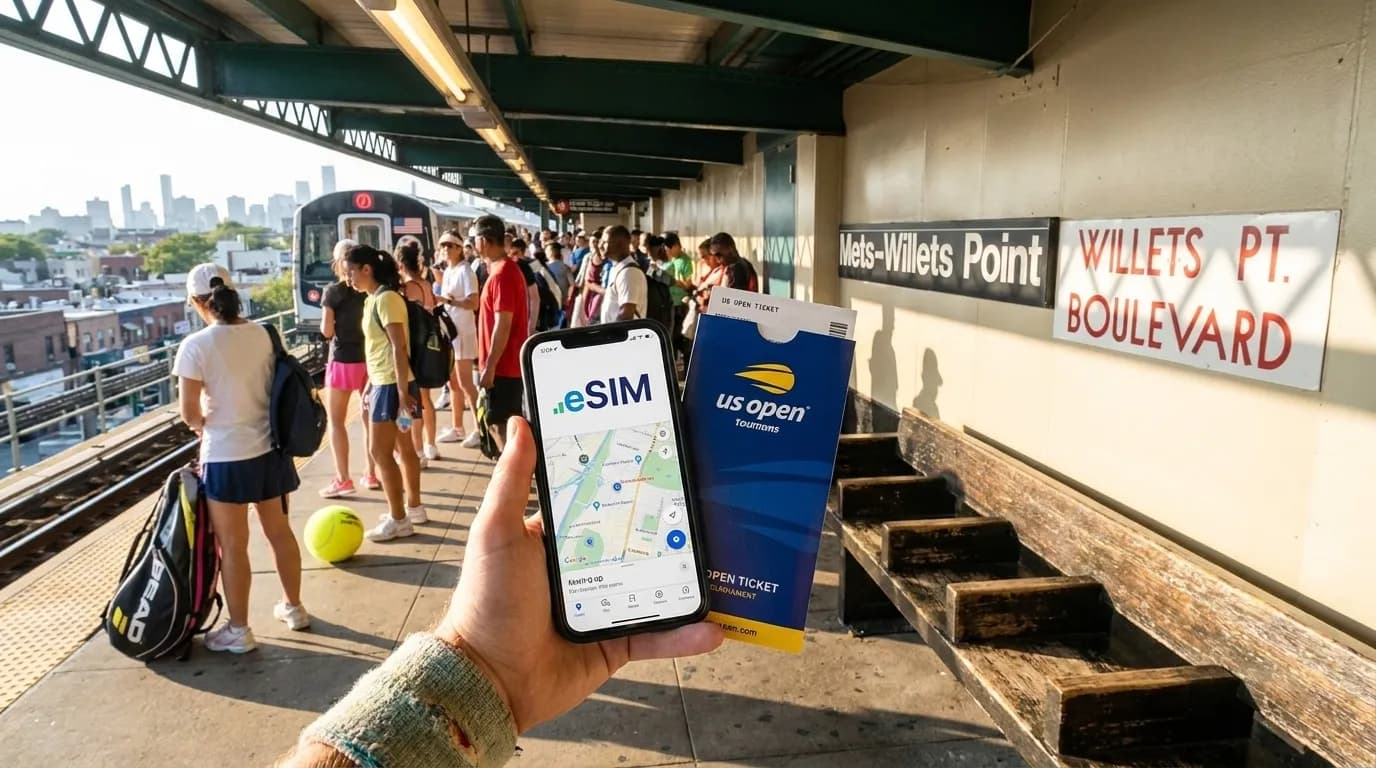
A US-only eSIM may suit travelers who are flying directly into the United States and staying there for the whole trip. A regional North America plan may make sense if your itinerary includes Canada, Mexico, or connecting travel where coverage is included. A global plan can be convenient for multi-country trips, but convenience can come with tradeoffs in price, speed policies, or network selection. The label alone is not enough; compare the countries included, data allowance, validity period, hotspot rules, activation window, refund terms, and whether the provider clearly explains which network type you can expect.
Also decide whether you need calls and texts, not just data. Many travel eSIMs are data-only. That is fine if you use internet-based messaging, but it may be inconvenient for restaurant confirmations, hotel communication, banks, airline notices, or account verification. For airlines, mobile service is practical backup planning, not a statement of legal rights or guaranteed notifications. Keep your airline app, email, booking reference, and passport details accessible offline where appropriate, and check directly with the carrier for current travel information.
Expect Crowds, Batteries, and Signals to Behave Imperfectly
Large events can be demanding for phones. A strong plan on paper can still feel slow in a dense crowd, inside structures, or during peak movement periods. Weather, device age, network congestion, case design, and battery health can all affect performance. Avoid planning as if your phone will stream, navigate, record video, upload files, and refresh schedules all day without compromise. Bring a compliant portable charger if current venue rules allow it, and verify prohibited items on the official US Open page close to your visit.
Battery discipline is part of connectivity. Lower screen brightness when you can, close unnecessary background apps, pause cloud backups on mobile data, and download music or podcasts before leaving your accommodation. If you use your camera heavily, set expectations with your group: one person can be the navigation lead, another can hold ticket screenshots or account access where permitted, and someone else can conserve battery as backup. Do not rely on screenshots if the ticketing system requires live or rotating credentials; verify accepted methods through official ticketing and event guidance before travel.
Privacy and Etiquette Matter at the Tournament
Travel eSIM apps and providers can differ in how they collect account, device, payment, and usage information. Review privacy terms before buying, especially if you are comparing a little-known provider with a familiar carrier. Use strong account passwords, keep your phone locked, and be careful with public charging stations or unknown Wi-Fi networks. A virtual private network may help in some situations, but it can also interfere with certain apps, location checks, or payment flows, so test important services before you need them.
At the venue, mobile etiquette is not just politeness; it helps everyone around you enjoy the day. Silence alerts, dim the screen in seating areas, and avoid extended filming or calls where they distract other spectators. Follow current venue rules from the official A-Z and prohibited-items pages rather than assuming last year’s policy still applies. If you are exploring nearby neighborhoods before or after tennis, choose food and meeting spots with flexibility. For example, if your group wants dumplings, treat availability as neighborhood-led rather than venue-guaranteed: check current listings, hours, and transit before you commit hungry travelers to a plan.
Practical Notes
A sensible eSIM choice for the US Open starts with your exact phone, then your itinerary, then your data habits. Verify the official US Open schedule, A-Z guide, transportation and directions, and prohibited-items information close to travel, because event details can change. Buy from a provider that clearly explains compatibility, coverage area, activation timing, data limits, hotspot rules, support channels, and refund conditions. Keep your home SIM available if you need bank or account verification, but manage roaming settings carefully. Save tickets, confirmations, maps, hotel details, emergency contacts, and carrier support instructions in more than one accessible place. On event days, arrive with a charged phone, a backup battery if allowed, an agreed meeting point, and enough patience for crowds, weather, and signal variation. The winning setup is not the flashiest plan; it is the one that still works when the day becomes busy.
Tags: #USOpen2026 #Tennis #NewYork #Queens #FlushingMeadows #KarpoFinds #Karpo #USOpeneSIM #InternationalFans #TennisTravelTech
Sources consulted: usopen.org — Official reference · usopen.org — Official reference · usopen.org — Official reference · usopen.org — Official reference
All trademarks are the property of their respective owners.
Ask Karpo first
Ask Karpo which data, compatibility, and backup communication details matter most for international tennis fans.