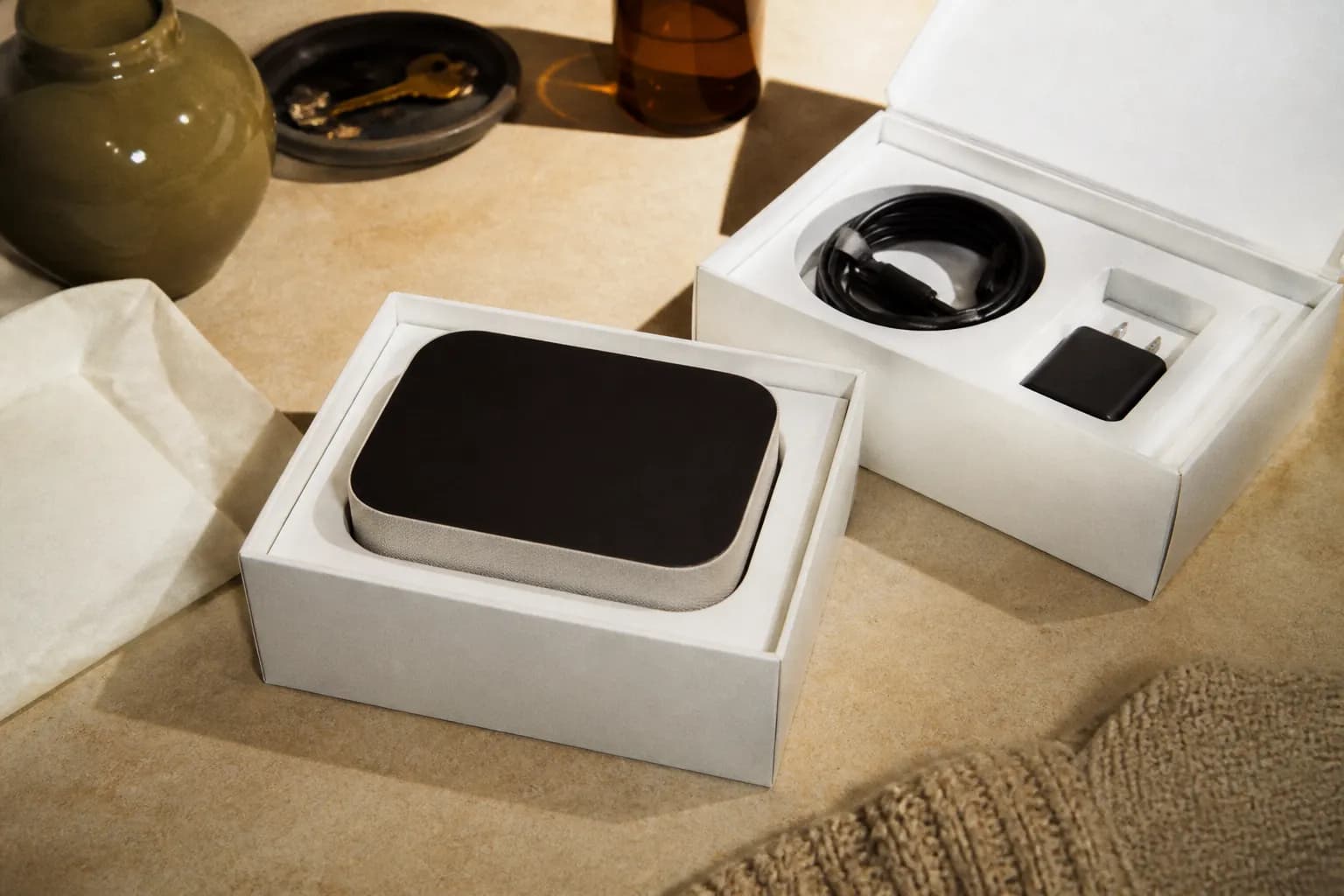
Are Best Buy open-box deals worth it? Often, yes, especially the higher grades. These are returns, display units, or repackaged products, graded by condition and priced below new. A top-grade open-box TV or laptop can look and work like new for noticeably less. Just check the grade, warranty, and included accessories before you buy.
What Open-Box Actually Means
Open-box doesn't mean broken. It usually means the box was opened at some point, whether a customer returned it, it was a floor display, or the packaging was damaged even though the product wasn't. Because the seal is broken, it can't be sold as brand new, so it's discounted, sometimes modestly and sometimes significantly depending on condition.
Understanding the Condition Grades
Open-box items are typically sorted into condition tiers so you know what you're getting. The exact labels and standards can vary, but the general idea is consistent: higher grades are closer to new with all accessories, while lower grades show more wear or may be missing extras. Reading the grade description is the single most useful thing you can do.
- Excellent or like-new: minimal to no signs of use, usually all accessories included.
- Good or satisfactory: light cosmetic wear, generally complete but worth double-checking.
- Fair: more visible wear or possibly missing minor accessories, priced lowest.
- Always read the specific item's grade notes rather than assuming what a label means.
When Open-Box Is the Smart Buy
Open-box shines when you want a discount without waiting for a sale, and when a small cosmetic imperfection doesn't bother you. Big-ticket items like TVs, laptops, and major appliances often carry the most meaningful dollar savings. If you can inspect the unit in person or confirm what's included, you reduce the guesswork considerably.
What to Check Before You Commit
A few quick checks separate a great open-box find from a frustrating one. Confirm the accessories, cables, and remotes are present, ask about the warranty and return window, and inspect for cosmetic damage that matters to you. For anything with a battery or a screen, it's reasonable to ask a team member to power it on if possible.
- Confirm all accessories, cables, and remotes are included.
- Ask about the warranty coverage and the return window for open-box items.
- Inspect for scratches, dents, or wear, especially on screens and finishes.
- Compare the open-box price against current new and sale prices before deciding.
Stacking Savings the Smart Way
Open-box pricing can sometimes combine with sale events or other offers, though policies vary and not everything stacks. If your purchase isn't urgent, watching for a higher-grade unit to appear during a major sale window can get you close to new-item quality for a real discount. Ask a team member what's currently available in the category you're shopping.

Text Karpo before you head out — it'll check who's actually open right now, remember the spots you love, and save you the endless searching.

Frequently Asked Questions
Do open-box items come with a warranty?
Many open-box products still carry some warranty coverage, but the details vary by item and grade, and it may differ from a brand-new purchase. It's worth asking a team member exactly what warranty and return window apply to the specific unit before you buy so there are no surprises later.
How much do open-box items save you?
Savings vary widely by grade, category, and demand, from a small discount to a substantial one on big-ticket items. Higher grades tend to save less but come closer to new, while lower grades cost less with more wear. Compare the open-box price against current new and sale prices to judge the value.