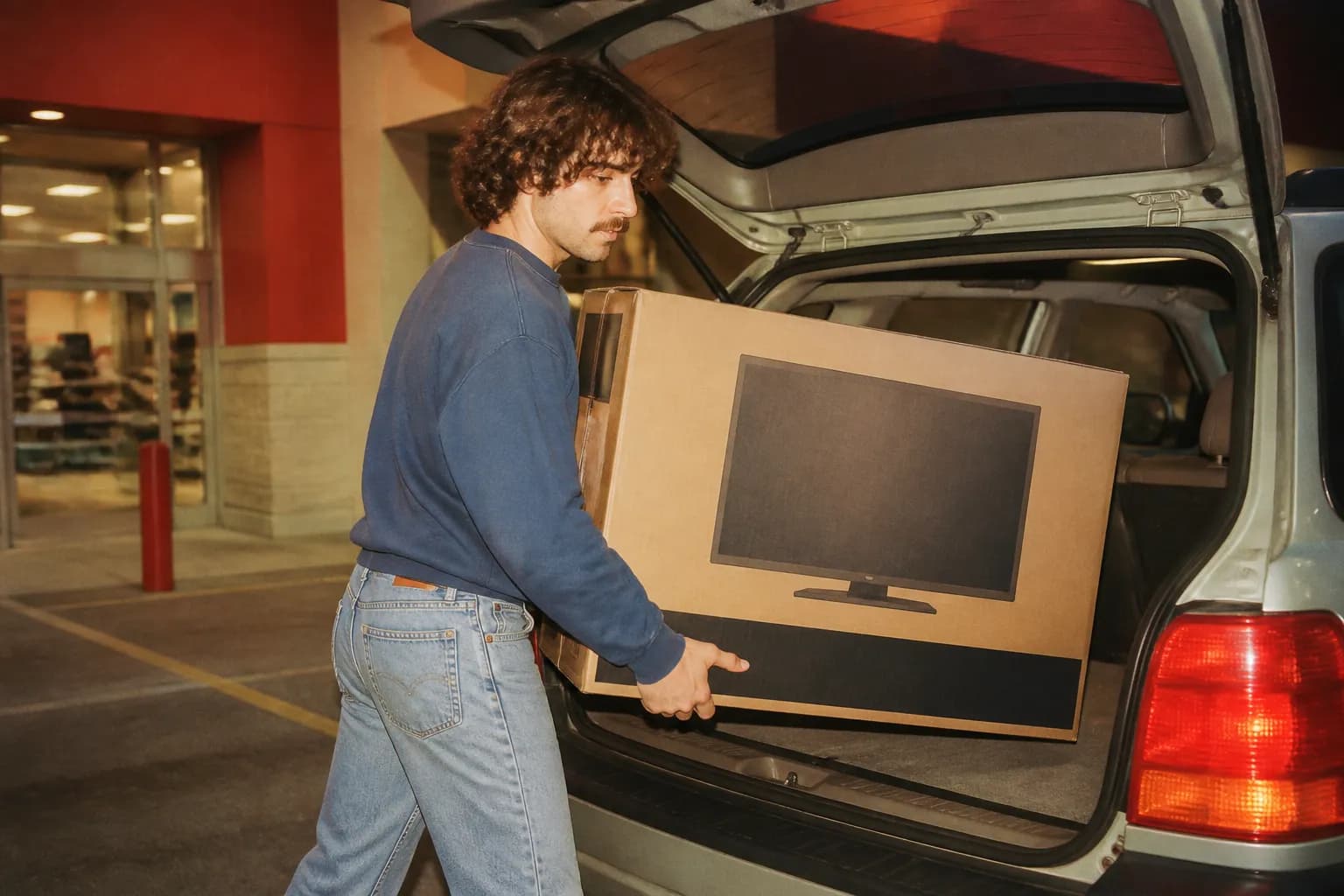
How does Best Buy curbside pickup work? You order online, pick a nearby store, and choose curbside pickup at checkout. When your order is ready and you arrive, you check in and a team member brings it to your car. Delivery is also offered on many items. Availability and timing vary by store and product.
How Curbside Pickup Works Step by Step
Curbside is designed to be quick and contact-light. The flow is simple once you know it: order, wait for the ready notification, then check in on arrival so staff know you're there. Parking in a designated pickup spot, if the store has them, helps the handoff go smoothly. Have your order details and ID ready.
- Order online and select curbside pickup at a nearby store.
- Wait for the notification that your order is ready before heading over.
- Check in when you arrive so the team knows you're there.
- Have your order number and a photo ID handy for the handoff.
In-Store Pickup vs Curbside
Both get you your item the same day it's ready, but they differ in convenience. In-store pickup means walking to a counter, which can be faster if you're already going inside. Curbside keeps you in your car, which is handy with kids, bad weather, or a quick stop. Which options a store offers can vary, so check when you order.
Delivery Options and Timing
For items you'd rather have brought to you, delivery ranges from standard shipping to faster local options on eligible products, and larger items like TVs or appliances may involve scheduled delivery. Timing depends on the item, your location, and availability. Bigger installations sometimes include setup or haul-away for an added service, which is worth asking about.
- Standard shipping for most smaller items to your address.
- Faster local delivery on eligible products in some areas.
- Scheduled delivery for large items like TVs and appliances.
- Optional setup or haul-away service on certain deliveries.
Making Pickup Go Smoothly
A few habits prevent hiccups. Wait for the ready notification rather than showing up early, since an unready order means waiting in the lot. Bring the payment card used and a matching ID if requested, and if someone else is picking up for you, check whether alternate pickup is allowed and what they'll need to bring.
Returns, Substitutions, and What to Check
Inspect your item before you drive off when possible, so any issue can be sorted on the spot. If part of an order isn't available, you may be offered a substitution or a refund on that item. Return windows and policies for online orders picked up in-store generally follow standard terms, but confirm the details with your local store if you're unsure.

Text Karpo before you head out — it'll check who's actually open right now, remember the spots you love, and save you the endless searching.

Frequently Asked Questions
How long does curbside pickup take to be ready?
Ready times vary by store, item, and how busy the location is, and in-stock items are often ready quickly. Always wait for the notification confirming your order is ready before heading over, since arriving early can mean waiting in the lot. Timing can shift during peak periods and sale events.
Can someone else pick up my curbside order?
Many orders allow an alternate pickup person, but the rules vary by store and order type. Usually they'll need the order details and identification, and you may have to designate them in advance. If you plan to send someone else, confirm what's required with your local store beforehand so the handoff goes smoothly.